Introduction
"UCaaS" and "VoIP" get used as if they're the same thing, and that mix-up leads businesses to either overpay for features they don't need or underbuy a system they'll outgrow in a year. They're related, but not interchangeable — VoIP is the transport underneath, UCaaS is the platform built on top of it.
The Short Answer
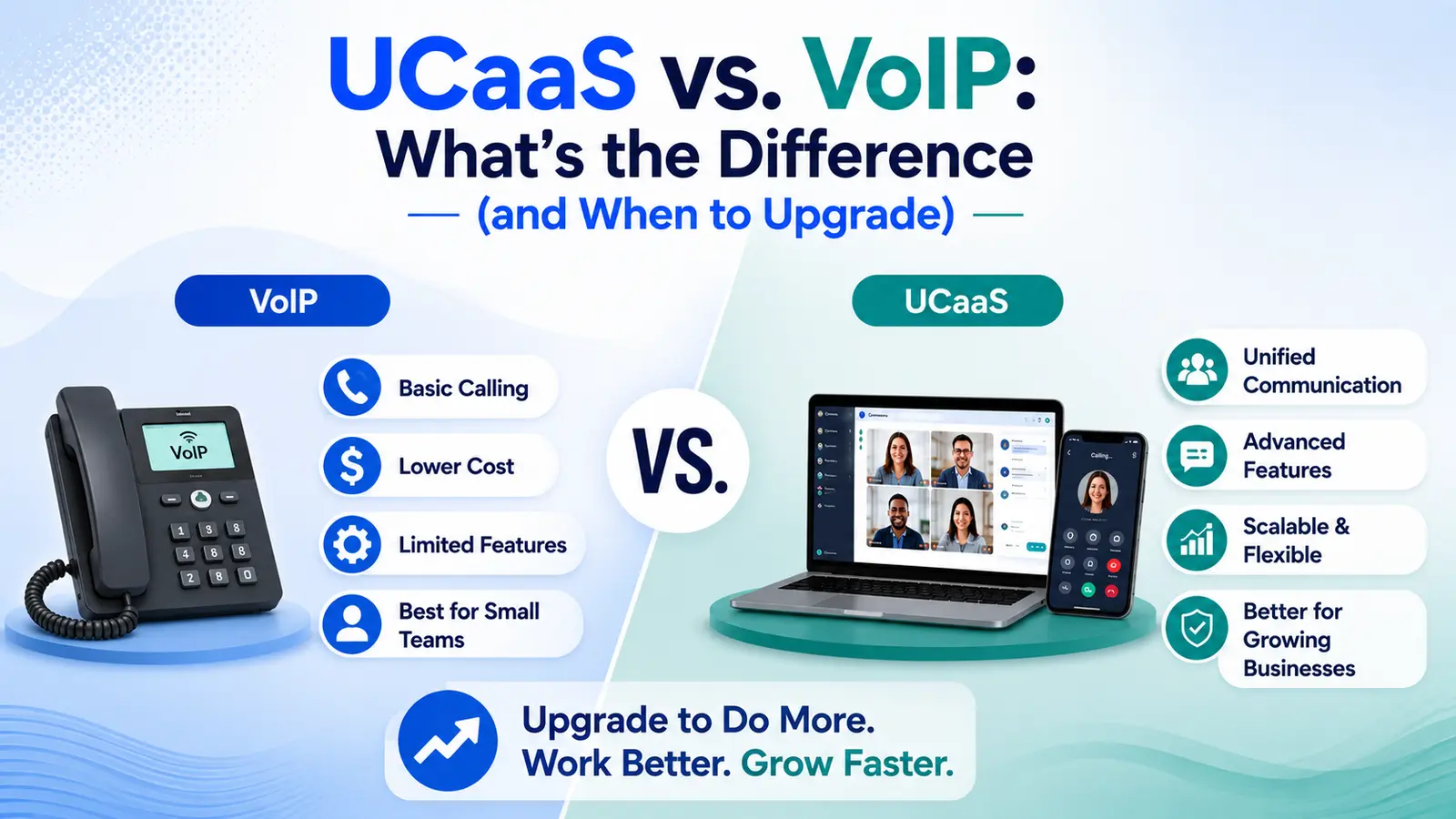
VoIP (Voice over IP) is the technology that carries a phone call over the internet instead of a traditional copper phone line. UCaaS (Unified Communications as a Service) is a full cloud platform — built using VoIP — that bundles voice, business SMS, video meetings, team chat, and increasingly AI call handling into one login.
Every UCaaS platform runs on VoIP. Not every VoIP setup is a UCaaS platform. A business can buy a basic VoIP line that just replaces its old desk phone, with nothing else attached — no messaging, no video, no AI, no unified admin panel.
Further reading: What Is UCaaS? · What Is VoIP Termination? · Voice over IP (Wikipedia)
What VoIP Actually Is
VoIP converts a voice call into digital packets and sends it over an internet connection instead of the traditional circuit-switched phone network. That's the entire scope of what the term describes — it's a transport method, not a product.
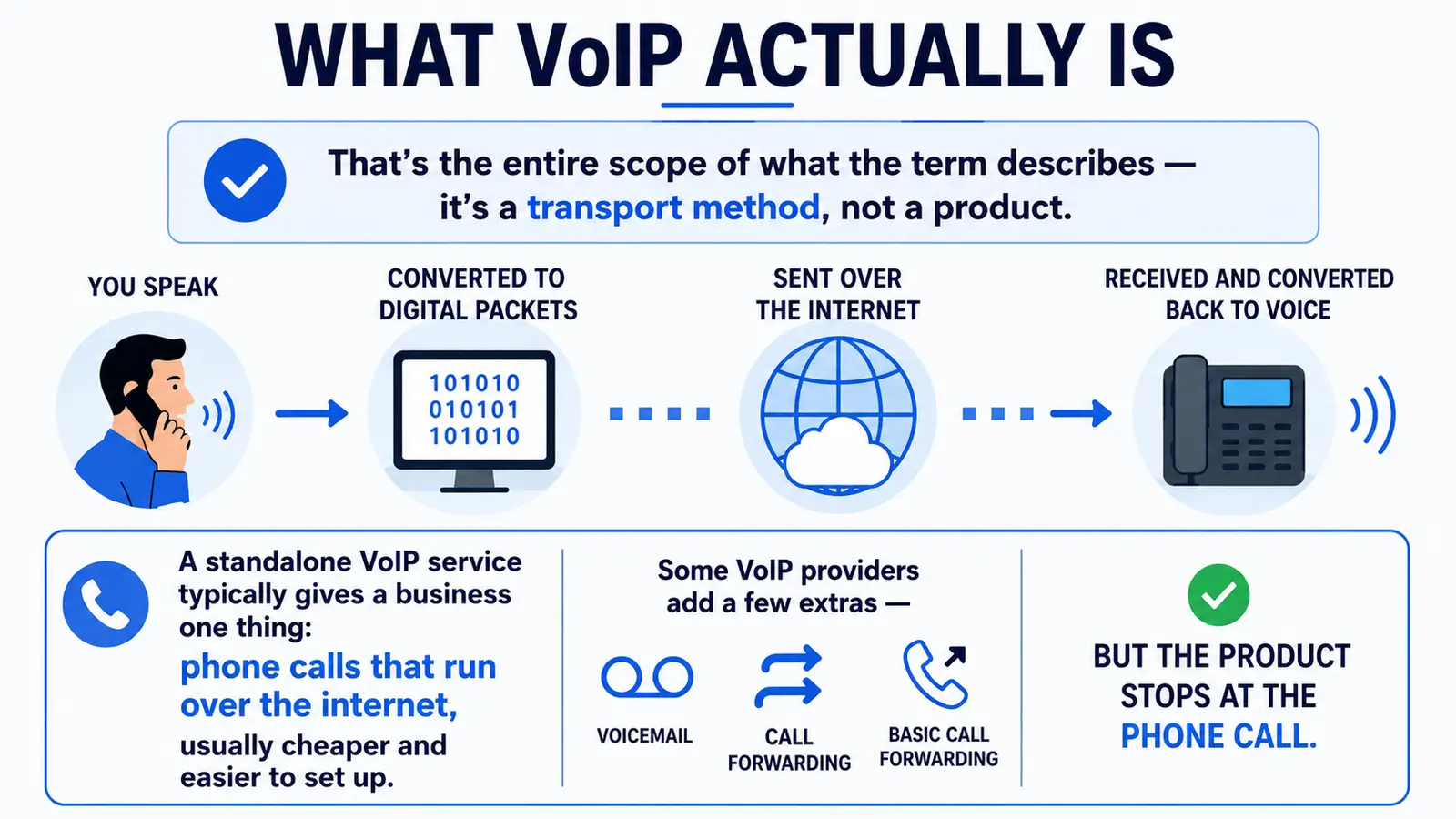
A standalone VoIP service typically gives a business one thing: phone calls that run over the internet, usually cheaper than a landline and easier to set up. Some VoIP providers add a few extras — voicemail, basic call forwarding — but the product stops at the phone call.
What UCaaS Adds on Top
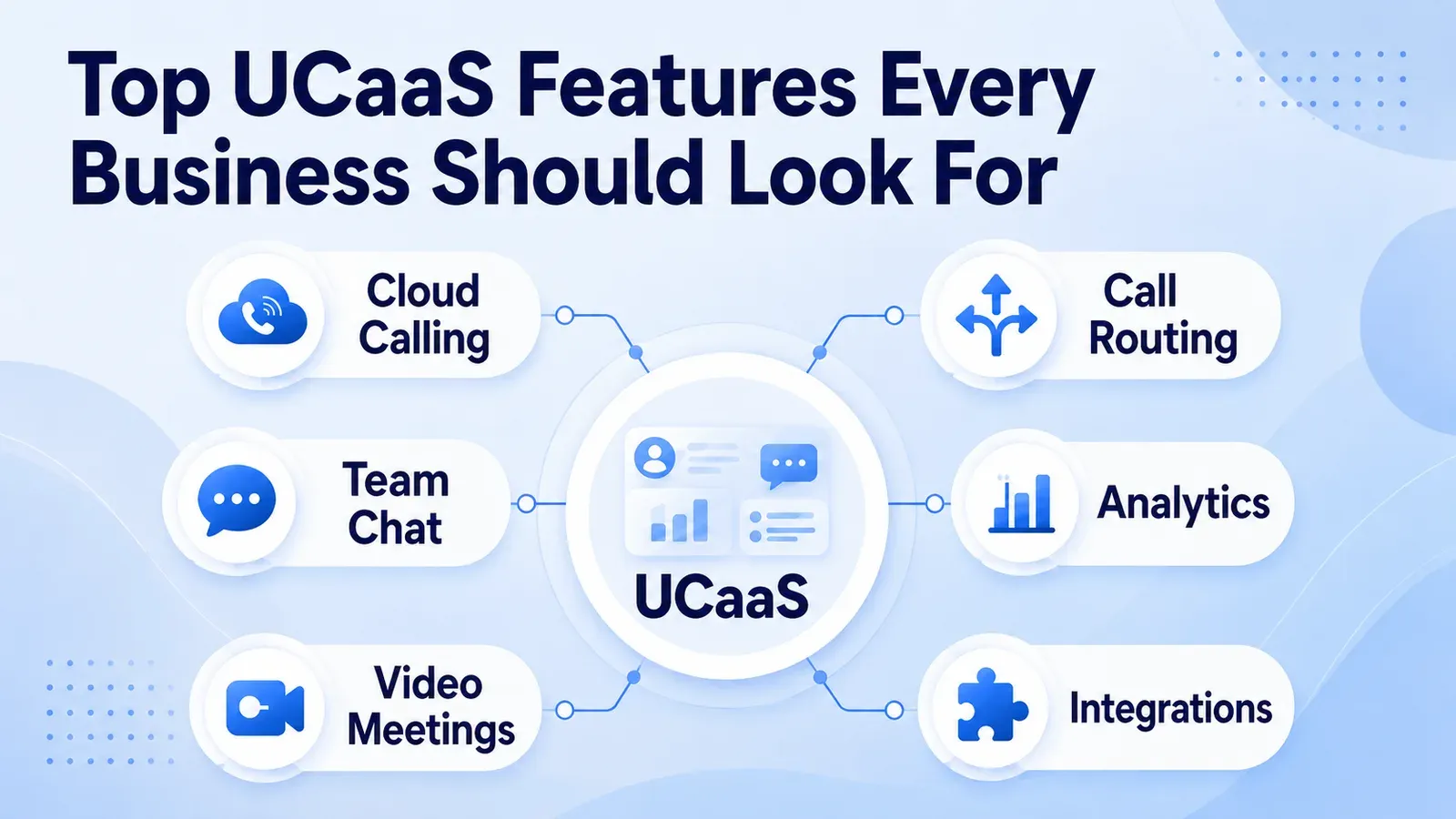
UCaaS starts with that same VoIP-powered calling and builds a full workspace around it: extensions, hunt groups, dial plans, and an auto-attendant for routing, plus business SMS and MMS, video meetings, team chat, and AI features like call transcription and an always-on AI receptionist.
The distinction that matters most in practice is administration. A basic VoIP line is managed call-by-call or through a bare-bones portal. A UCaaS platform is managed through one dashboard that controls every user, every number, every channel, and every integration — the way a business actually runs communication at scale.
Feature-by-Feature Comparison
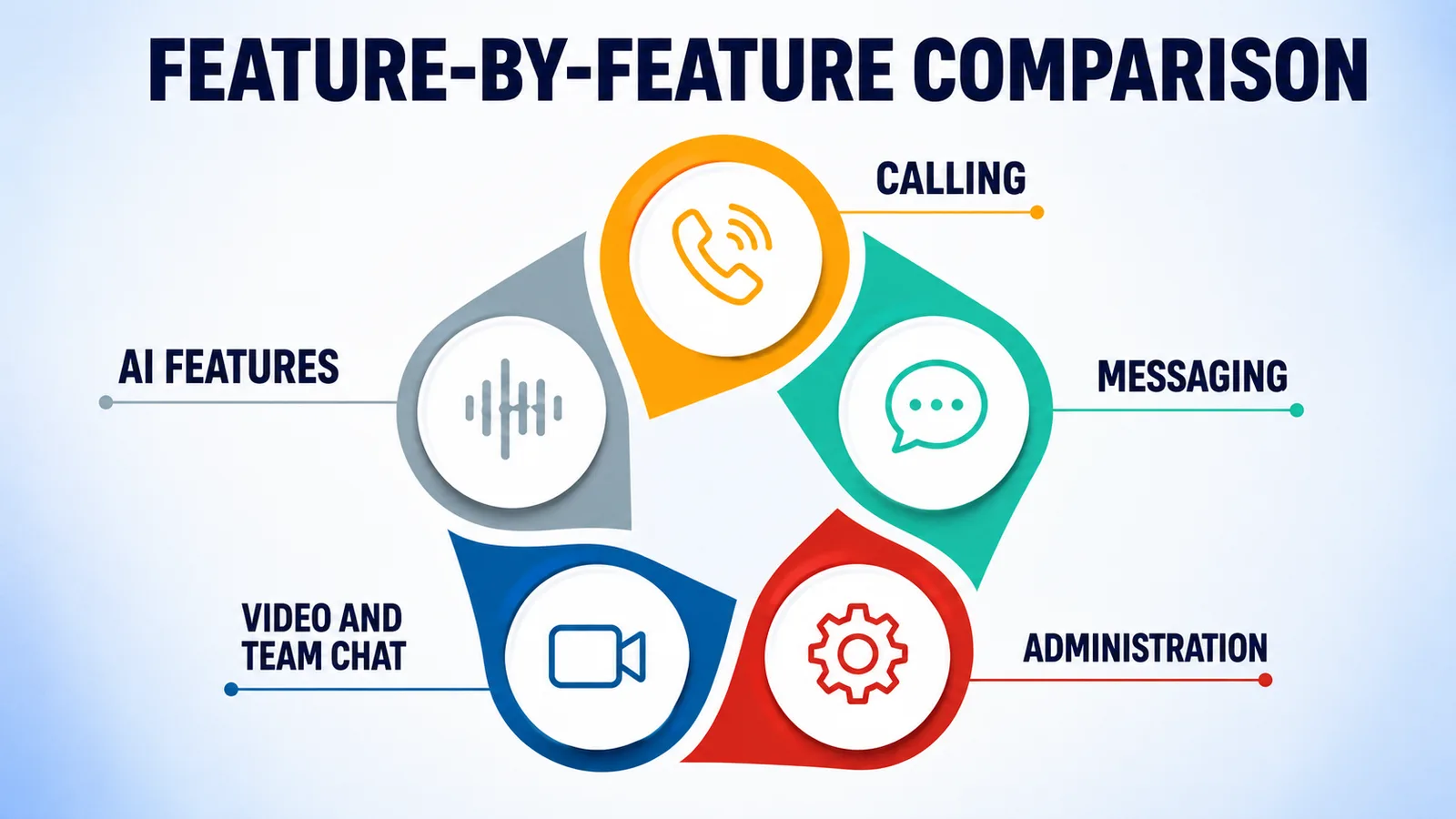
Calling
Both include voice calling over the internet. UCaaS adds extensions, hunt groups, call queues, and an IVR/call-flow builder for routing calls to the right person or team automatically.
Messaging
Standalone VoIP rarely includes business texting. UCaaS bundles two-way SMS and MMS from the same business number as voice, with 10DLC/A2P registration handled by the vendor.
Video and team chat
VoIP alone has no video or chat component — a business running plain VoIP typically pays for a separate video-conferencing tool and a separate chat app. UCaaS includes both natively.
AI features
Call transcription, sentiment analysis, and an AI receptionist that answers calls when the team can't are UCaaS-layer features, sitting on top of the underlying VoIP calls rather than being part of VoIP itself.
Administration
VoIP is typically managed per-line or through a limited portal. UCaaS is managed through a single dashboard covering every user, number, and channel, with one login and one invoice.
That single dashboard is what actually saves time day to day — adding a hire, changing a call flow, or pulling a usage report is one place to look instead of three separate vendor logins.
- VoIP: phone calls over the internet — the transport layer, nothing more by default
- UCaaS: voice, SMS, video, team chat, and AI, unified under one login and one admin panel
- VoIP is usually cheaper per line but requires stitching together separate tools for messaging, video, and chat
- UCaaS costs more per seat but replaces multiple vendor contracts with one
Signs It's Time to Upgrade from VoIP to UCaaS
A basic VoIP line is a reasonable starting point for a very small team making occasional calls. It stops being enough once any of the following becomes true.
None of these signs on their own force an immediate switch — it's usually two or three showing up together that mark the point where the workaround costs more time than the migration would.
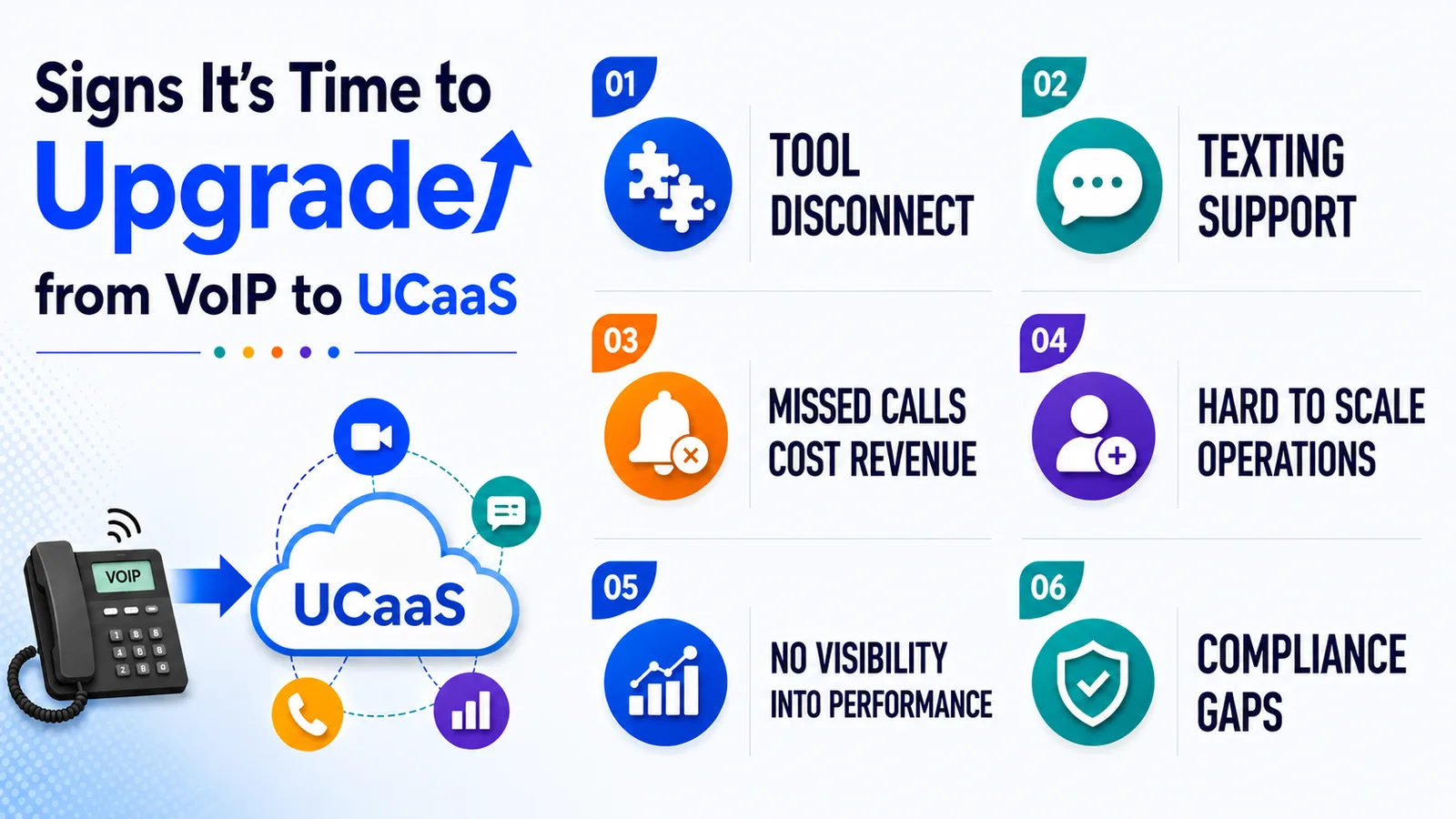
- The team is juggling three or more separate tools — a phone line, a video app, a texting service — that don't talk to each other
- Customers expect to text the business number, and there's currently no way to do that
- Missed calls are turning into missed revenue because there's no AI receptionist or voicemail-to-SMS to catch them
- Adding a new hire or opening a new location means another manual setup process instead of a few clicks
- There's no visibility into call volume, response times, or team performance because the tools don't share data
- Compliance requirements (HIPAA, GDPR, STIR/SHAKEN) are becoming a real concern and the current VoIP line offers no built-in coverage
How to Migrate from VoIP to UCaaS
A phased cutover keeps callers from noticing anything happened — the sequence below is designed to catch configuration problems before they affect live traffic, not after.
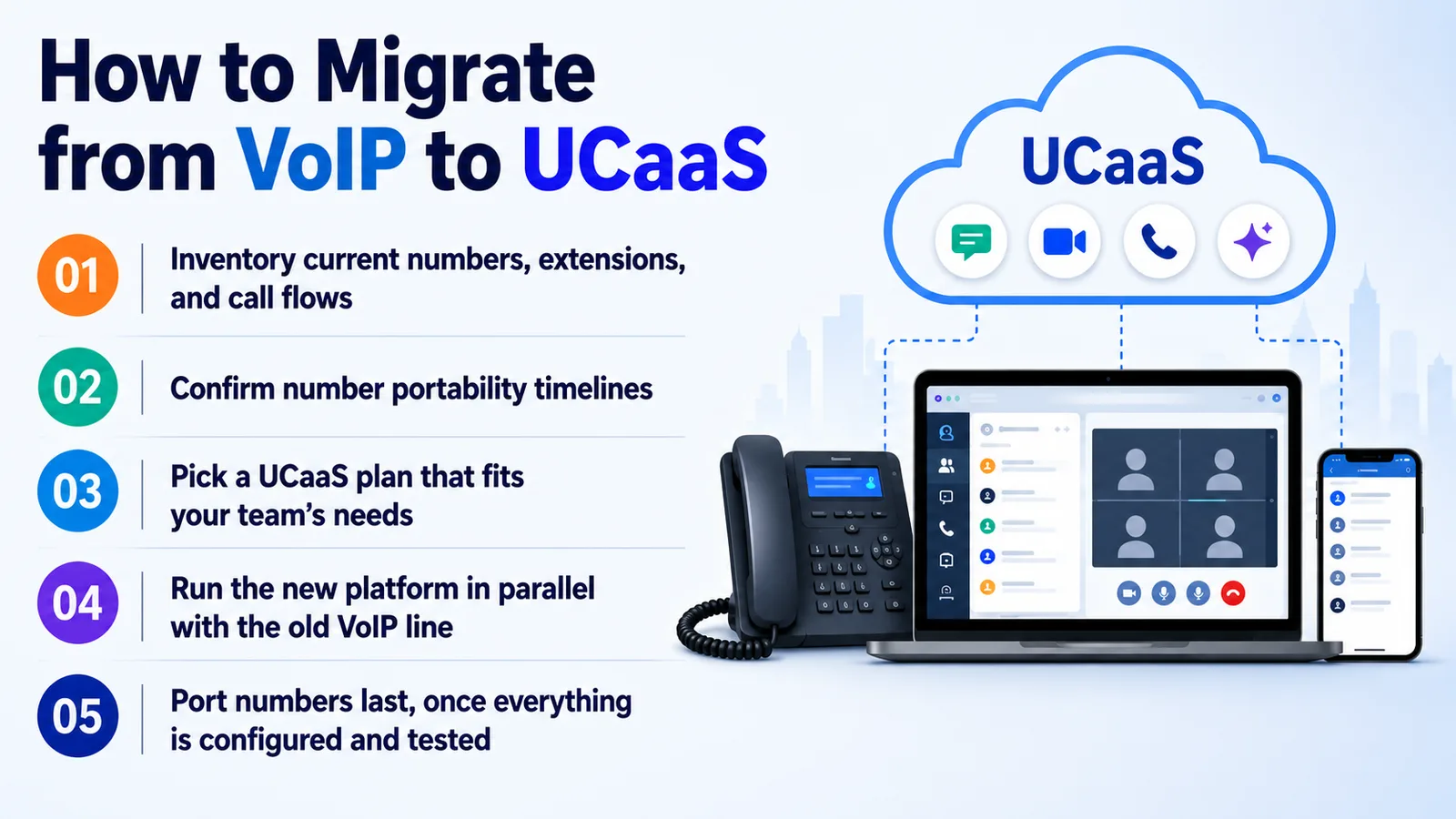
- 01Inventory current numbers, extensions, and call flows before switching — this becomes the porting and setup checklist
- 02Confirm number portability timelines with the new provider (typically 1-2 business days for most countries)
- 03Pick a UCaaS plan that covers the messaging, video, and AI features the team actually needs — not just the cheapest voice-only tier
- 04Run the new platform in parallel with the old VoIP line for a short overlap window before full cutover
- 05Port numbers last, once extensions, routing, and integrations are already configured and tested
Twiching's cloud voice and numbers plan starts at $9.99 per user per month and includes messaging, video, and AI receptionist features on the same login — with a 14-day free trial to test the migration path before committing.
Conclusion
VoIP is the transport layer — the technology that moves a call over the internet. UCaaS is the finished platform built on top of it, adding messaging, video, team chat, and AI under one login and one admin panel.
A basic VoIP line is enough for the smallest teams; it stops being enough the moment customers expect texting, calls need real routing logic, or the business needs visibility across every channel at once. Twiching runs both ends of that spectrum on one platform, so the upgrade from VoIP to full UCaaS is a plan change and a number port — not a system replacement.