Introduction
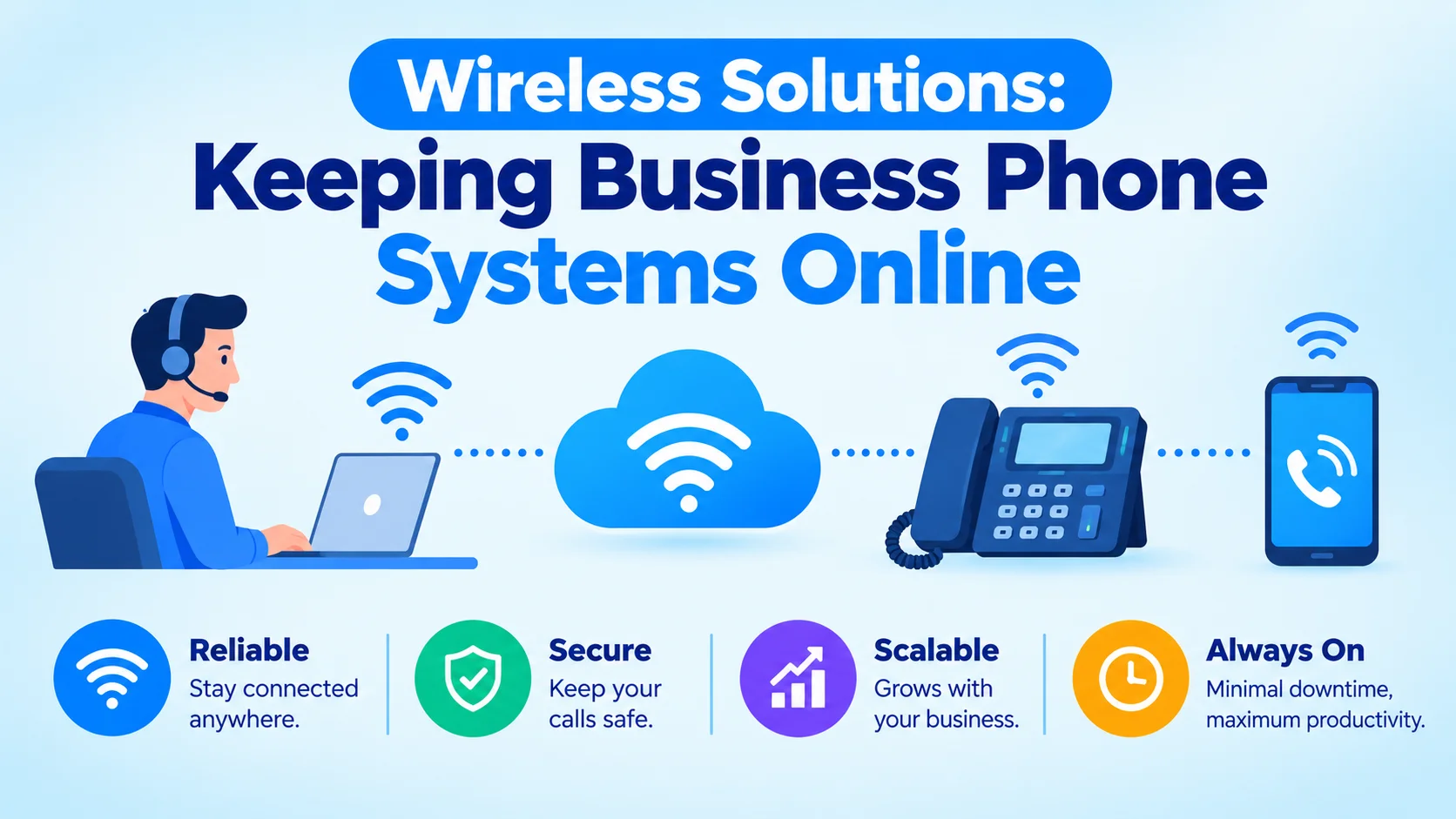
"Wireless solutions" is a broad term. For a business phone system, it means two things.
It keeps calls working when the wired network fails. And it keeps people reachable when they are away from their desks.
In practice, that is cellular failover, WiFi calling and mobile extensions. Cellular failover takes over the moment your primary internet drops.
WiFi calling sends a call over whatever network is available. Mobile extensions turn a smartphone into a real extension of the office system.
None of this means replacing wired internet with wireless everywhere. The goal is to know where wireless belongs and build it in on purpose.
That way you don't find the gaps during a real outage. This guide covers where wireless strengthens business phone continuity and how each piece works.
It also shows how to size it without paying for capacity you will never use.
What "Wireless Solutions" Actually Means Here
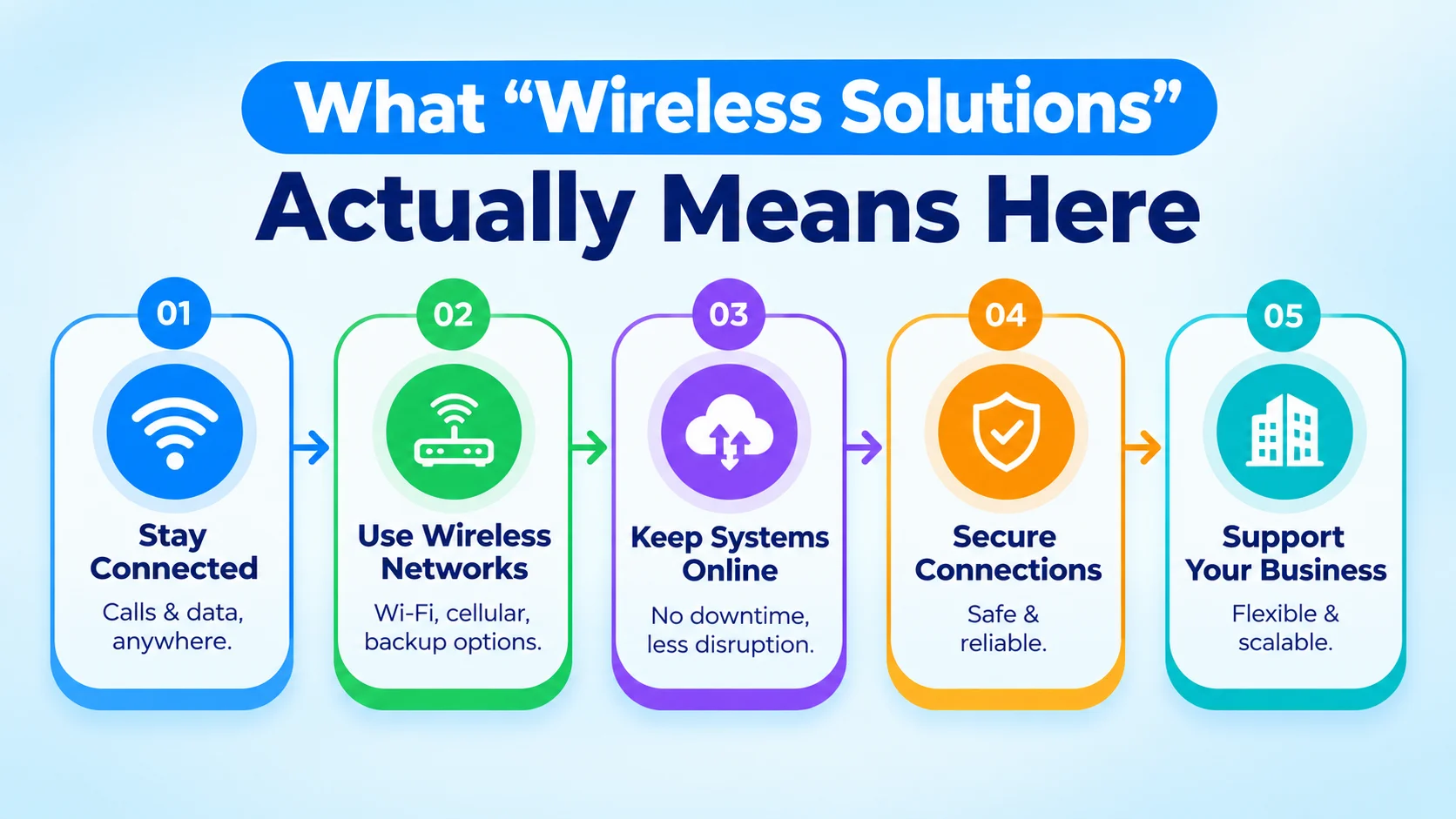
For a business communications setup, wireless solutions do three different jobs. Mixing them up leads to buying the wrong thing. Cellular failover keeps your whole office online during a wired internet outage. WiFi calling and mobile extensions keep individual people reachable wherever they are. Fixed wireless access replaces wired internet at locations where running a cable isn't practical. Each solves a different problem. Each uses different infrastructure and is judged on different criteria.
The confusion usually comes from treating all three as one purchase: "we need wireless backup." In practice, most businesses need one or two of the three, not all of them. Buying the wrong mix means paying for redundancy that never gets used. It also leaves the real gap uncovered.
Cellular Failover: The Insurance Policy Behind Your Internet
Cellular failover is a second internet connection that runs over a 4G or 5G network. A router or SD-WAN appliance switches to it automatically when the wired connection drops. It runs on separate infrastructure from your wired ISP. So a fiber cut, a cable outage or a regional provider failure doesn't take it down too.
For VoIP, the switchover must be automatic and fast. A failover that takes several minutes to notice an outage means several minutes of dropped calls and no dial tone. For a phone system, that is no better than having no failover. Look for detection and switchover in under a minute. Don't settle for a router that simply has a cellular backup port.
- Bandwidth sizing — VoIP needs little bandwidth per call. Size failover for your concurrent calls plus other critical traffic, not your full normal-day bandwidth
- Carrier diversity — a backup on the same carrier as a failing cell tower won't help. Some routers use two SIMs on different carriers for this reason
- Monitoring and alerting — a failover event should notify someone. An unnoticed failover that later fails becomes an outage nobody planned for
Further reading: top UCaaS features for business
WiFi Calling and Cellular Calling: What Actually Happens
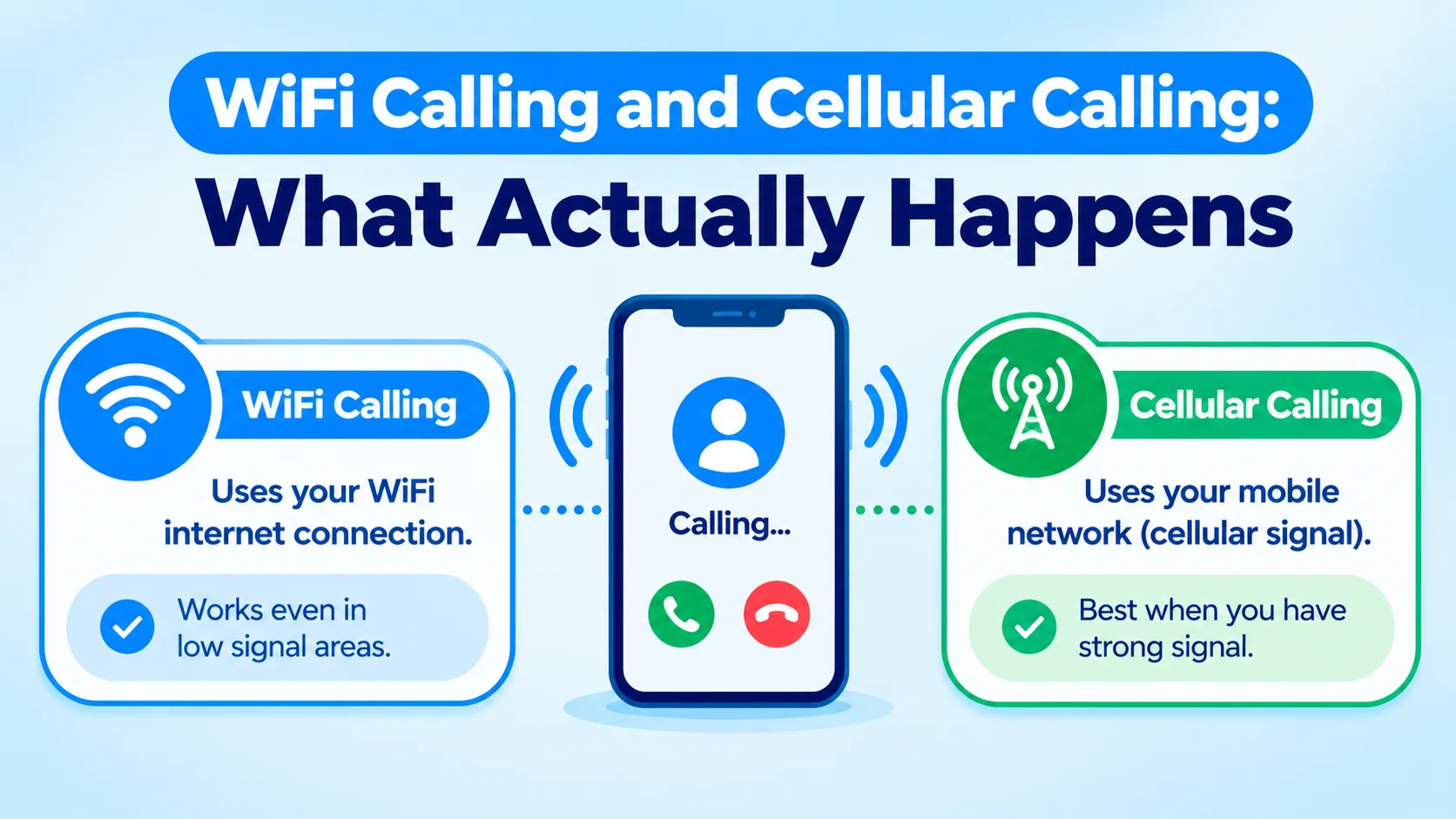
WiFi calling sends a call over the WiFi network a phone is connected to, instead of the cellular network. It helps most where cellular signal is poor but WiFi is available. Examples are some office interiors, basements and areas with weak carrier coverage. The call works like any VoIP call. It uses IP packets over the internet connection, not a traditional cellular voice channel.
The tradeoff is that WiFi calling inherits the conditions of the WiFi network. A strong cellular signal can beat a congested or poor WiFi network. So WiFi calling is not a strict upgrade. It is a different path that works better or worse depending on local conditions. Devices usually switch between the two automatically. Staff who rely on it should know it is a tradeoff, not a guaranteed improvement.
Further reading: Wikipedia: Wi-Fi Calling
Mobile Extensions: Making a Smartphone Part of the Office System
A mobile extension turns a personal or company smartphone into an extension of the business phone system. Calls to a desk extension can ring the mobile app at the same time. Outbound calls from the app show the business caller ID, not a personal number. Voicemail, transfers and call history stay unified across desk phone and mobile app.
This makes remote and field workers reachable through the business number. Customers don't have to track down a personal cell number. The mechanism is usually a softphone app signed in to the same UCaaS platform as the desk phones. Calls travel over WiFi or cellular data, not the traditional cellular voice network. That is why the WiFi-versus-cellular quality tradeoff above applies to mobile extensions too.
Further reading: omnichannel UCaaS across devices
Designing Redundancy Without Overbuilding
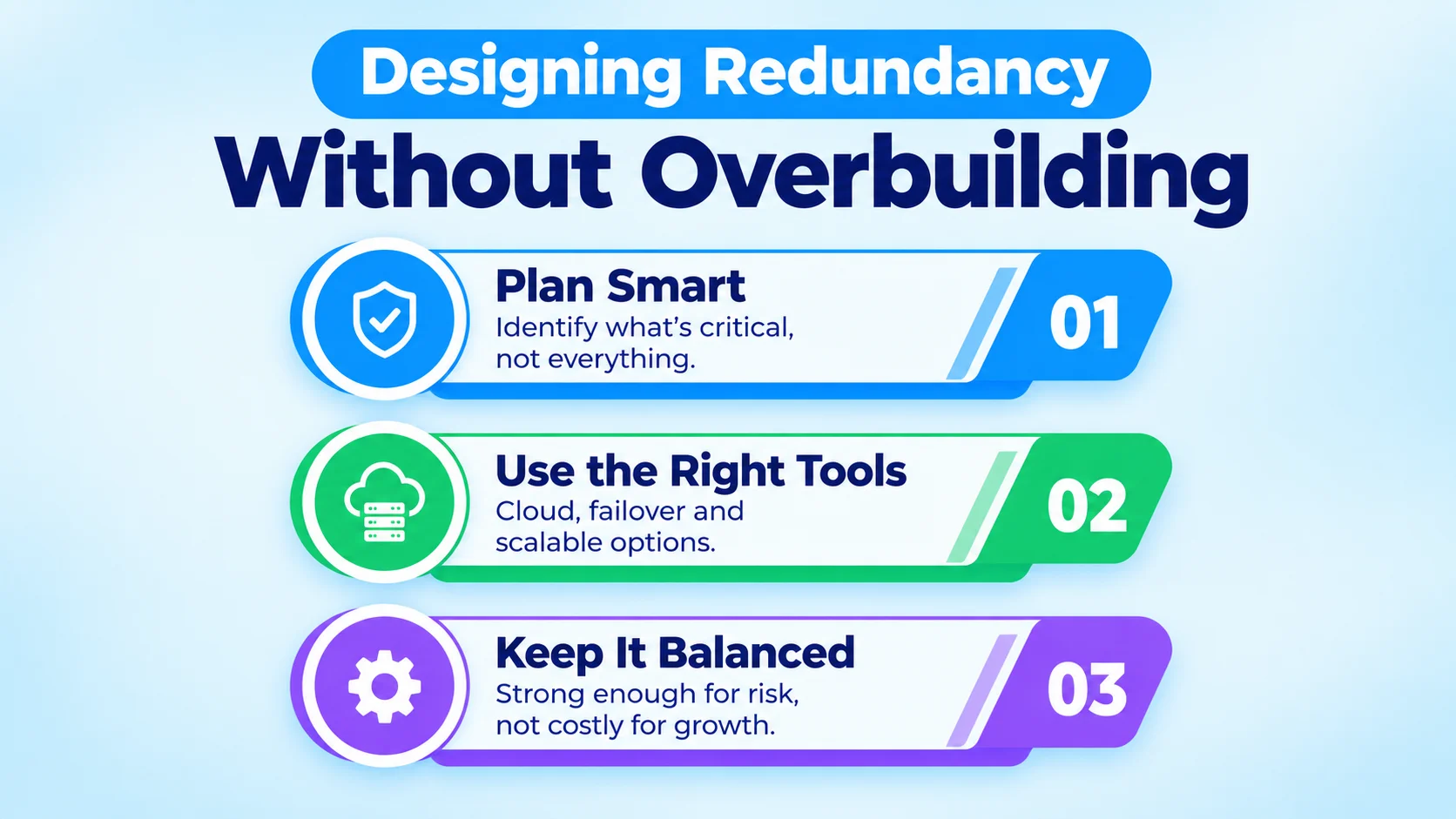
The urge to add wireless backup everywhere is understandable. But redundancy costs money. Matching it to real risk avoids paying for protection you won't use. A single-location business with one internet connection and no other continuity plan gains a lot from basic cellular failover. A business with geographically redundant offices may gain very little. The same goes for a cloud-hosted phone system that doesn't depend on any one site's internet connection.
The right-sizing question is simple. What breaks if this connection goes down for an hour? And what does that hour cost, compared with the ongoing cost of preventing it? A high-volume sales floor answering inbound calls has a very different answer than a back-office team. That team can work offline for an hour with no customer impact.
Whatever you decide, write it down. Record which locations have failover, which carrier each SIM uses, and who receives the alert. When staff change or a contract renews, that short record keeps the setup from quietly drifting out of date.
Fixed Wireless Access for Locations Without Good Wired Options
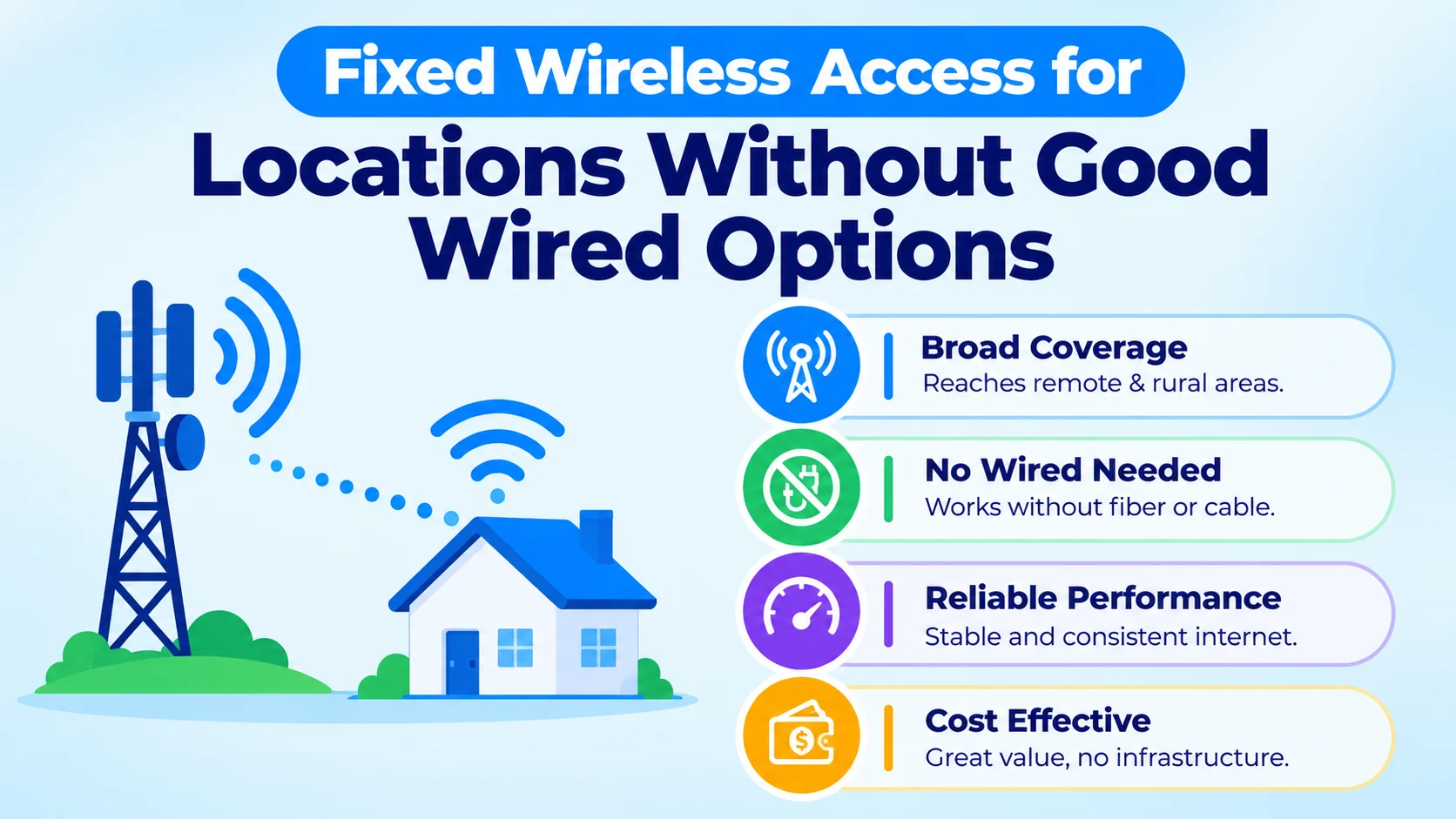
Cellular and 5G also serve as a primary connection where wired infrastructure isn't practical. Examples are a pop-up retail location, a construction site office, or a new space still waiting on a wired install. They also suit any site where running fiber or cable would take longer or cost more than the location's lifespan justifies.
In areas with strong 5G coverage, fixed wireless access has closed much of the gap with wired connections. In the right circumstances, it is a viable primary connection, not just a backup. The catch is coverage. Performance varies a lot by location and carrier network density. Test real throughput and latency at the specific site before you commit a business phone system's main connection to it.
Testing Your Failover Before You Need It
A failover that has never been tested is a guess, not a safeguard. Once a quarter, unplug the primary connection during a quiet hour and watch what happens. Confirm the cellular link takes over within a minute. Place a test call, check the audio, and make sure the alert reaches the right person. Write down how long the switchover took.
Also check the details that tests often miss. Does the phone system still register with its provider over the cellular connection? Do any firewall rules or IP allow-lists assume the wired address? Does the failover link have enough data allowance to run for a full day? Fixing these on a calm afternoon is far cheaper than finding them during a real outage.
Conclusion
Wireless solutions earn their place by solving specific gaps. They should not be added everywhere as a vague hedge.
Cellular failover keeps a wired outage from taking down your whole phone system. WiFi calling and mobile extensions keep people reachable wherever they work.
Fixed wireless access fills in where wired infrastructure can't practically reach. Know which gap you are protecting against.
Size the wireless layer to that risk instead of buying redundancy everywhere. That is what separates a setup that survives a real outage from one that only looks resilient on paper.