Introduction
UCaaS — Unified Communications as a Service — puts a company's phone system, messaging, video, and AI tools on one cloud login instead of five disconnected products. It's become the default way growing businesses run customer and team communication, replacing on-premise phone hardware with a platform that scales in minutes, not months.
What Is UCaaS?
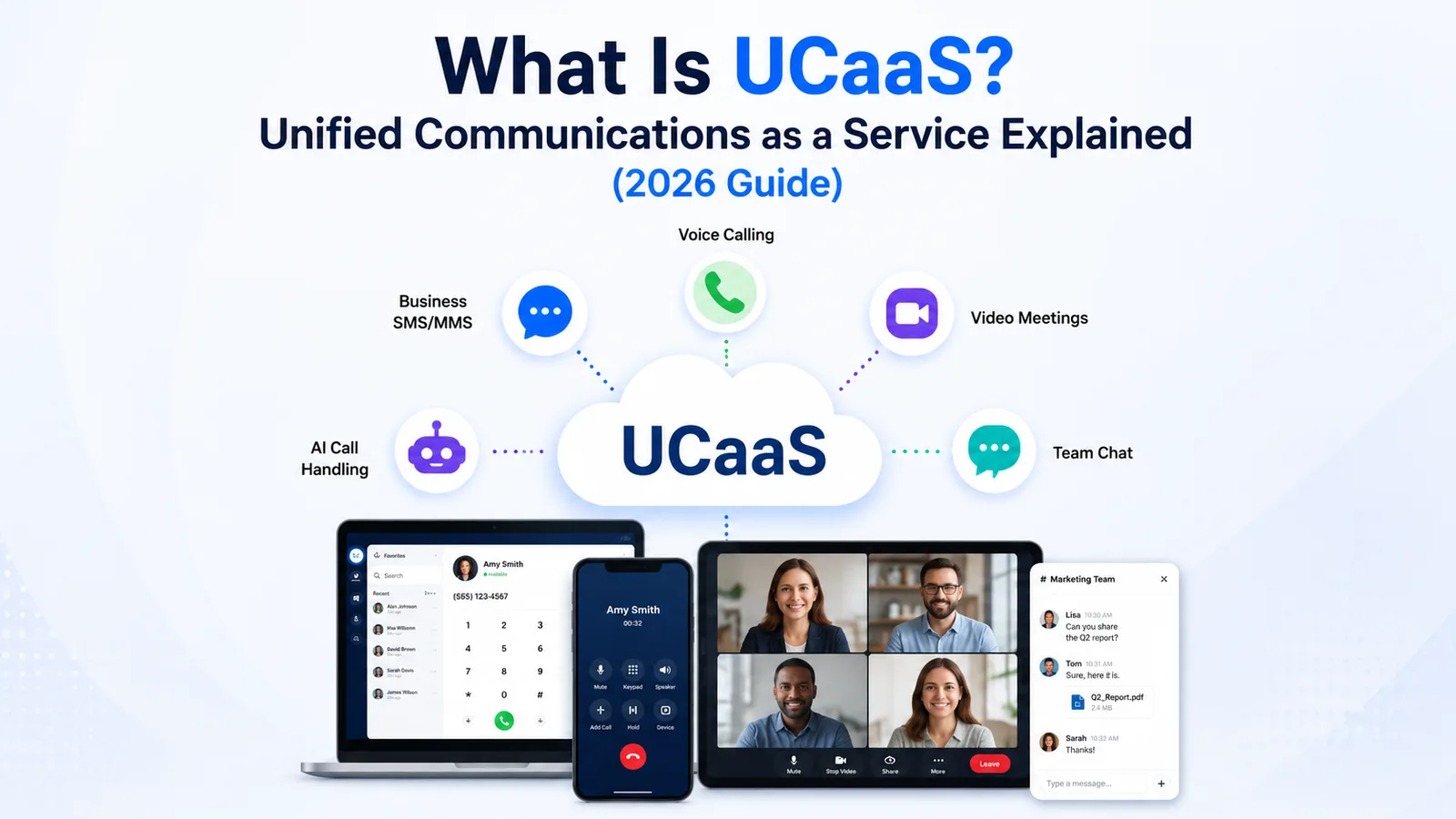
UCaaS stands for Unified Communications as a Service. It's a cloud-delivered platform that bundles the communication tools a business runs on — voice calling, business SMS and MMS, video meetings, team chat, and increasingly AI-driven call handling — into one subscription, managed by a vendor, and accessed from any device with an internet connection.
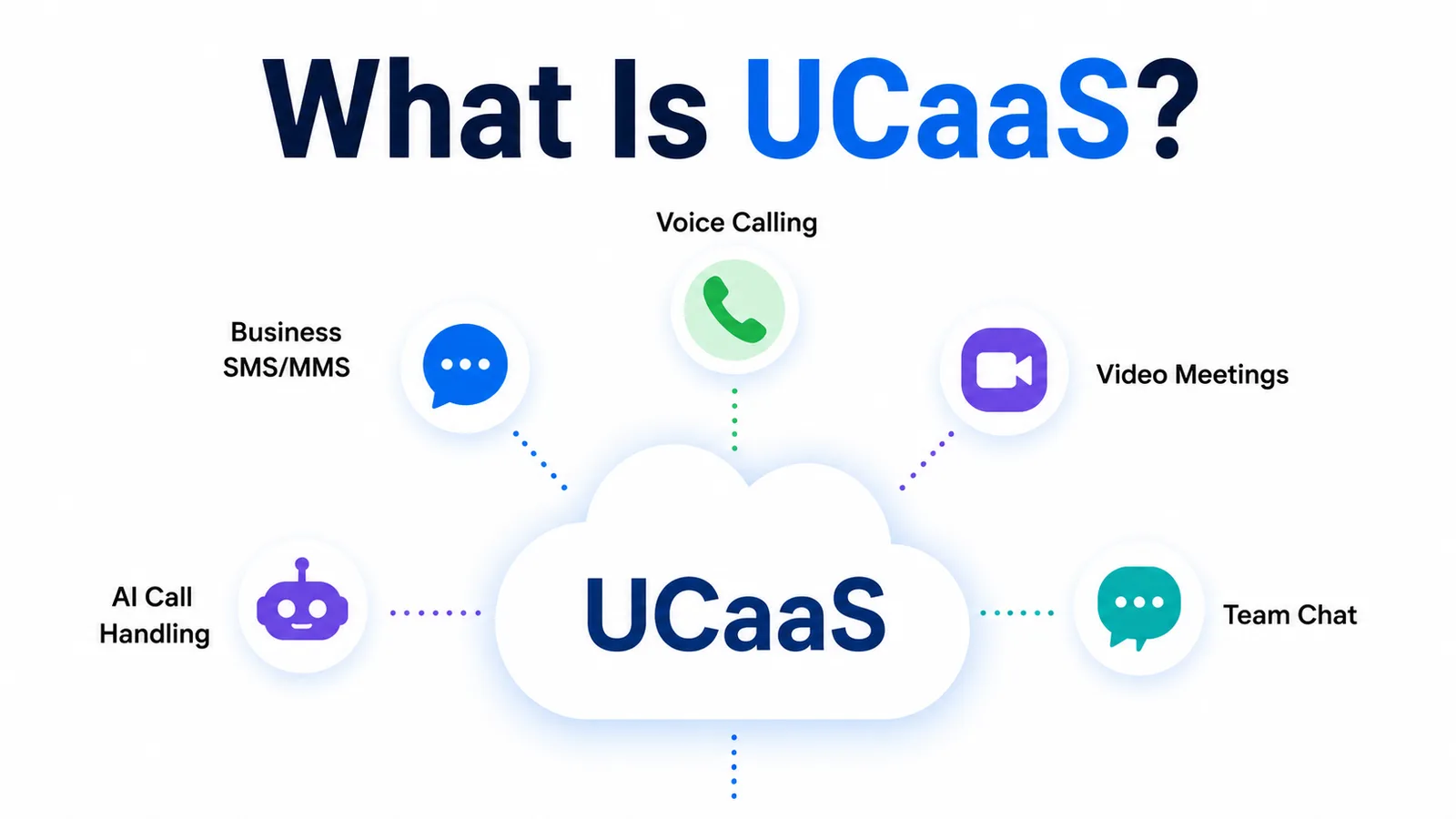
The core idea is unification. Instead of a phone system from one vendor, a video-conferencing tool from another, and a texting app from a third, UCaaS puts extensions, hunt groups, dial plans, call forwarding, messaging, and video under a single login, a single admin panel, and a single invoice.
Think of it like the shift from a rack of standalone appliances to a single control panel that runs everything. The 'as a service' part means a vendor operates the servers, the carrier interconnects, the security patching, and the uptime — the business just uses it, the same way it doesn't run its own email servers anymore.
- Cloud voice: business phone numbers, extensions, hunt groups, dial plans, and call routing run entirely in the cloud
- Messaging: business SMS, MMS, and increasingly RCS and WhatsApp in one inbox
- Video meetings and team chat, replacing separate conferencing and internal-chat tools
- AI features: call transcription, an always-on AI receptionist, and conversation analytics layered directly on top of the calling stack
How UCaaS Works
Further reading: UCaaS vs. VoIP: What's the Difference · What Is Wholesale Voice? · Unified Communications (Wikipedia)
Underneath the single login, a UCaaS platform runs on the same carrier-grade voice infrastructure that powers wholesale VoIP: SIP trunking connects the platform to the public phone network, and a carrier interconnect layer handles call origination and termination across countries.
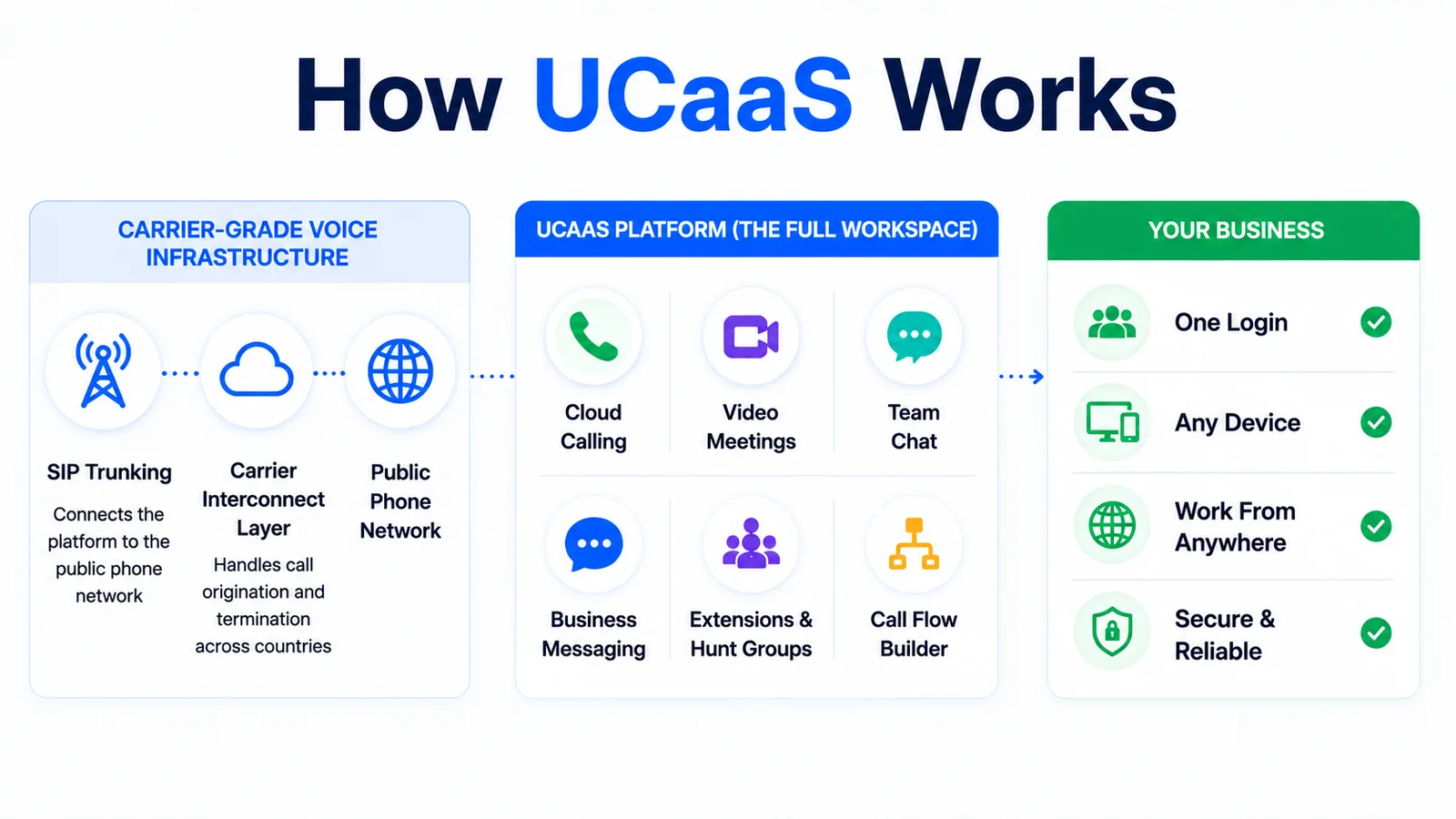
The difference is what's built on top of that infrastructure. A UCaaS vendor takes carrier-grade voice and wraps it in a full workspace — extensions and hunt groups instead of raw SIP trunks, a call-flow builder instead of manual routing configuration, and a unified inbox instead of a bare messaging API.
That's why UCaaS platforms and wholesale VoIP providers sit on the same technology stack but serve different buyers: wholesale VoIP sells raw carrier capacity to platforms and carriers, while UCaaS sells the finished workspace to the business actually answering the calls.
UCaaS vs. VoIP vs. CCaaS vs. CPaaS
These four terms get used interchangeably, but they describe different layers of the same communications stack. Here's how they actually differ.
UCaaS vs. VoIP
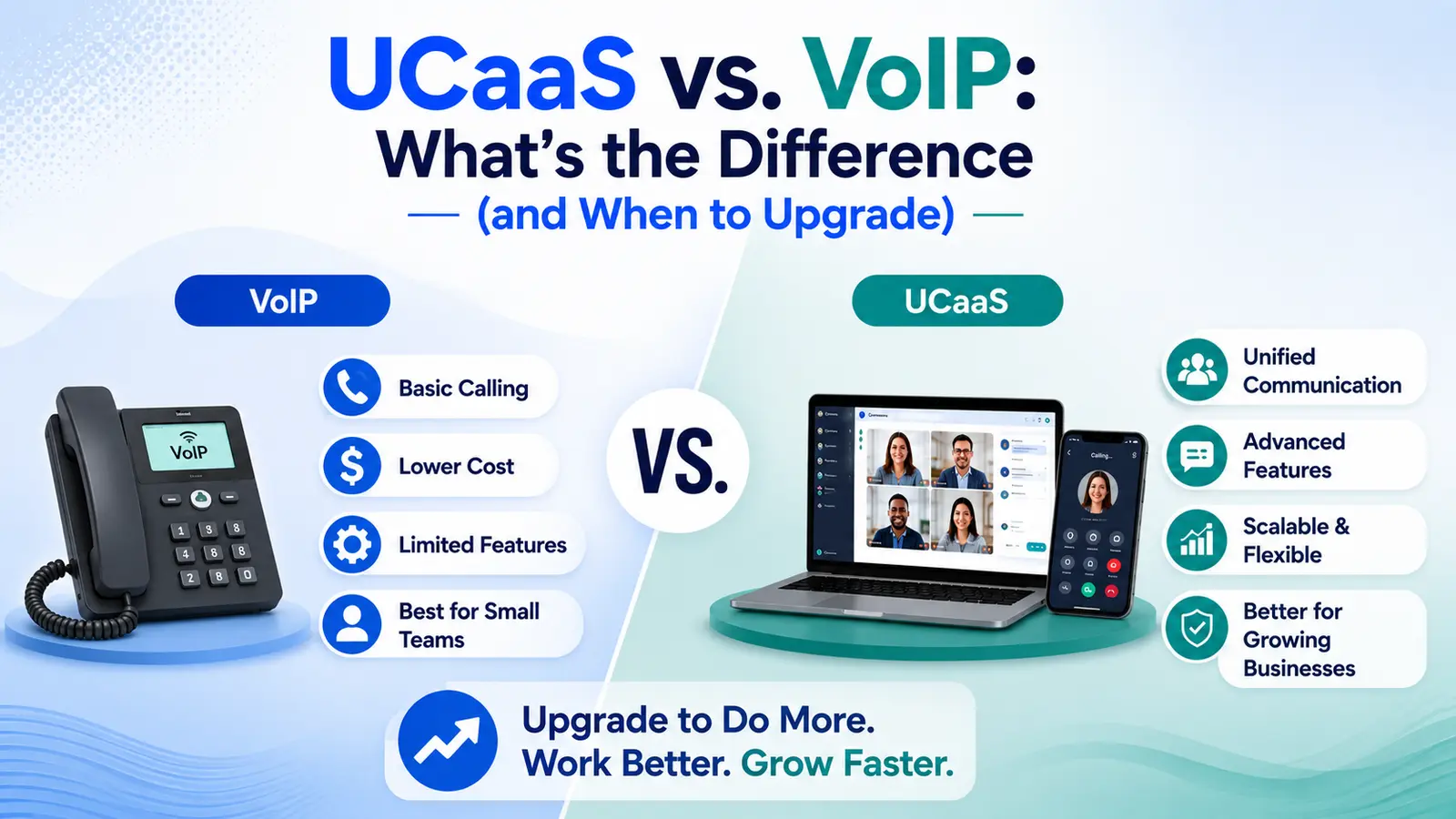
VoIP (Voice over IP) is a transport technology — it describes how a voice call travels over the internet instead of a traditional phone line. UCaaS is a full product built using VoIP as its foundation, adding messaging, video, team chat, and AI on top.
Put simply: VoIP is one ingredient. UCaaS is the finished meal. A business can have VoIP calling without UCaaS (a basic SIP trunk into an existing phone system), but it can't have UCaaS without VoIP underneath it.
UCaaS vs. CCaaS
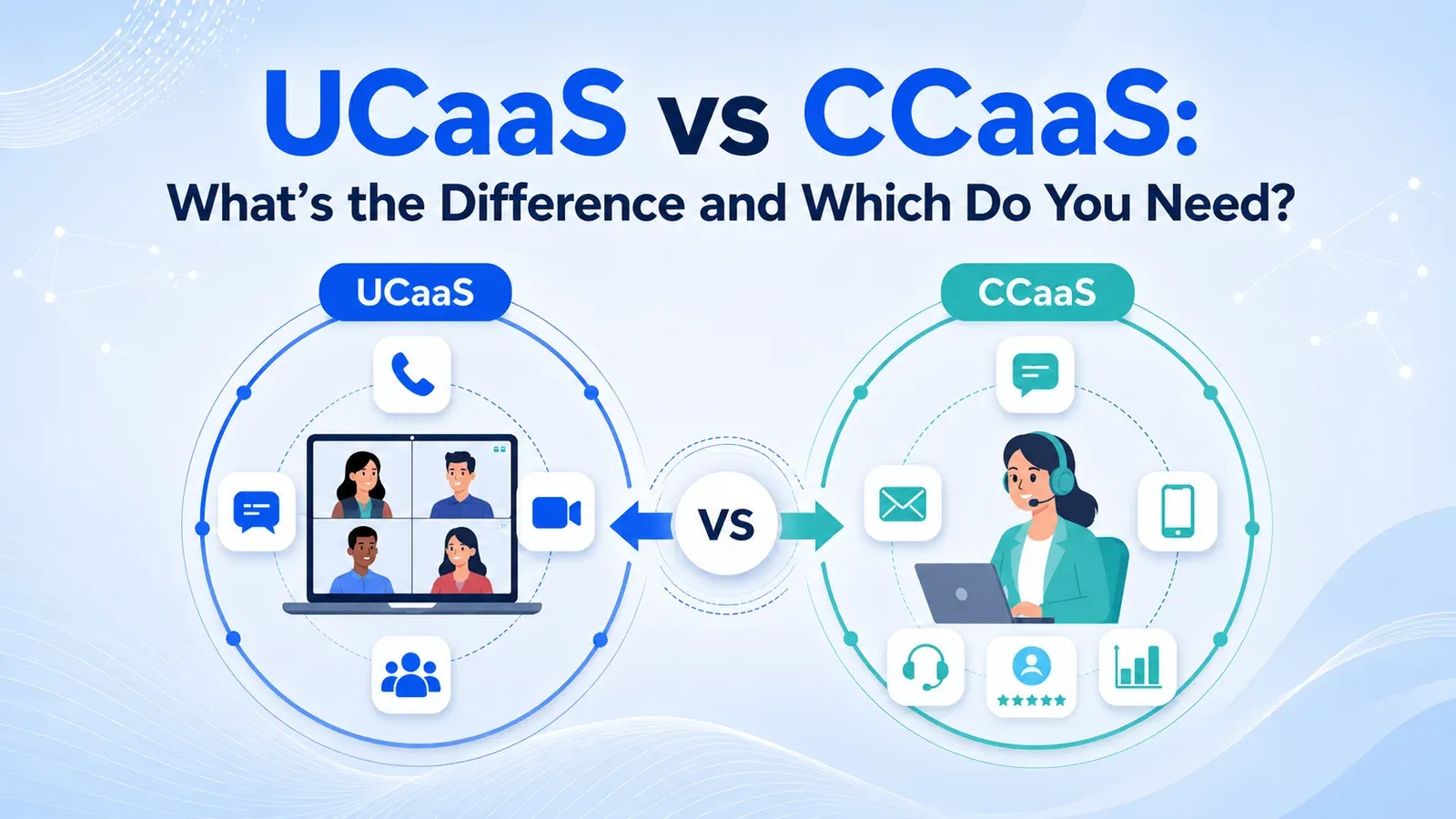
CCaaS (Contact Center as a Service) is purpose-built for customer-facing teams handling high call and chat volume — think support and sales queues, not internal office communication. It adds skills-based routing, supervisor coaching tools, outbound diallers, and omnichannel queue management that a general UCaaS seat doesn't need.
The two overlap heavily and the best platforms — including Twiching — offer both under one login: UCaaS for the whole company's calling and messaging, CCaaS layered on top for the teams running structured queues.
UCaaS vs. CPaaS
CPaaS (Communications Platform as a Service) is a developer toolkit — APIs for SMS, voice, and video that engineering teams wire into their own product. UCaaS is a ready-to-use application; CPaaS is raw building blocks for building a custom one.
A business that wants a phone system out of the box picks UCaaS. A software company that wants to embed a text-messaging feature into its own app picks CPaaS. Some platforms, again including Twiching, offer both — a finished UCaaS workspace plus the underlying messaging API for teams that want to build on it.
- VoIP: the transport layer — how calls travel over the internet
- UCaaS: the finished workspace — voice, SMS, video, chat, and AI on one login
- CCaaS: UCaaS specialized for high-volume customer-facing queues
- CPaaS: raw communication APIs for developers to build their own product on
Key Benefits of UCaaS
Businesses move to UCaaS for concrete operational reasons, not just to consolidate tools.
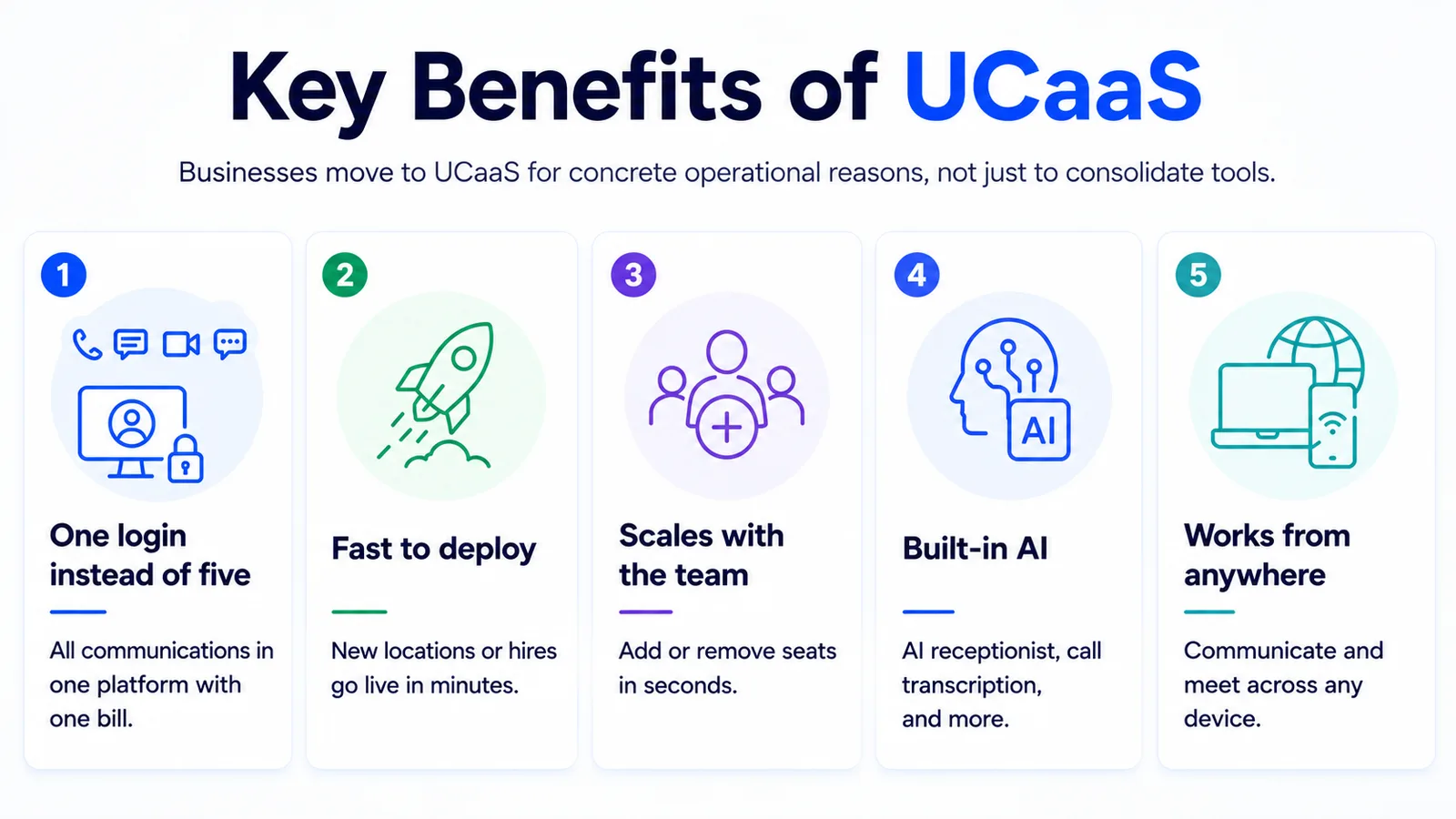
- One login instead of five: phone, SMS, video, and chat administered from a single admin panel, with one bill instead of several vendor invoices.
- Fast to deploy: a new location or remote hire gets a working phone system in minutes through a web dashboard, not a hardware install that takes weeks.
- Scales with the team: adding or removing a seat is a few clicks, with no PBX hardware to buy, size, or retire.
- Built-in AI: call transcription, sentiment, and an AI receptionist that answers every call sit natively inside the platform instead of bolted on as a third-party add-on.
- Works from anywhere: calls, texts, and meetings follow the user across desktop, mobile, and browser, which matters for hybrid and remote teams.
None of these require ripping out existing infrastructure at once — most teams start with cloud voice and add messaging, video, and AI features as they're actually ready to use them.
Must-Have UCaaS Features
Not every UCaaS platform includes the same feature set. Before comparing vendors on price, check that the platform actually covers these five areas.
- Cloud voice and numbers: local, toll-free, and vanity numbers, with extensions, hunt groups, dial plans, call forwarding, and an auto-attendant/IVR builder for routing.
- AI receptionist: an always-on AI that answers every call, books meetings, and qualifies leads when the team can't pick up.
- Contact center capabilities: omnichannel queues (voice, chat, SMS, social), AI agent assist, and supervisor tools like call barge, whisper, and monitoring.
- SMS and MMS: two-way business texting from the same number as voice, with 10DLC and A2P registration handled by the vendor.
- Compliance and security: STIR/SHAKEN attestation on outbound calls, GDPR-aligned data handling, and industry frameworks like HIPAA-aware configurations for regulated teams.
A platform missing even one of these five usually means bolting on a separate vendor later — the exact fragmentation UCaaS is supposed to remove in the first place.
How to Choose a UCaaS Provider
Rate and feature lists only tell part of the story. Run any shortlist through this checklist before signing a contract.
Most providers look similar on a pricing page — these seven questions are where the real differences between them show up, usually a few months after signing rather than during the sales call.
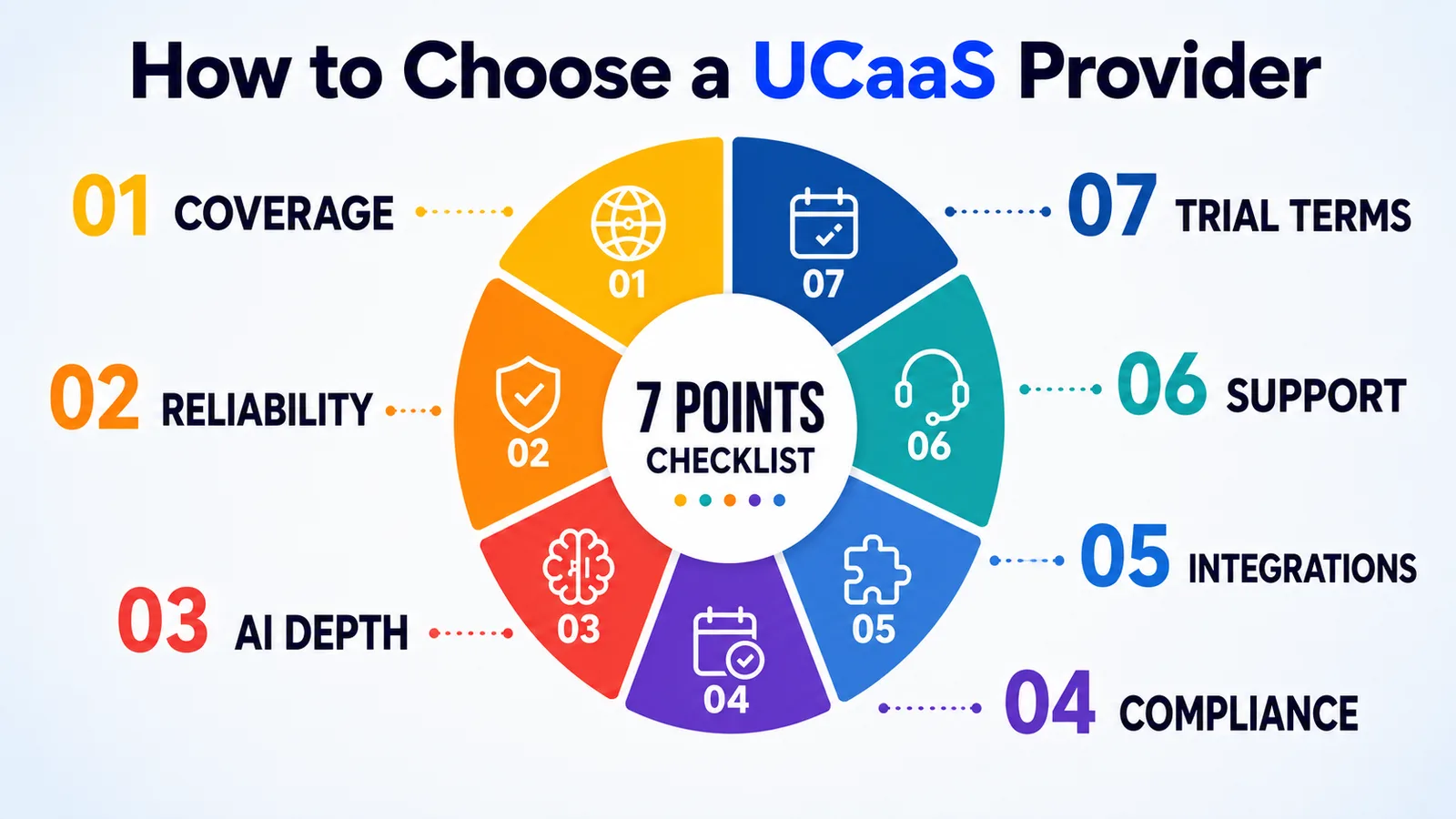
- 01Coverage: does the provider support every country and number type the business actually needs, with direct carrier interconnects rather than resold capacity?
- 02Reliability: what's the published uptime SLA, and is there real redundancy behind it — not just a number on a pricing page?
- 03AI depth: is the AI receptionist and call analytics native to the platform, or a bolted-on third-party integration with its own login?
- 04Compliance: does the vendor handle STIR/SHAKEN, 10DLC/A2P registration, and data-residency requirements, or does that fall back on the business?
- 05Integrations: does it connect natively to the CRM the sales and support teams already use — HubSpot, Zoho, Pipedrive — without custom middleware?
- 06Support: is there 24/7 support with a real incident SLA, or a ticket queue with no response-time commitment?
- 07Trial terms: can the platform be tested with a real team before committing — ideally a free trial with no credit card required?
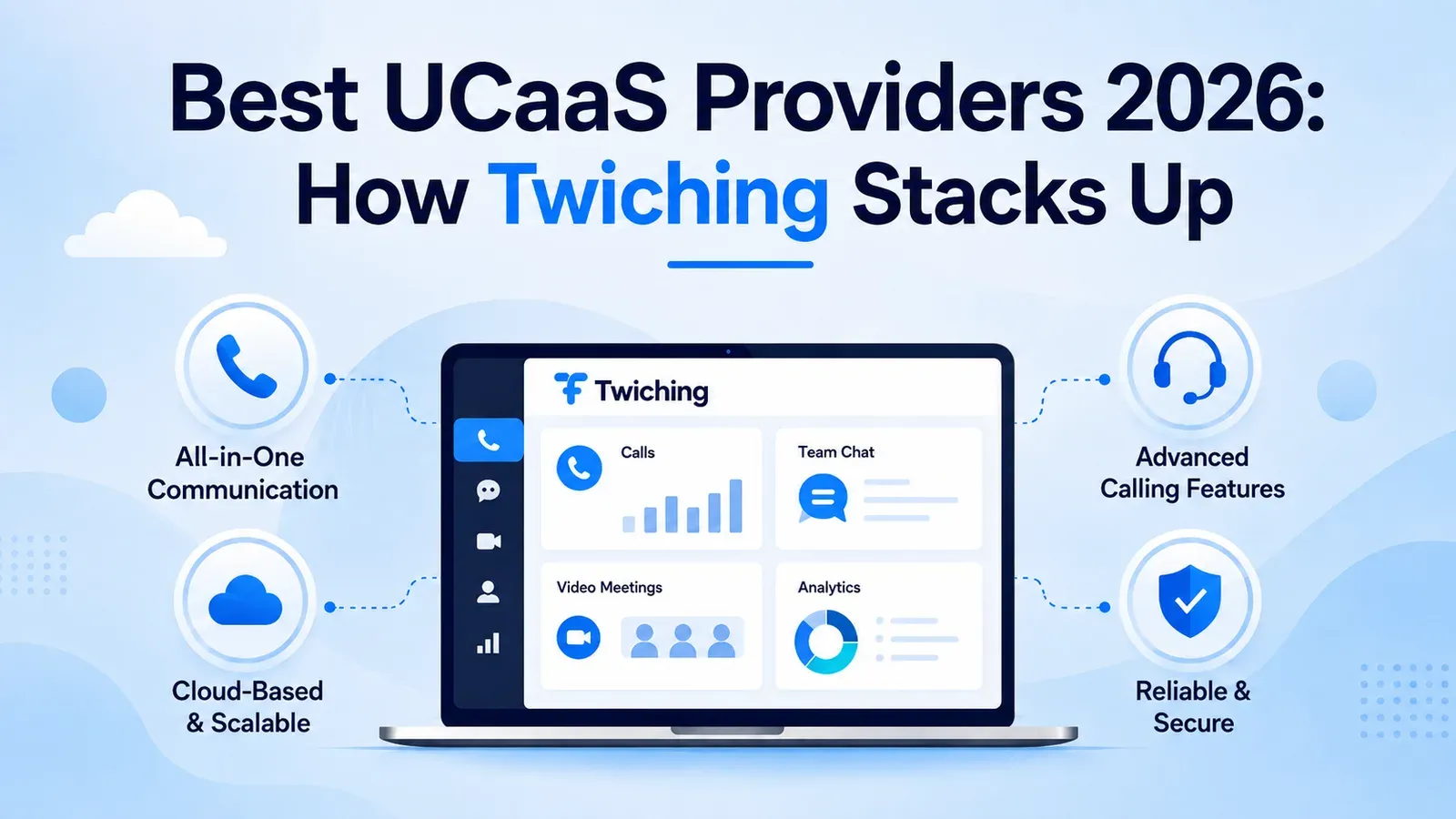
Twiching answers all seven directly: voice, messaging, AI, and contact-center tools on one login, direct carrier interconnects across 191 countries, a 99.99% uptime SLA on Enterprise, native HubSpot/Zoho/Pipedrive integrations, a 24/7 NOC with a 15-minute Sev-1 response, and a 14-day free trial with no credit card required.
Conclusion
UCaaS means putting voice, messaging, video, and AI on one vendor-run platform instead of stitching together separate tools. It's built on the same VoIP and carrier infrastructure as wholesale voice, but packaged as a finished workspace rather than raw transport — which is what separates it from VoIP, CCaaS, and CPaaS.
When evaluating a provider, coverage, reliability, native AI, compliance handling, CRM integrations, and real support commitments matter more than the sticker price. Twiching runs cloud voice, AI receptionist, omnichannel contact-center tools, and programmable messaging on one login across 191 countries, with a 14-day free trial to test it before committing.