Introduction
If you've spent any time shopping for business phone systems, you've probably run into both terms and wondered whether UCaaS vs CCaaS is even a real choice or just marketing noise. It's a real choice, and picking the wrong one wastes budget on features your team will never touch.
This guide breaks down what each platform actually does, where they overlap, and how to decide which one your business needs first.
UCaaS vs CCaaS: The Short Answer
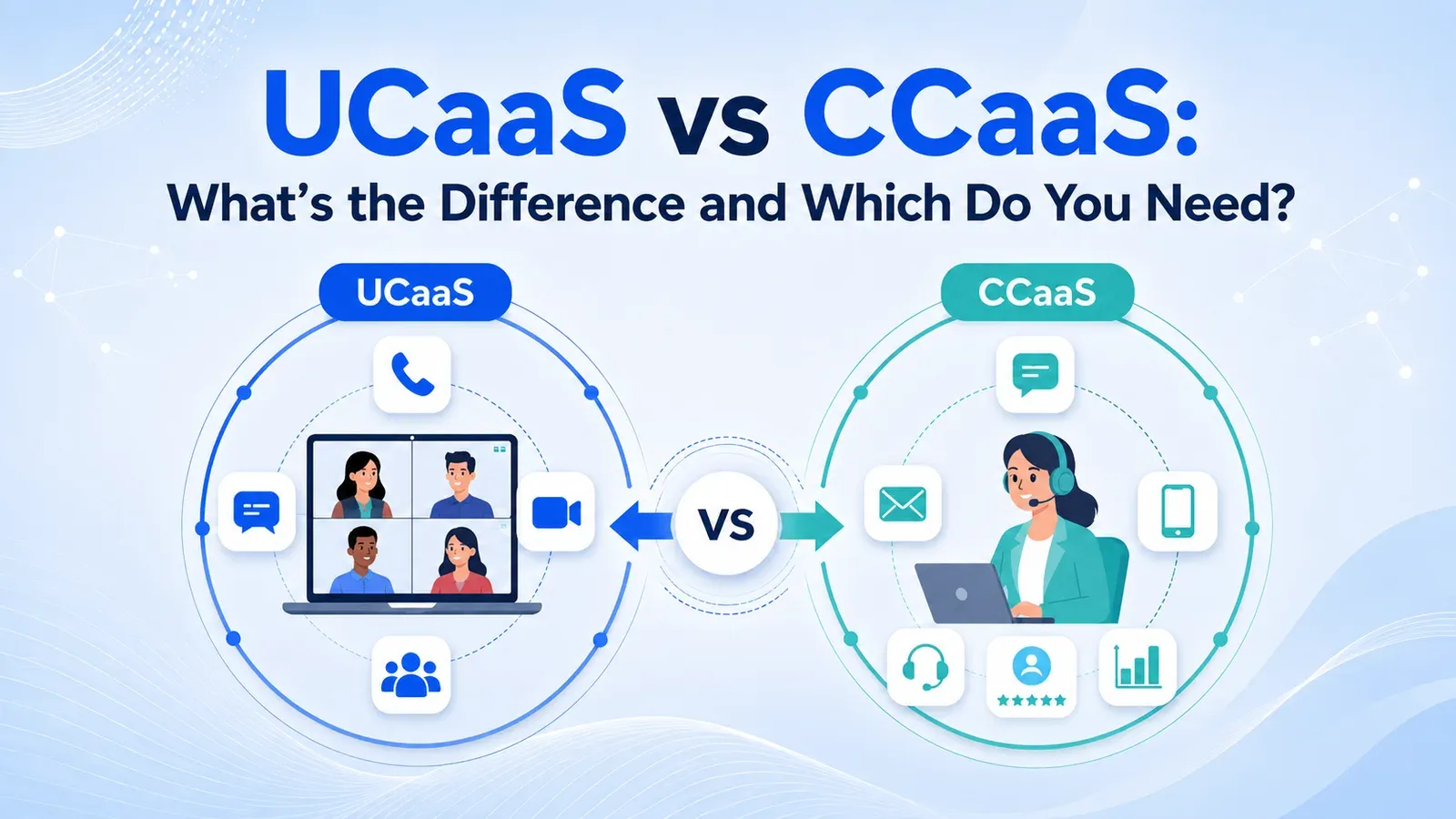
UCaaS (Unified Communications as a Service) connects your employees to each other. CCaaS (Contact Center as a Service) connects your agents to your customers. That's the entire UCaaS vs CCaaS split in one sentence — internal collaboration versus customer-facing support.
Everything else in this guide is detail on top of that core difference. The two platforms often live under the same vendor umbrella today, which is exactly why the distinction gets lost. Knowing which job each one is built for is what keeps you from buying features you'll never use.
What Is UCaaS?
Further reading: What Is UCaaS?
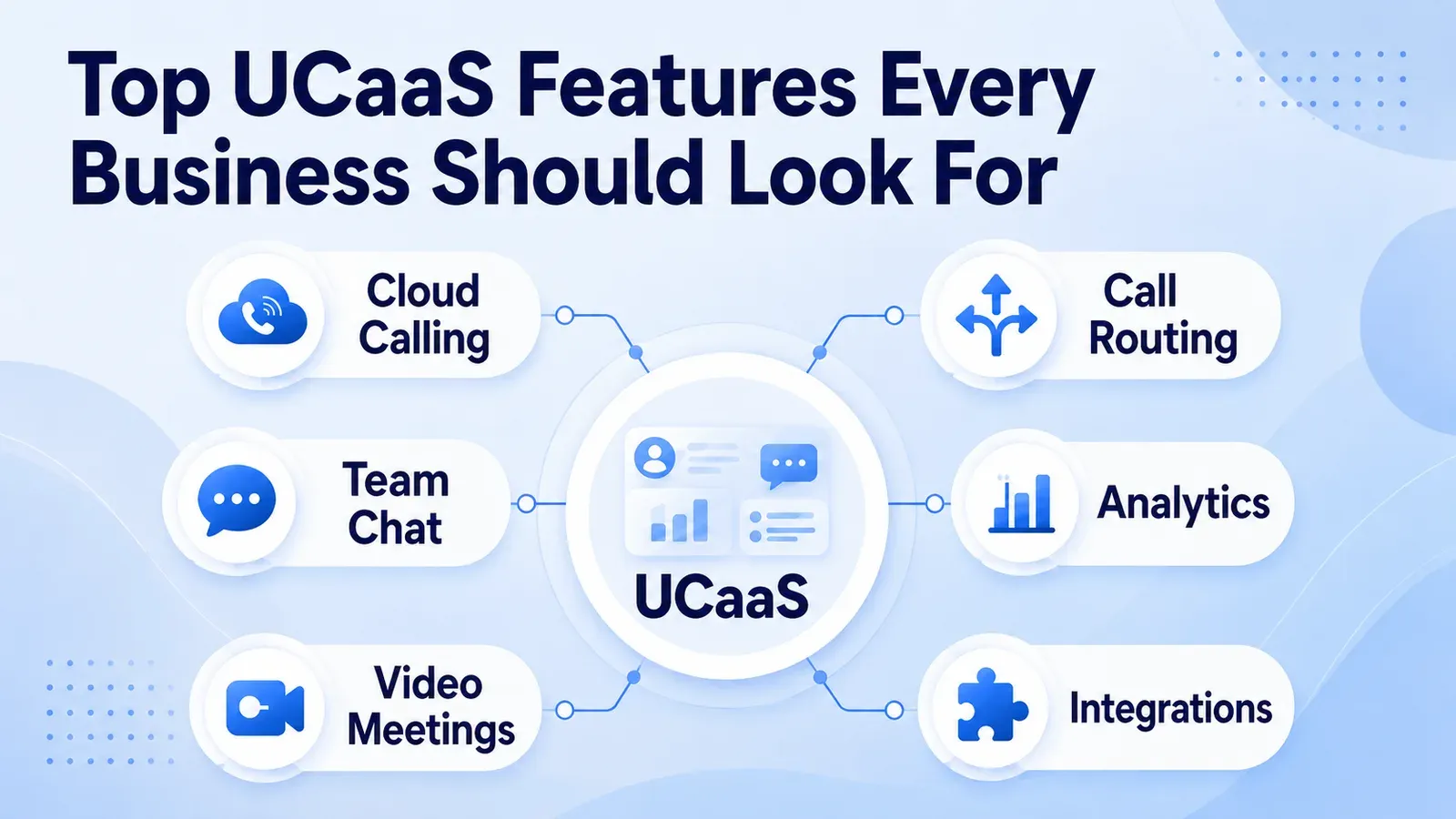
UCaaS is a cloud-based system that bundles the tools your team uses to talk to each other into one platform: business phone calling, video meetings, team chat, SMS, and file sharing.
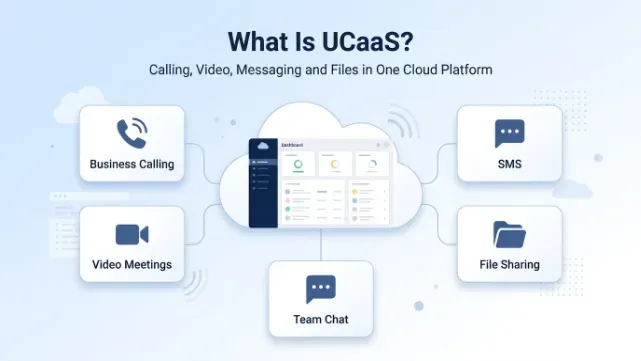
Instead of paying for a desk phone system, a separate video app, and a separate chat tool, unified communications puts all of it under one login and one bill. A typical UCaaS deployment includes an auto-attendant and IVR to route incoming calls, voicemail-to-email, call forwarding across devices, and increasingly, AI features like call transcription and intelligent routing. It's built for every employee in the company, not just one department, which is why unified communications is often the first cloud purchase a growing business makes when it retires its legacy PBX.
What Is CCaaS?
CCaaS is purpose-built for teams whose entire job is talking to customers: support, sales, and service. Where UCaaS is general-purpose, contact center as a service is specialized.
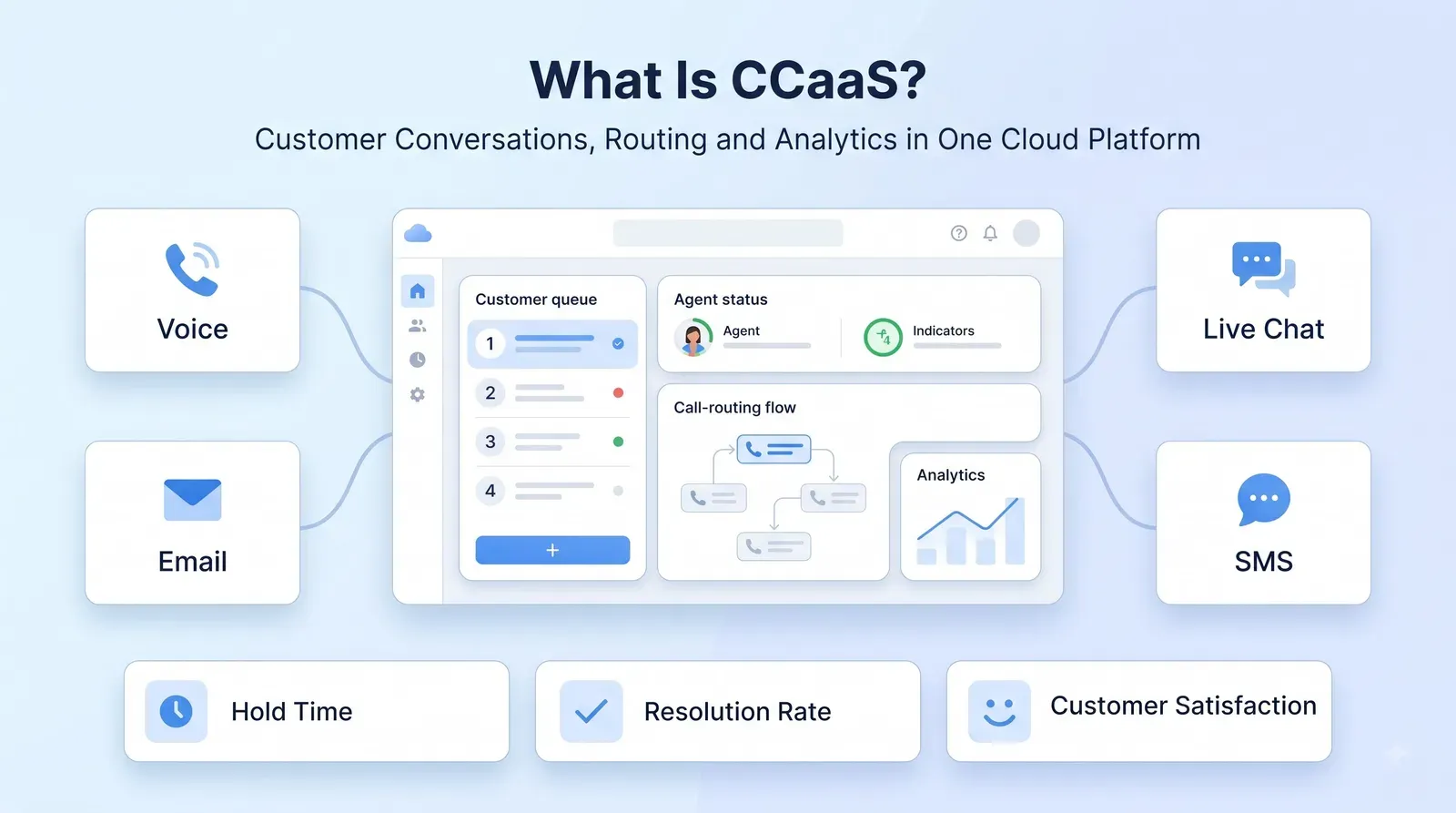
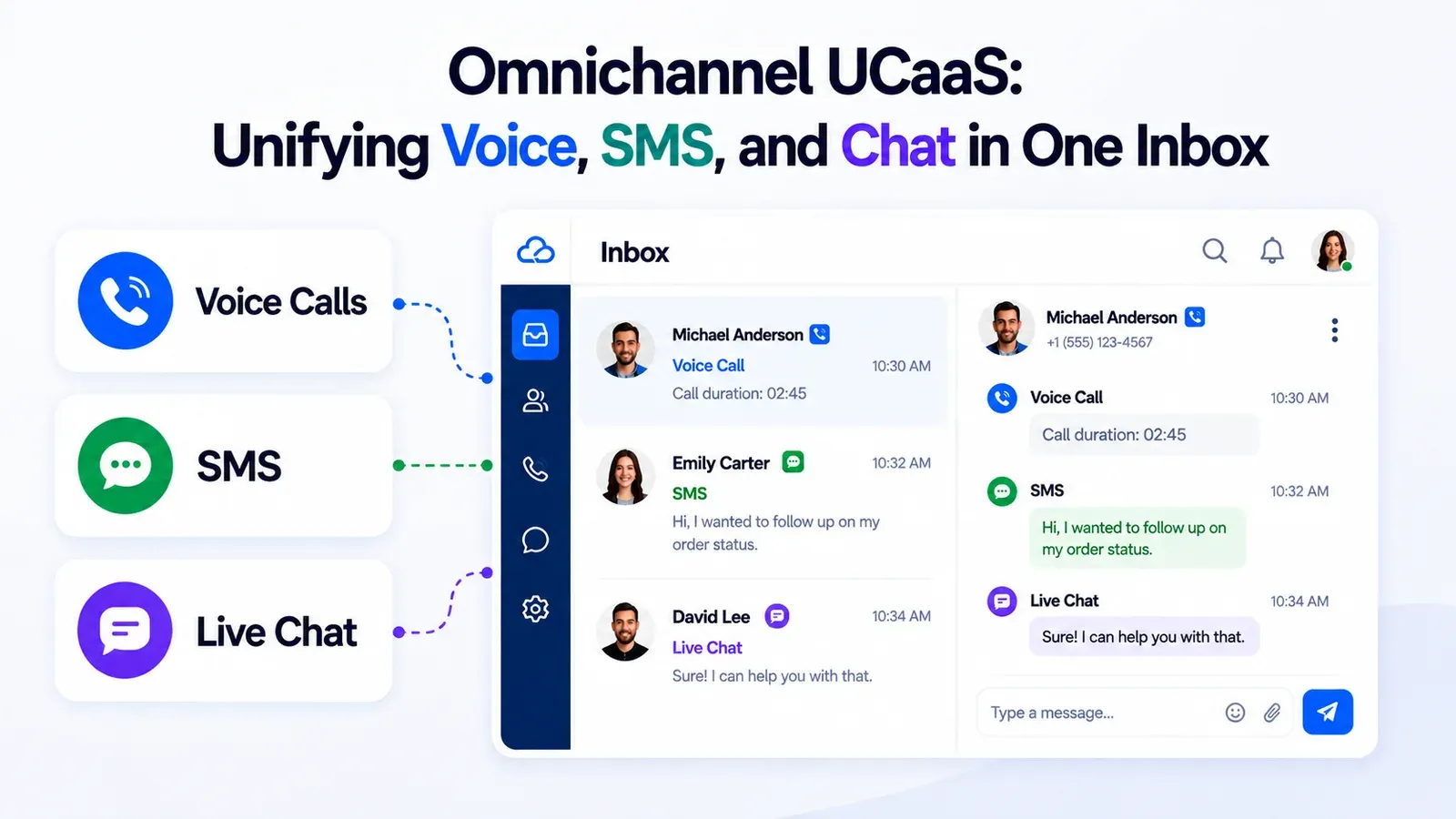
It adds skills-based routing, queue management, live and historical analytics, quality monitoring, and omnichannel support across voice, chat, email, and SMS. Most vendors selling contact center as a service also sell the routing rules and queue dashboards as standard, not an add-on.
The difference shows up fastest in reporting. UCaaS tells you who called whom and for how long. CCaaS tells you average hold time, first-call resolution rate, agent occupancy, and customer satisfaction scores by queue. If your business measures success by response times and resolution rates, contact center as a service is doing a job that general unified communications was never designed to do.
UCaaS vs CCaaS: Key Differences at a Glance
Reading through feature lists side by side is slow, and most vendor comparison pages are written to make their own platform look broader than it is. Here's how the two platforms line up on the categories that actually decide a purchase: who uses it, what it's built for, and what it costs.
Most of these differences trace back to who's actually using the tool day to day — an employee messaging a coworker has very different needs than an agent working a queue against a service-level target.
- Primary user — UCaaS: every employee. CCaaS: support, sales, and service agents.
- Core purpose — UCaaS: internal collaboration. CCaaS: customer interaction management.
- Key tools — UCaaS: voice, video, chat, SMS. CCaaS: routing, queues, omnichannel, analytics.
- Reporting focus — UCaaS: call logs and presence. CCaaS: CSAT, hold time, and resolution rate.
- Typical buyer — UCaaS: IT and operations. CCaaS: customer experience and support leadership.
- Cost per seat — UCaaS: lower. CCaaS: higher, due to added routing and analytics.
This breakdown is the fastest way to settle a UCaaS vs CCaaS debate internally: if the feature in question is about employees talking to each other, it belongs to UCaaS; if it's about managing customer volume, it belongs to CCaaS.
Where UCaaS and CCaaS Overlap
The line between UCaaS and CCaaS has gotten blurrier over the past two years. Analysts have flagged UCaaS-CCaaS convergence as one of the defining trends of 2026, as providers race to fold contact center as a service capabilities directly into their unified communications stack.
The reason is practical: agents don't just take customer calls, they also escalate to internal experts, join internal huddles, and message coworkers about a ticket. A pure CCaaS system with no unified communications layer forces agents to jump between two disconnected apps to do that. This is also why the UCaaS vs CCaaS framing can be misleading if you treat it as strictly either/or — for many businesses, the real answer is both, connected, rather than one replacing the other.
UCaaS vs CCaaS: Which Do You Need?
Further reading: Best UCaaS Providers in 2026
Use this quick framework instead of guessing which platform to buy first.
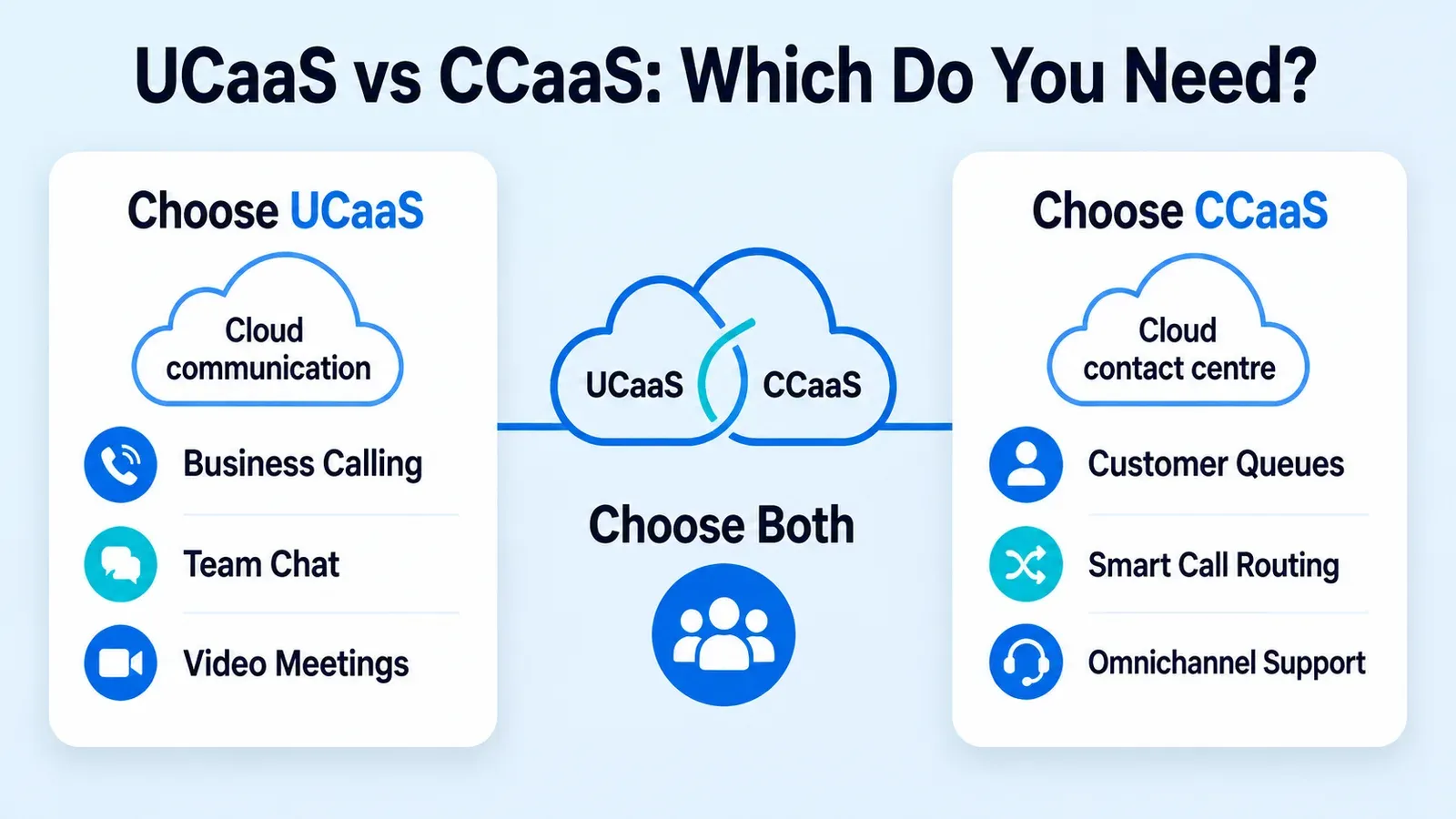
Choose UCaaS first if your team is remote or hybrid and needs one number, one chat app, and one meeting tool; you're still running an on-premises PBX and want to cut hardware and maintenance costs; or nobody on staff is dedicated full-time to answering customer calls.
Choose CCaaS first if you run a dedicated support, sales, or service team handling volume daily; long hold times, missed contacts, or inconsistent service quality are hurting the customer experience; or you need skills-based routing, queue reporting, or omnichannel ticketing that a basic phone system can't provide.
Choose both if you have internal teams that need to collaborate and a customer-facing team that needs structured routing and reporting — which describes most businesses past the very early stage. In that case, the real decision isn't UCaaS vs CCaaS at all, it's whether to run them as two separate systems or one connected cloud communications platform.
The Case for Running UCaaS and CCaaS Together
Further reading: FCC STIR/SHAKEN overview
Two disconnected systems mean two logins, two admin panels, two vendor invoices, and no shared context between the employee who fields an internal escalation and the agent who just handled the customer.
A connected cloud communications platform keeps the customer record, call history, and internal chat thread in the same place, so a support agent can loop in an internal specialist without switching apps or losing the conversation history. That connected approach is exactly how Twiching is built, running UCaaS and CCaaS on a single cloud communications platform rather than bolting a contact center on top of a separate phone system. Business phone, team chat, video meetings, and AI-driven contact center tools — including AI call routing, an AI supervisor, and sentiment analysis — all sit on the same infrastructure, backed by 99.99% uptime and STIR/SHAKEN verified calling. That means a company doesn't have to choose UCaaS vs CCaaS as a permanent either/or decision; it can start with one and add the other without migrating to a new vendor.
UCaaS vs CCaaS: A Real-World Example
Picture a 40-person company that starts with UCaaS to replace its old desk phones — everyone gets cloud calling, video meetings, and team chat. As the customer base grows, a 5-person support team forms and starts drowning in missed calls and no visibility into response times.
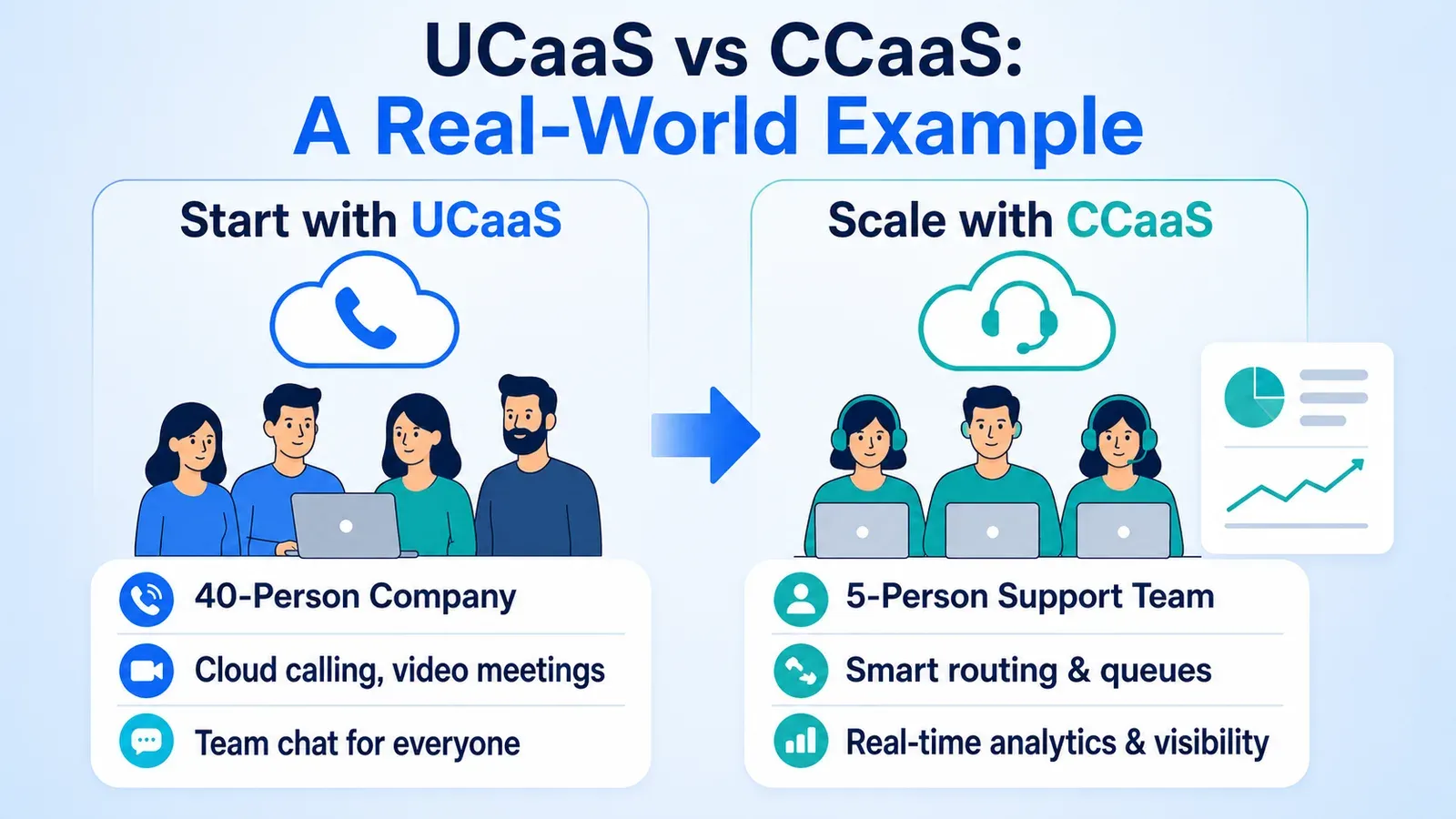
That's the moment CCaaS becomes necessary, not because UCaaS failed, but because the job changed. On a connected cloud communications platform, that support team can be spun up as a contact center queue with routing and analytics, using the same numbers and the same underlying system the rest of the company already uses. No rip-and-replace is required, and no one has to relearn a second app just to answer the phone. That's the practical payoff of picking a platform built to handle both jobs from the start.
Common Mistakes When Comparing UCaaS vs CCaaS
The most common mistake is buying CCaaS features for a team that doesn't need them, paying for skills-based routing and queue analytics when three people share one support inbox. The second most common mistake is the opposite: forcing a growing support team to operate on basic UCaaS calling with no routing, no queue visibility, and no reporting, which quietly damages the customer experience while leadership wonders why satisfaction scores are dropping.
Both mistakes come from the same root cause: sizing the platform to the org chart instead of the actual workload. Matching the platform to the actual job — internal collaboration versus customer interaction management — avoids both, and it's worth revisiting that match every time headcount or call volume shifts meaningfully.
Conclusion
The UCaaS vs CCaaS question isn't about which technology is better, it's about which job you're solving for. Start with UCaaS if you need employees connected to each other, and add CCaaS once you need customers connected to your team with routing and reporting behind it.
And if you need both — which most businesses eventually do — the smartest move is picking a cloud communications platform, like Twiching, that runs UCaaS and CCaaS together from day one. That approach beats stitching two vendors into one workaround, since it avoids duplicate logins, duplicate invoices, and a migration project down the road.