

ML
Marcus Lindqvist
RevOps Lead · Brightpath SaaS
“Click-to-call straight from a HubSpot record killed our tab-switching. Reps log a full day of calls without ever leaving the CRM.”
 Twiching
 HubSpot
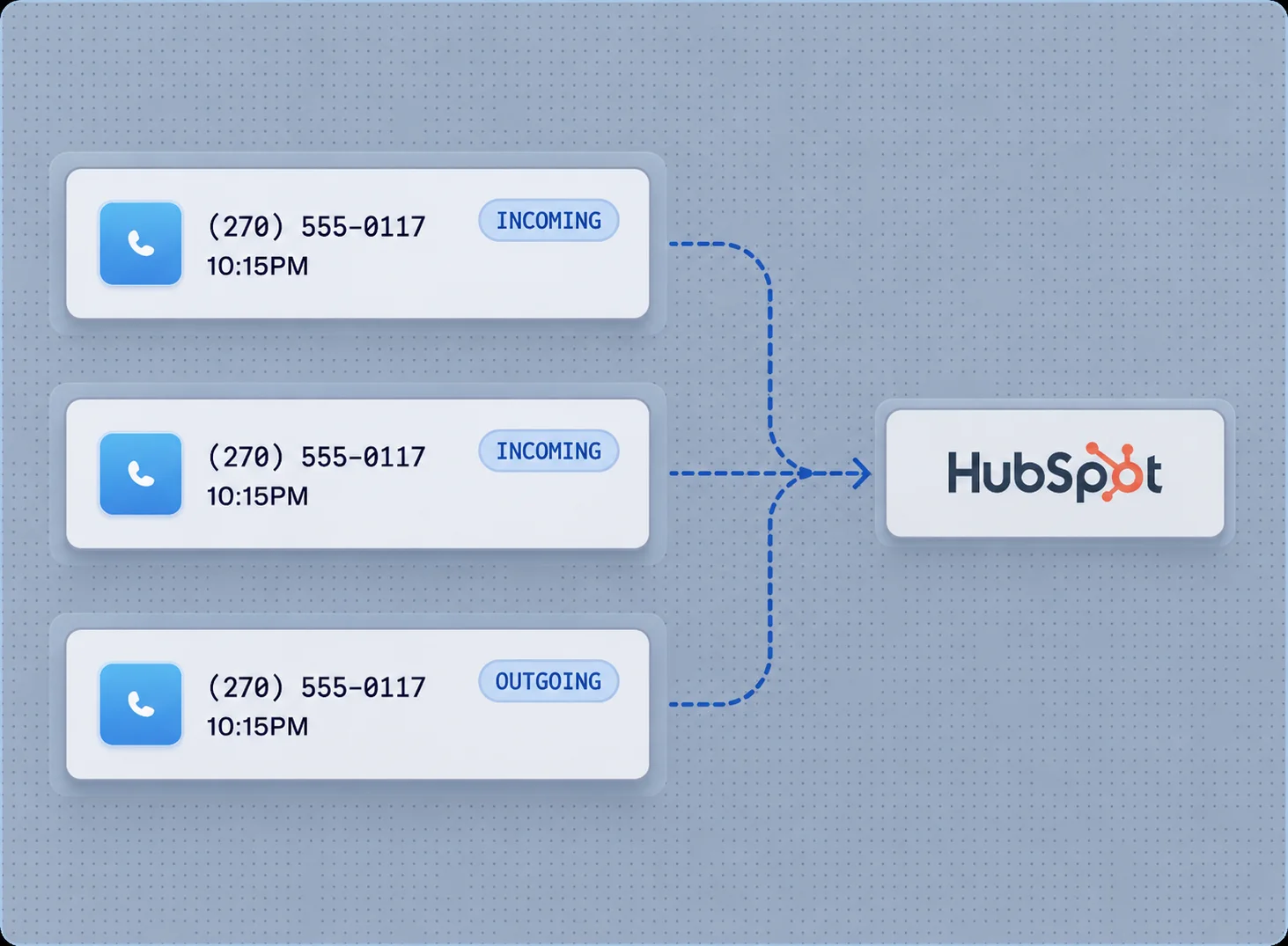
Two-way sync with HubSpot CRM. Click-to-call from any record, automatic timeline logging, AI call summaries, and lifecycle triggers — all without leaving HubSpot.
Beta Inc
$12,000
MCM
$24,500
CALL LOGGEDJane Smith
INCOMING CALL
Discussed Q2 renewal. Customer requested extended payment terms.
AI Receptionist
ACTIVE 24/7
Easily manage inbound calls with an AI receptionist that greets, answers questions, and schedules appointments.
Calls, messages, recordings, and AI insights — automatically logged to the right contact, every time.
Start calls directly from HubSpot contact records. One click, zero context switching.
Every call, voicemail and SMS automatically appears in the contact timeline with duration and outcome.
AI-generated call summaries pushed to HubSpot notes. Know what was discussed without listening.
Contact updates flow both ways. Edit in HubSpot or Twiching — changes sync instantly.
Trigger lifecycle stage changes based on call outcomes. Move deals automatically.
Recordings attached to contact records. One-click playback right in HubSpot.
No developers needed. OAuth login, select your HubSpot portal, and you are live. Calls start syncing immediately.
Jane Smith
VP of Sales, MCM
2 MIN AGO
Outbound call completed
4m 32s · Rep: AlexANSWERED
1 HOUR AGO
SMS sent
Meeting confirmation
YESTERDAY
Inbound call missed
Voicemail: 42s+1 415 555 0100
3 DAYS AGO
Call recording reviewed
AI summary generated
Reliable communication built for modern teams. From clinics to real-estate offices, businesses stay reachable without missed calls, disconnected systems, or outdated phone setups.
Contact UsRevOps Lead · Brightpath SaaS
“Click-to-call straight from a HubSpot record killed our tab-switching. Reps log a full day of calls without ever leaving the CRM.”
Sales Director · Nimbus Software
“AI call summaries land in the contact timeline automatically. Our managers stopped asking what happened on every call.”
Head of Sales Ops · Vantage Group
“Two-way sync just works — edit a contact in either system and it stays correct everywhere. No more stale records.”
CRM Admin · Coastline Realty
“Setup was one OAuth click. We were logging calls to HubSpot before lunch.”
RevOps Lead · Brightpath SaaS
“Click-to-call straight from a HubSpot record killed our tab-switching. Reps log a full day of calls without ever leaving the CRM.”
Sales Director · Nimbus Software
“AI call summaries land in the contact timeline automatically. Our managers stopped asking what happened on every call.”
Head of Sales Ops · Vantage Group
“Two-way sync just works — edit a contact in either system and it stays correct everywhere. No more stale records.”
CRM Admin · Coastline Realty
“Setup was one OAuth click. We were logging calls to HubSpot before lunch.”
FAQ
All of them — Starter through Enterprise. Click-to-call, timeline logging, and two-way sync work the same on every tier.
Getting started takes just a few minutes. Simply log in to the Twiching online portal, connect your HubSpot account with secure one-click authorization, map your users to HubSpot owners, and your calls will start logging automatically.
Yes. Two-way sync keeps contacts current in both systems — edit a record in HubSpot or Twiching and the change propagates instantly.
Every recording is linked to the contact record with one-click playback right inside HubSpot. AI summaries are pushed to the contact notes automatically.
Yes. Lifecycle stage changes can fire from call outcomes, so deals move through the pipeline automatically without manual updates.
Get started
Phone numbers, voice, SMS and AI on one account. No credit card required to get started.
Compliance with applicable regulations required.