Introduction
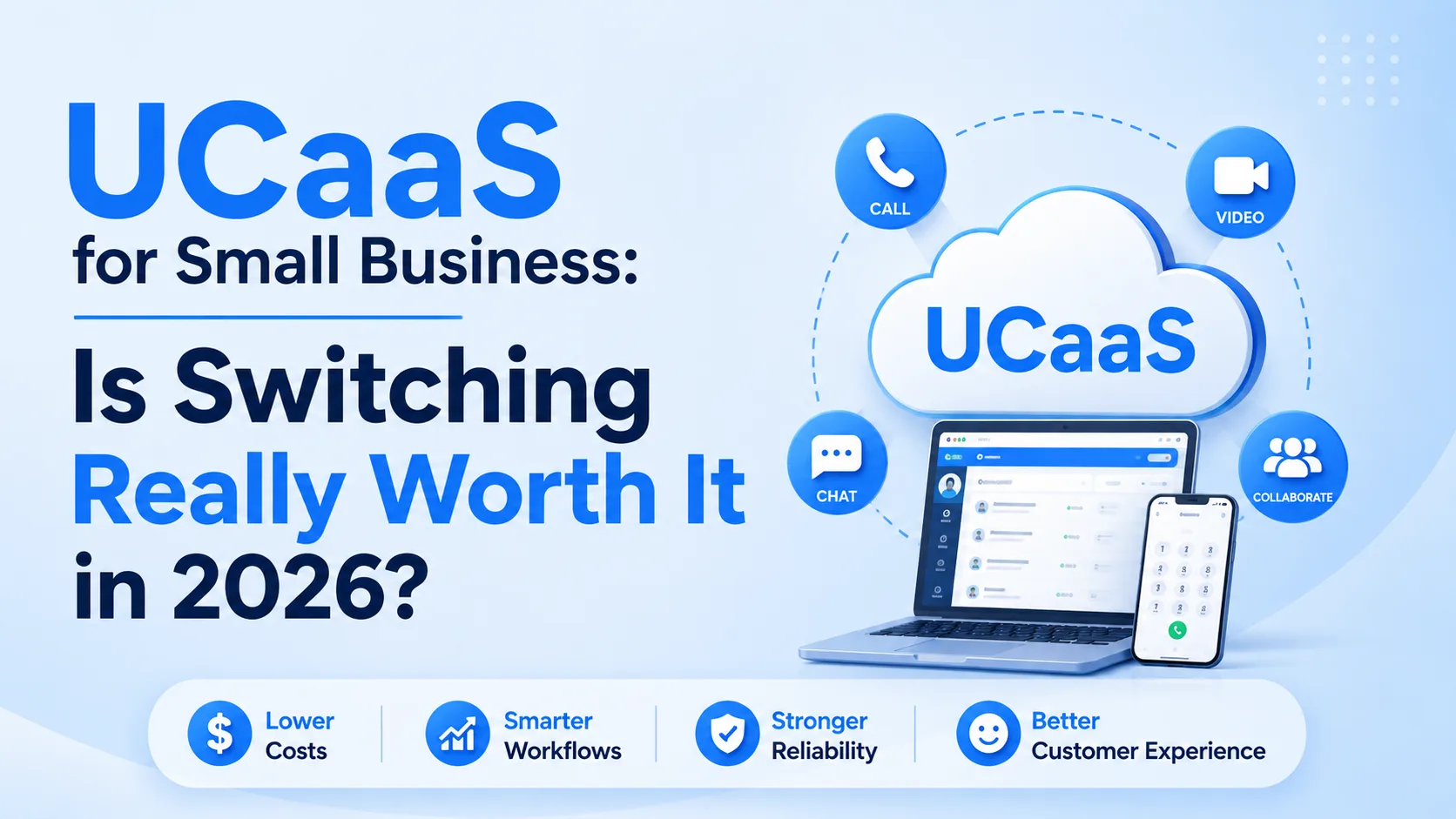
Every small business eventually asks the same question about its phone system: is it actually holding us back, or does switching just sound appealing? UCaaS vendors have an obvious answer, and it isn't a neutral one.
The more useful version of this question isn't "what is UCaaS" or "which provider is cheapest" — it's whether your specific business, at its specific size and stage, has crossed the point where switching pays for itself faster than it costs you in disruption. This guide skips the pitch and works through the actual decision: the concrete signs you've outgrown your current setup, what the switch really costs in time and money, the friction points that don't show up in a sales demo, and — just as importantly — who should hold off for now.
The Real Signs You've Outgrown Your Current Phone System
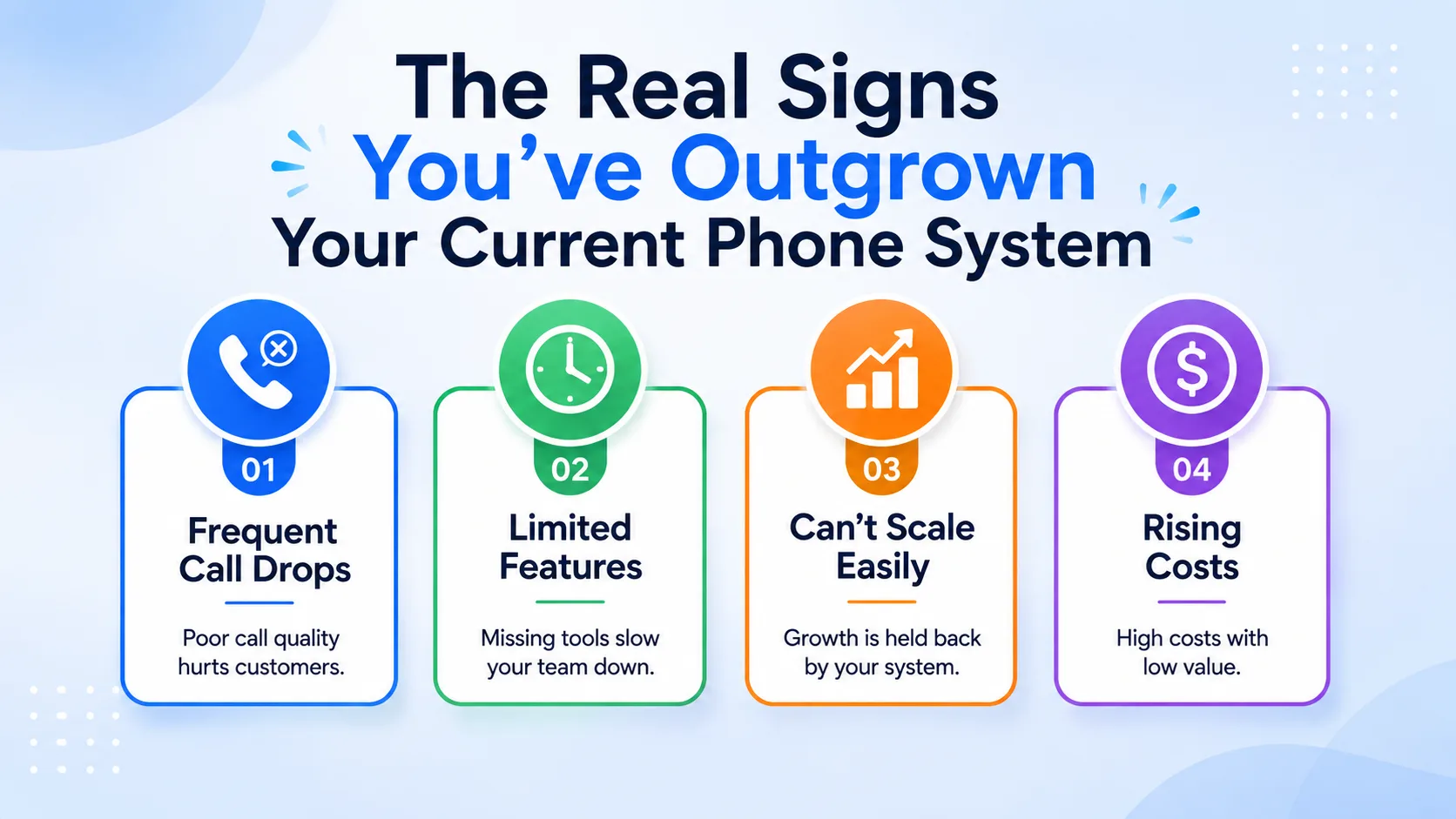
"Our phone system is old" isn't a strong enough reason to migrate a working business process. The signs worth acting on are more specific — they point to an actual cost or risk your current setup is creating right now, not a vague sense that something newer exists.
- You're paying a technician to add, move, or reconfigure a desk phone every time someone joins, leaves, or works from a new location
- Remote or hybrid staff are using personal cell numbers for business calls because the office phone system has no mobile equivalent
- A missed call has no visibility — no one knows it happened until the customer calls back frustrated or gives up entirely
- Adding a new location means buying and provisioning new on-site hardware rather than just assigning numbers to new users
- Your team is manually copying call notes into a CRM instead of that happening automatically
- You've had an outage or hardware failure that took phones down for hours with no failover
One or two of these showing up occasionally isn't a crisis. Three or more happening regularly is usually a sign the cost of staying put — in technician callouts, missed revenue, and staff time — has quietly exceeded the cost of switching.
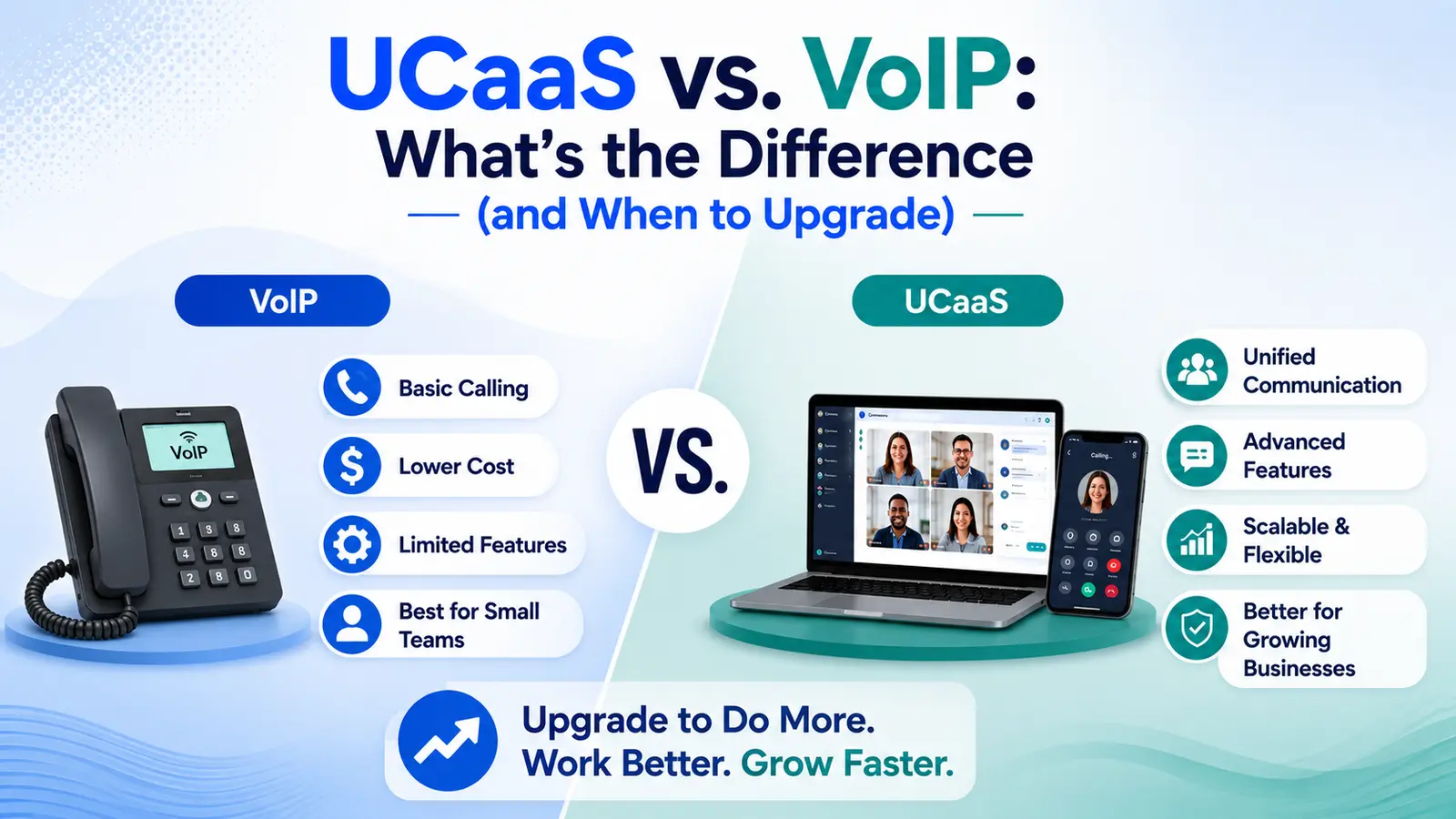
Further reading: how UCaaS differs from a traditional VoIP setup
What Actually Happens When You Switch
Vendor pitches tend to compress migration into "you'll be up and running in minutes," which is true for creating an account and misleading about the full transition. A realistic small-business migration looks closer to this:
- Setup — create the workspace, configure users, extensions, and call routing: same day to a few days
- Number porting — existing business numbers transfer from your old carrier, the step most often underestimated on timeline: 1–2 weeks, sometimes longer per carrier
- Parallel run — old and new systems both active while staff learn the new tools and routing is verified: 1–2 weeks
- Cutover — old system fully retired, all calls routing through the new platform: 1 day
- Team adjustment — staff building real fluency with new call flows, chat, and any AI features: 2–4 weeks
The total realistic window from decision to full team comfort is closer to four to six weeks than the same-day activation the signup flow itself suggests — and number porting, not software setup, is almost always the actual bottleneck.
The Cost-Benefit Math Nobody Runs Before Signing
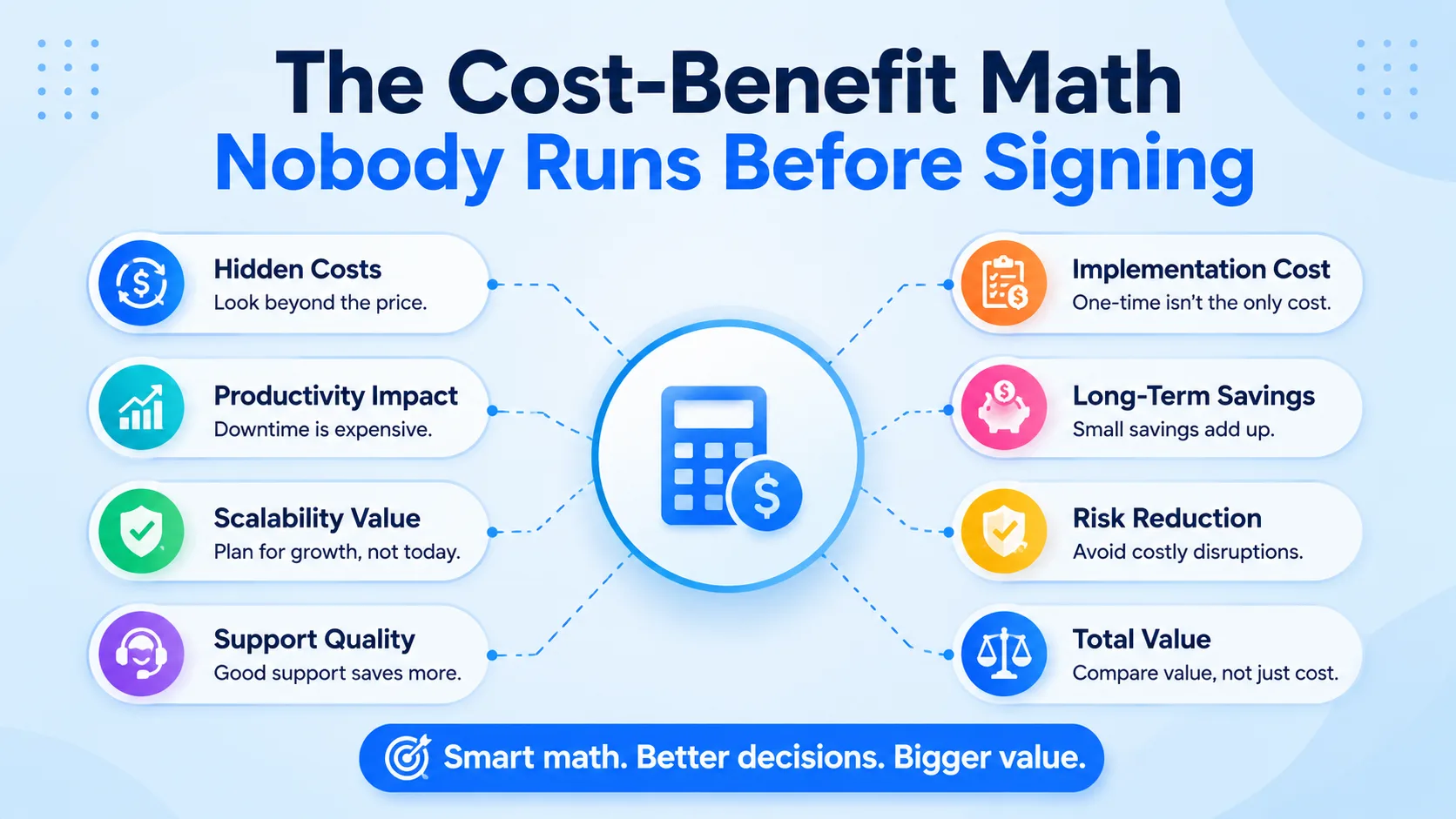
Comparing a UCaaS subscription against your current phone bill alone understates the real picture in both directions — it can hide savings that don't show up on an invoice, and it can hide costs that do.
- Hardware — upfront PBX purchase and periodic replacement on a legacy system, versus none required with UCaaS (desk phones optional)
- Adds, moves, and changes — a billed technician visit on legacy hardware, versus self-service in a web dashboard on UCaaS
- Multi-location expansion — new hardware per site on legacy systems, versus the same account with new users assigned on UCaaS
- Missed-call recovery — manual, if it happens at all, on legacy systems, versus an AI Receptionist that answers and logs every call on UCaaS
- Outage risk — a single point of failure on-site with legacy hardware, versus carrier-grade infrastructure with redundancy on UCaaS
- Monthly cost per seat — often bundled and opaque on legacy contracts, versus published per-user tiers that are easy to forecast on UCaaS
The line that matters most for most small teams is missed-call recovery — a business fielding even a handful of missed inbound calls a week from prospects is very often losing more in unconverted leads than the entire monthly UCaaS bill costs.
Further reading: SBA: Calculate Your Business Costs
The Friction Points Vendor Pitches Leave Out
Further reading: Wireless solutions for business phone systems
None of these are reasons to avoid switching outright, but every one of them is worth planning for rather than discovering mid-migration.
- Call quality depends on your internet connection — a location with unreliable broadband will carry that instability into every call, regardless of which platform you choose
- Number porting timelines are set by your losing carrier, not your new provider, and delays of a week or more beyond the estimate aren't unusual
- Staff who've used the same desk phone for a decade need real training time, not just a login email — budget for at least one short onboarding session per team
- Some legacy integrations (older alarm systems, fax lines, elevator phones) may need a dedicated analog line even after the main system moves to UCaaS
- A full switch during a peak business period compounds the disruption — timing the cutover for a slower week meaningfully reduces risk
Who Should Hold Off on Switching Right Now
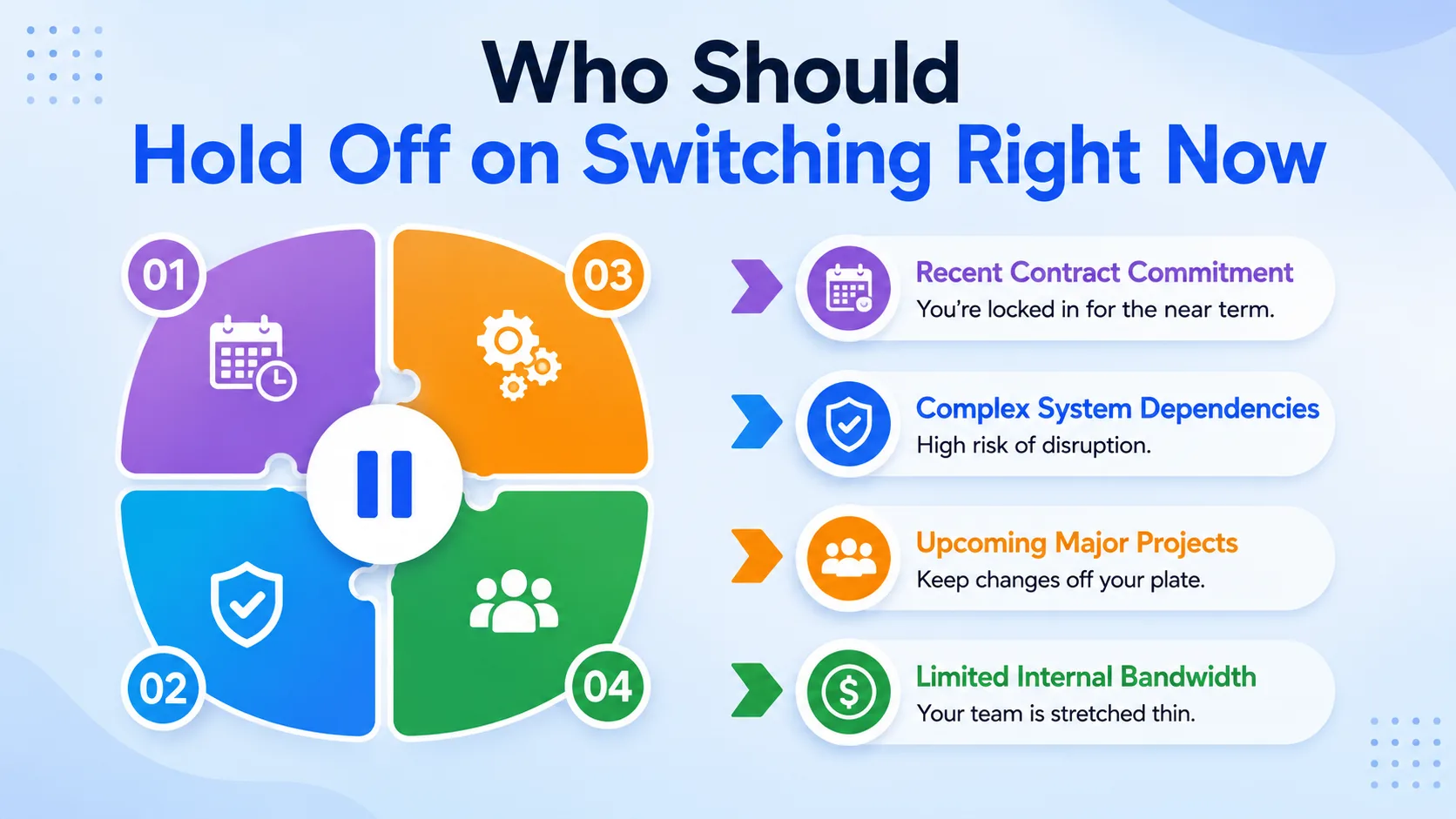
Not every small business benefits from switching immediately, and it's worth being honest about when waiting is the better call.
- You're still under a multi-year contract or lease on existing phone hardware with a steep early-termination cost that outweighs the near-term savings
- Your team is two or three people with no missed-call or scaling pain — the current setup, while basic, isn't actually costing you anything measurable
- You're mid-way through an office relocation or major reorg — layering a phone-system migration on top of another disruption multiplies risk for no added benefit
- Your internet connectivity at the primary location is genuinely unreliable and hasn't been addressed — fix that first, since it will undermine any cloud-based system regardless of vendor
- You have no one internally who can own the two-to-four-week transition — a migration with no clear owner tends to stall halfway through
If none of these apply and the readiness signs from earlier in this article are showing up regularly, the calculus generally favors switching sooner rather than later — the cost of staying tends to compound quietly, while the cost of switching is front-loaded and finite.
A Simple Decision Framework
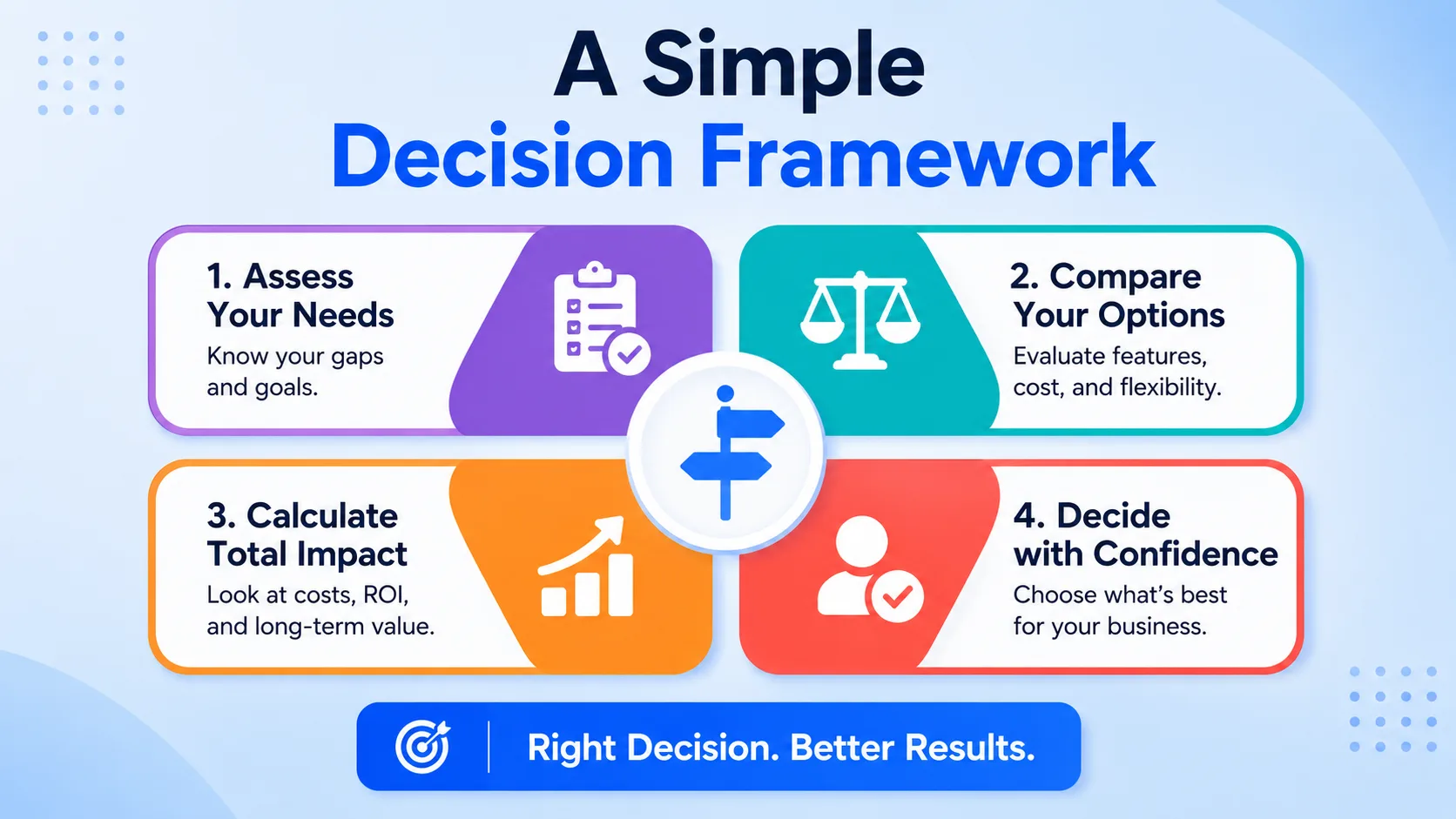
Four questions, answered honestly, cover most of what determines whether switching is worth it for your specific business right now.
- 01Is a measurable cost — missed calls, technician fees, remote-work workarounds — happening today because of your current system? If you can't name one, the urgency isn't there yet.
- 02Do you have four to six weeks where a phased migration won't collide with your busiest season or another major operational change?
- 03Is your internet connection at each location stable enough to carry voice traffic reliably? If not, that's the actual prerequisite, not the phone system itself.
- 04Does someone on your team have the bandwidth to own number porting, staff training, and the cutover — even part-time, for a few weeks?
Three or four "yes" answers is a strong signal to move forward. One or two is a signal to fix the underlying gap — usually connectivity or ownership — before starting the switch, not to abandon the idea entirely.
Further reading: top UCaaS features worth prioritizing
Conclusion
Whether UCaaS is worth switching to isn't a question with one universal answer — it's a question with a specific answer for your specific business, and that answer comes from honestly checking the readiness signs, running the real cost math, and confirming you have the connectivity and internal ownership to carry a migration through. For a small business already absorbing missed calls, technician callouts, and workarounds for remote staff, the math generally tips toward switching sooner rather than later.
For a business mid-relocation, under a hardware lease, or without anyone to own the transition, the more disciplined move is fixing that gap first and revisiting the decision once it's closed.