Introduction
Call center software will manage your queues, route your customers' calls and provide your supervisors with real-time dashboards. Most teams will look to invest in this software once they start struggling with their shared phone line.
This usually includes slow wait times, no insight into which calls have been missed and no visibility for management into who needs support. This guide will walk you through what it does, what features will make it a useful piece of software, whether cloud or on-premises suits you, how dialers and compliance impact your choice and how to ensure you have a fair process.
What is call center software?
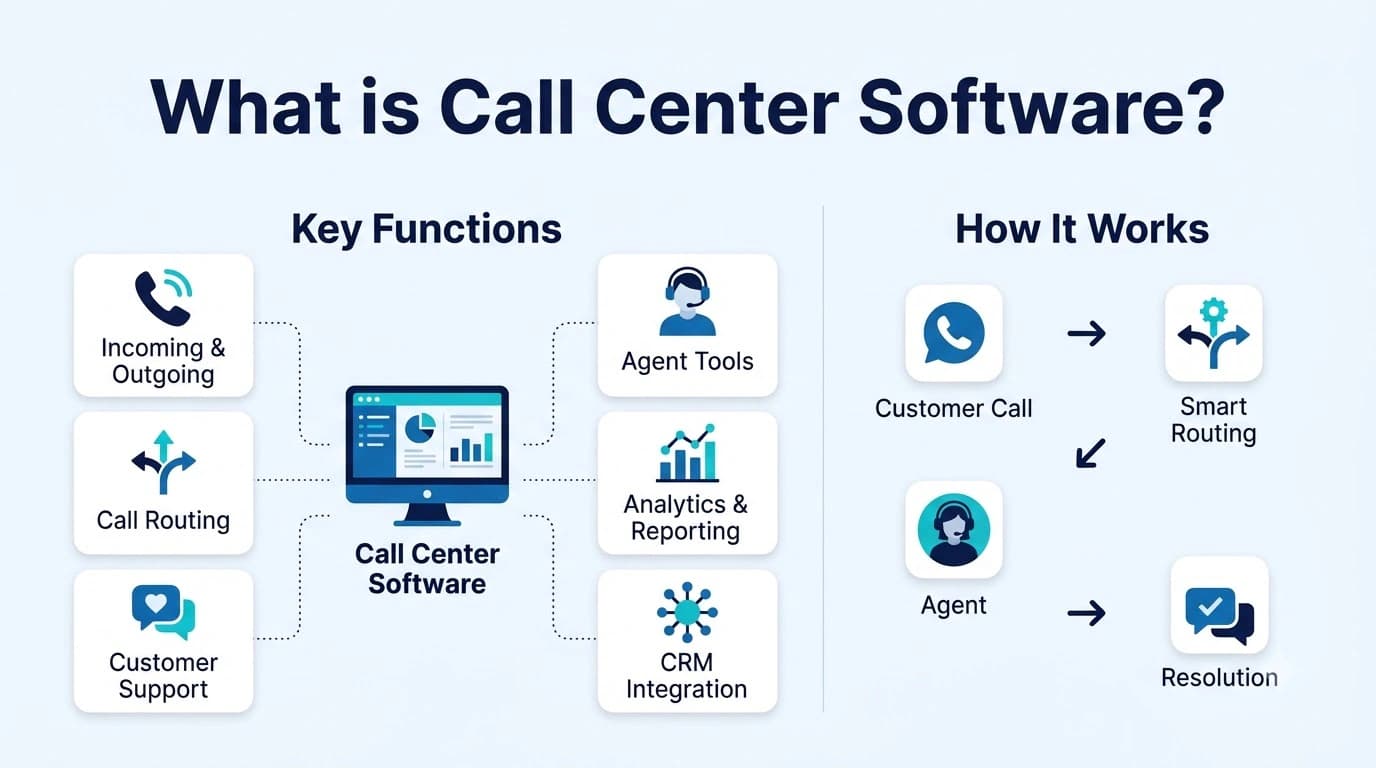
At the most basic level it will answer your call, decide who should take it and log the call. However, unlike your phone system it will make use of call queues.
Where your phone system would simply ring an individual or team, your call center software will place them in a queue. Software such as Twiching's contact center will use skills based routing to find the best available agent to take the call. It will also give you insights into how long your customers waited and how the calls ended. Supervisors will be able to use tools to eavesdrop, coach and step in. If you are unsure where you fall in this, check out our UCaaS vs CCaaS guide to see where your phone system ends and your contact center begins.
Further reading: Twiching's contact center
Further reading: UCaaS vs CCaaS guide
Modern platforms allow you to add multiple communication channels. Any texts, chats or messaging apps customers could use will be added to the same queue meaning your agent will only have one customer history to deal with.
Cloud or on-premises call center software
Where the software runs makes a big difference to your costs and your upkeep.
On-premises software will run on servers in your own building. You will have more control, but you will also look after the upgrades and repairs yourself, and a second office will usually mean more equipment.
Cloud call center software will run on your provider's servers. Your agents will log in through a browser or an app, so working from home is no different to working at the office, and your provider will deal with the updates. The trade-off is that your call quality will depend on your internet connection.
Key features of call center software
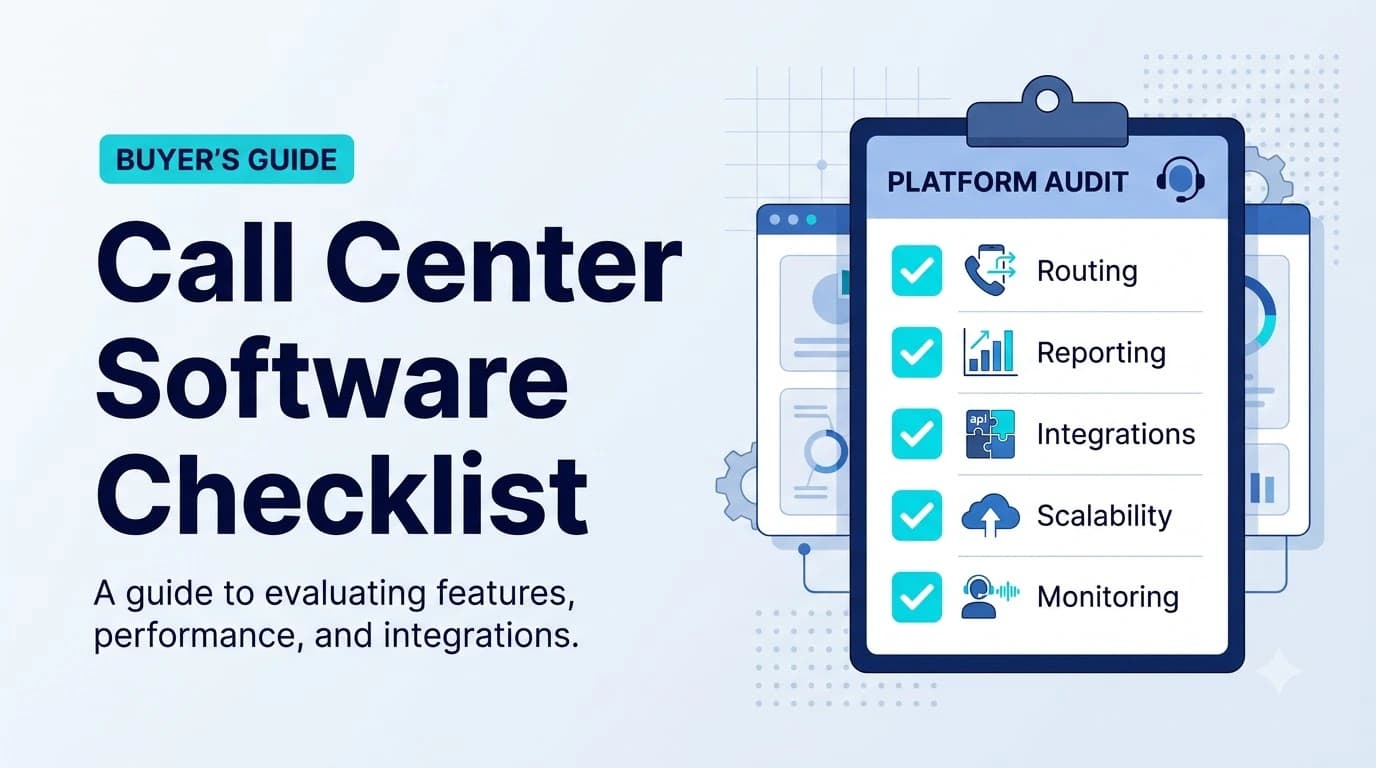
While these feature pages can be lengthy, here are some features that will really transform your floor:
- Skill based routing – Calls are routed to the best available agent.
- Queue management – Customers can be placed on virtual hold and receive a callback.
- Omnichannel – Voice, SMS, social messaging and web chat.
- Supervisor tools – Live eavesdropping, whisper and barge tools. Enables coaching and stepping in.
- Real time analytics – Real time dashboards of your queues, agents and campaigns.
- CRM integration – Call notes saved against the customer record.
- Agent assist and sentiment – AI tools to suggest next best actions and flag upset callers so the call can be passed to a senior agent.
- Call recording – Record calls for training and disputes. Ideally with configurable retention.
Our contact center platform enables us to combine voice, SMS, WhatsApp and web chat into one queue. We can also offer sentiment based routing, virtual hold and live supervisor tools.
Inbound, outbound and blended call center software
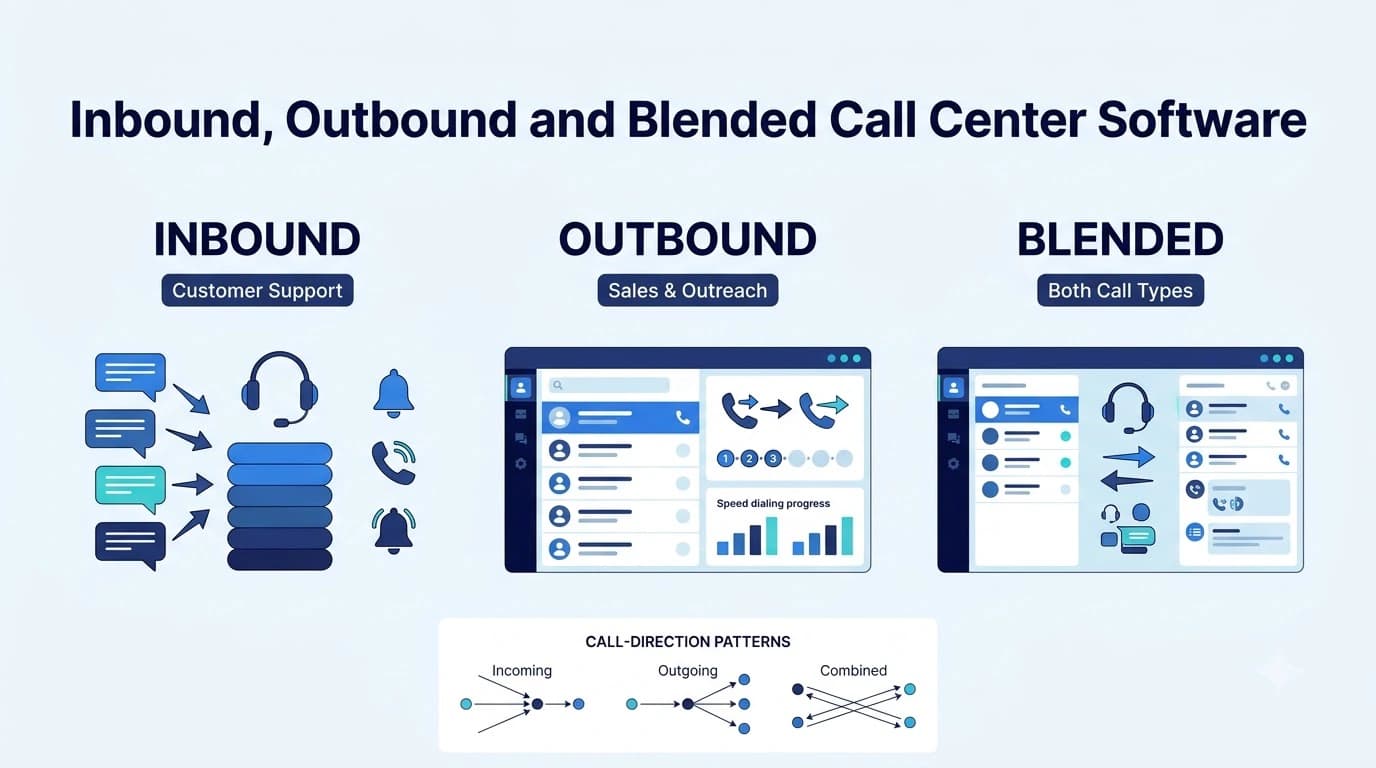
Depending on your team's use case you may want different features. If you mostly take calls you will be looking at inbound call center software. If your agents mostly make calls you will want outbound call center software.
- Inbound support — required features: Queues, routing, callbacks, call recording and analytics; common user: Customer support and service desks
- Outbound sales — required features: Dialers, list management, DNC clean up and live coaching; common user: Sales and collections
- Blended — required features: All of the above – agents will move between queues and campaigns; common user: Mid sized teams
Outbound teams will want to consider the type of dialer used. Power dialers will dial one by one to your agents. This is great for high value lists. Predictive dialers will dial ahead of your agents to ensure they are always speaking. This is great for large lists but will need to be managed carefully for compliance. Progressive dialers are ideal if you would like to preview your contact. These are often the favored choice in highly regulated industries.
We offer both power and predictive dialers with answering machine detection and DNC clean up. Our higher tiers also offer a progressive dialer. Our pricing page shows we offer auto dialers on the Enterprise plan.
Compliance considerations for call center software
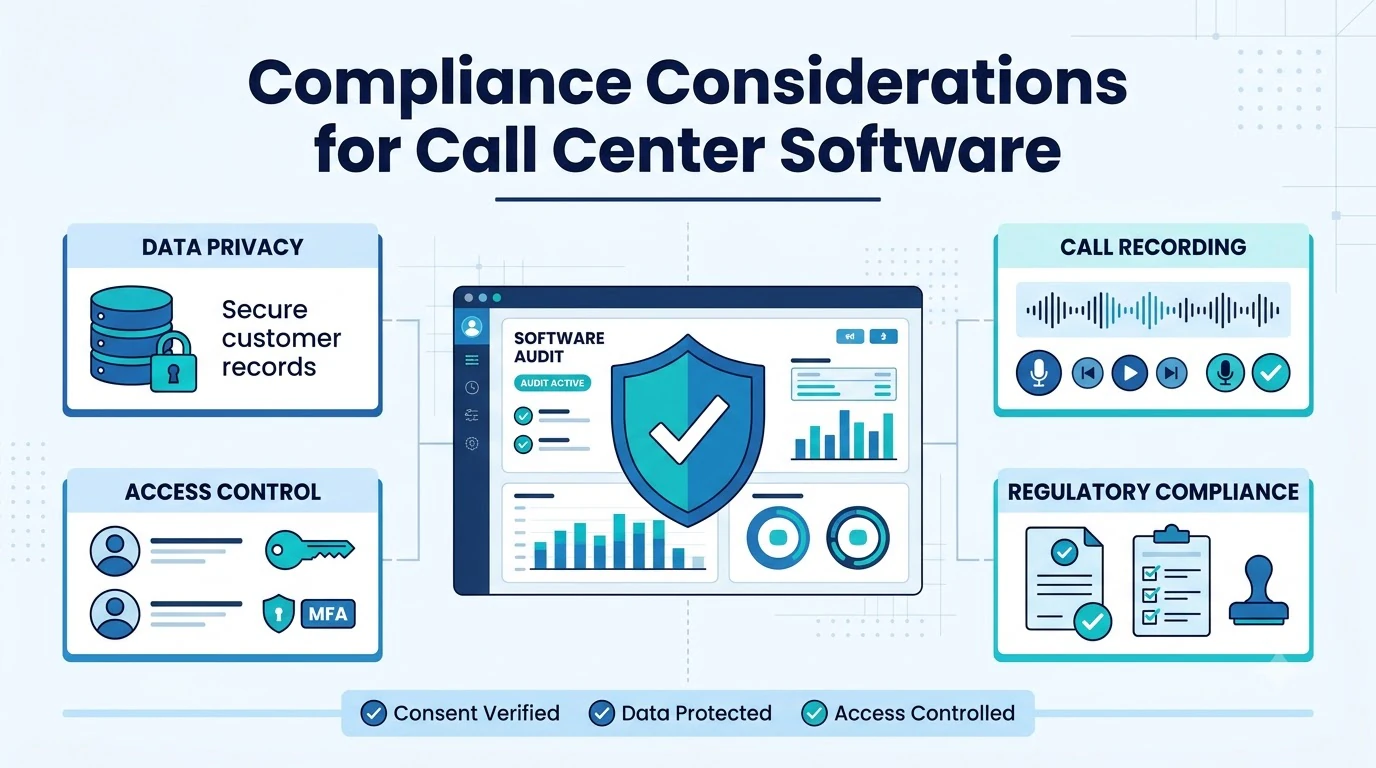
When calling customers in bulk there are legal implications to consider. Your call center software should help you stay within the guidelines.
Ask about how DNC lists are handled, time of calls, consent logs, call abandonment limits, how your outbound numbers are verified (calls with no signature are more likely to be marked as spam) and where your call recordings are stored, how long they are kept and who has access to play them. Rules on recording calls also differ by state.
The starting point for any outbound telemarketing in the USA is the Telemarketing Sales Rule (16 CFR Part 310). There may also be state and other federal regulations. Speak to your counsel to ensure you know your obligations.
Further reading: 16 CFR Part 310
How to choose call center software
A good process will ensure you select the right software for your team.
- 01List your call flow – Where are your calls coming from, who is taking them and where are they going?
- 02Essential and optional features – Routing, recording and reporting are often essential. Advanced AI is often optional.
- 03Channels – If customers are using texting or messaging apps then make sure it is included.
- 04Live testing with agents – Get your agents to try live scenarios. This includes transferring calls and supervisor intervention.
- 05Integrations – Will your CRM and helpdesk integrate? This will determine if your agents have to type notes again after every call.
- 06What is included? – Sometimes compliance, analytics and AI can have extra charges.
When you book a demo, ask to see one of your own call flows rather than a scripted one.
How much does call center software cost?
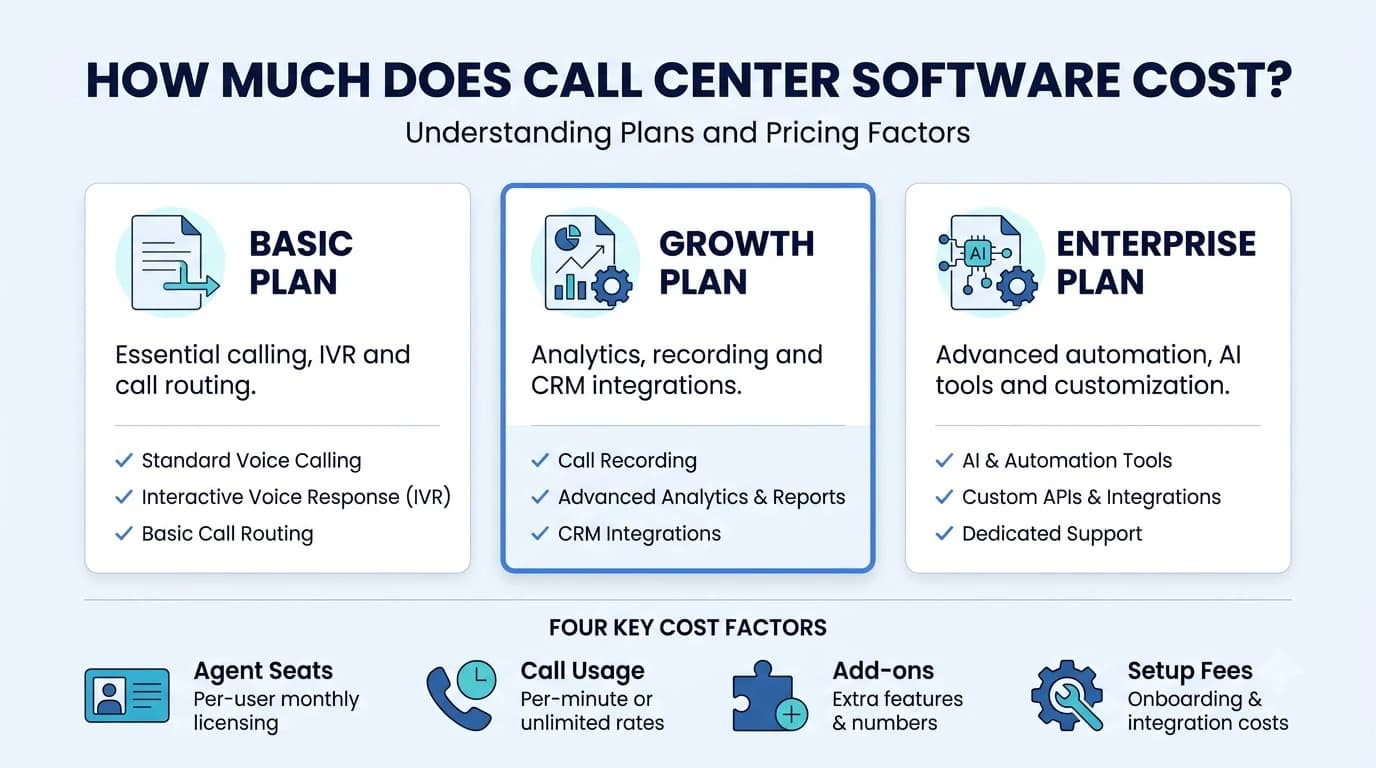
Most cloud platforms will charge a monthly fee per user. Depending on the tier you will have different features available. Often there will be additional costs for dialers, analytics, recording retention and AI minutes.
From Twiching's public pricing you can see that the Professional plan, at $15.99 per user per month billed annually, includes omnichannel messaging, CRM integrations, supervisor tools and call recording with 30-day retention, with a three-seat minimum. Enterprise, at $25.99 per user per month (annual billing), gets you auto dialers and advanced recording with 1 year retention. There is a minimum of 10 seats.
As it is annual billing you will get a discount. If you have 50+ seats you will be moved onto custom pricing. Be careful to read the overage rates and fair usage policies. Try them out on the trial.
Conclusion
Finding the right call center software for your agents will mean they can work as they normally would and give supervisors visibility. Start by considering your call flow, think about which features will really make a difference to your daily operations and ensure compliance is built into the platform.
Shortlist 2-3 platforms and ensure you run them through the same live scenarios. Usually the difference comes through in the more complicated scenarios: can they transfer calls, callback, handle an upset customer and supervisor intervention?