Introduction
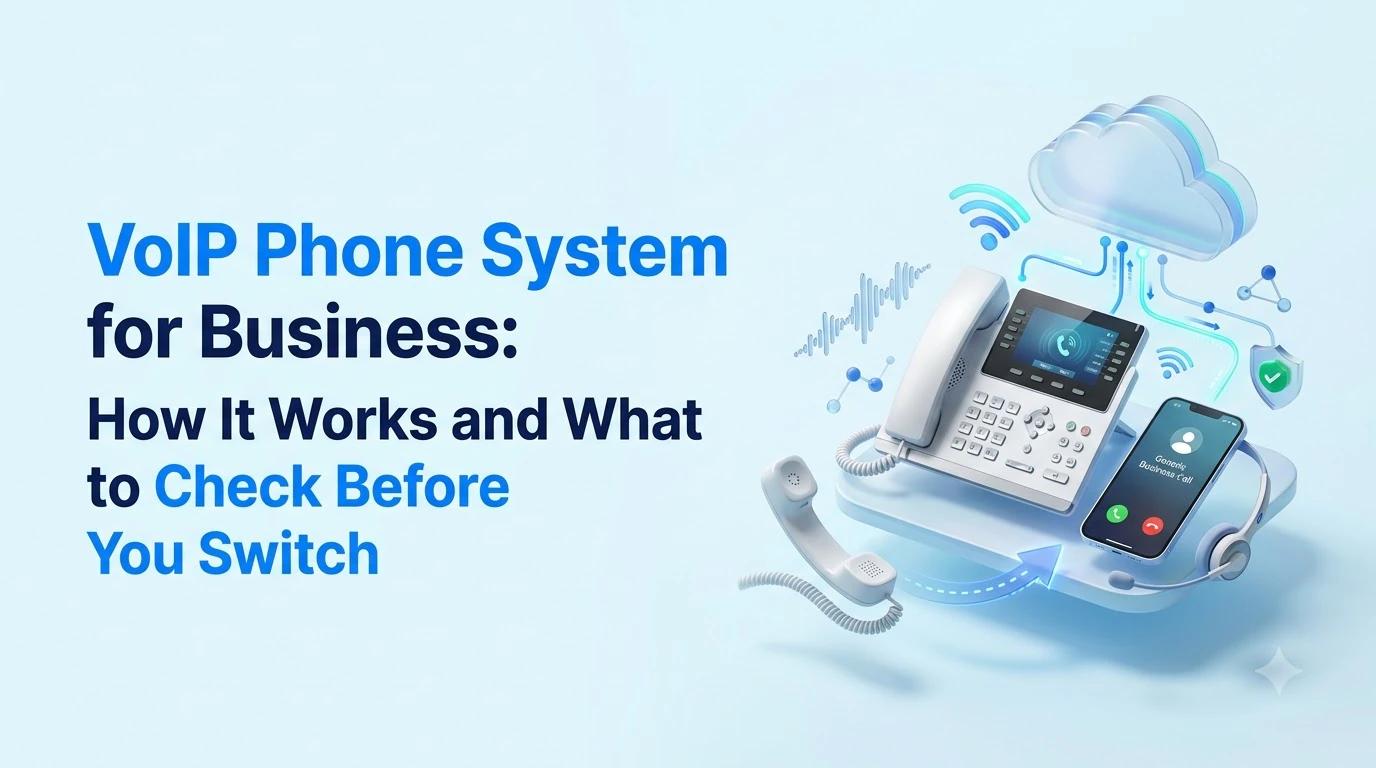
A VoIP phone system for business will use your internet connection to make and manage calls. Most small and medium sized businesses now use these systems as they allow new users, locations, and remote workers to be added easily to the system without any additional wiring.
This guide will explain how they work, the features they should have, the requirements your network will need, how emergency calls are managed, and tips on choosing your system.
How a VoIP Phone System for Business Works
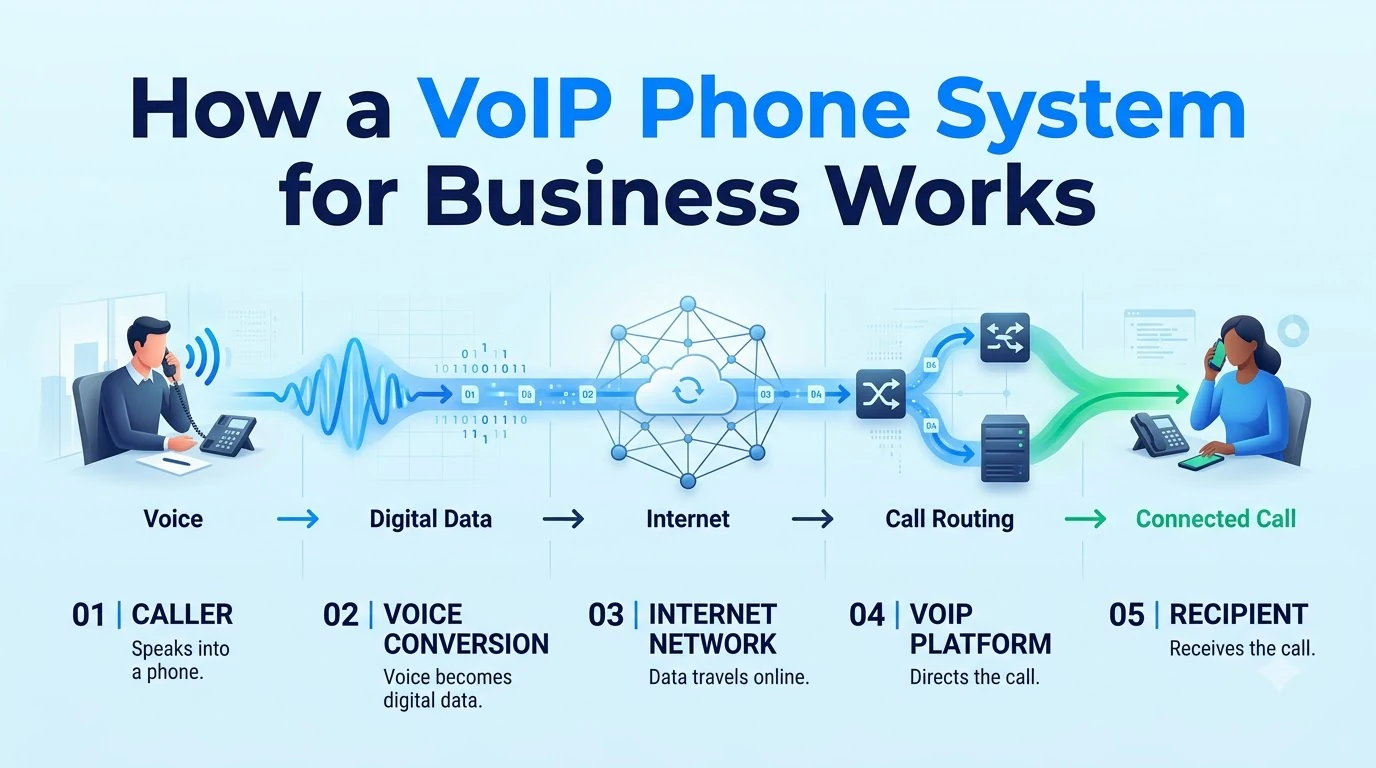
When a caller contacts your business number, it will be picked up by the provider's platform. It will then be routed to where you want it to go. This can be a desk phone, laptop application, mobile application or even a group of people. These calls will be converted into data packets then sent via the internet. At the end of the call they will be converted back into sound.
The 3 main components you'll find are:
- The Service — This will store your numbers, call flow and voicemail.
- The Endpoint — This will be your phone, application, or headset.
- The Network — This will be your office internet connection or home/mobile.
As the call flow is managed via software, updates that would otherwise require a technician can be managed in your admin portal. This means adding new extensions, changing your hours, or forwarding calls to a mobile application can be done within minutes.
VoIP vs Traditional Phone Lines
Many people will be looking at switching from their current phone lines to a VoIP system, below is a breakdown to help you understand.
- Setup — traditional phone lines: Wiring and a technician visit; voip phone system: Software settings and apps, plus desk phones if you want them
- Adding a user — traditional phone lines: A new line or extension on the on-site box; voip phone system: A new seat in an admin portal
- Remote staff — traditional phone lines: Hard without forwarding workarounds; voip phone system: Works from any internet connection
- Cost model — traditional phone lines: Line rental and hardware upkeep; voip phone system: Per user per month, plus any add-ons
- If the internet fails — traditional phone lines: Lines usually keep working; voip phone system: Calls stop unless you have a backup plan
The bottom row explains the compromise between traditional and VoIP systems. Traditional phone lines are not reliant on your internet connection while VoIP is. For most teams, the flexibility of the system is worth it. However, you should think about what you will do if there is an outage.
What a Business VoIP System Includes
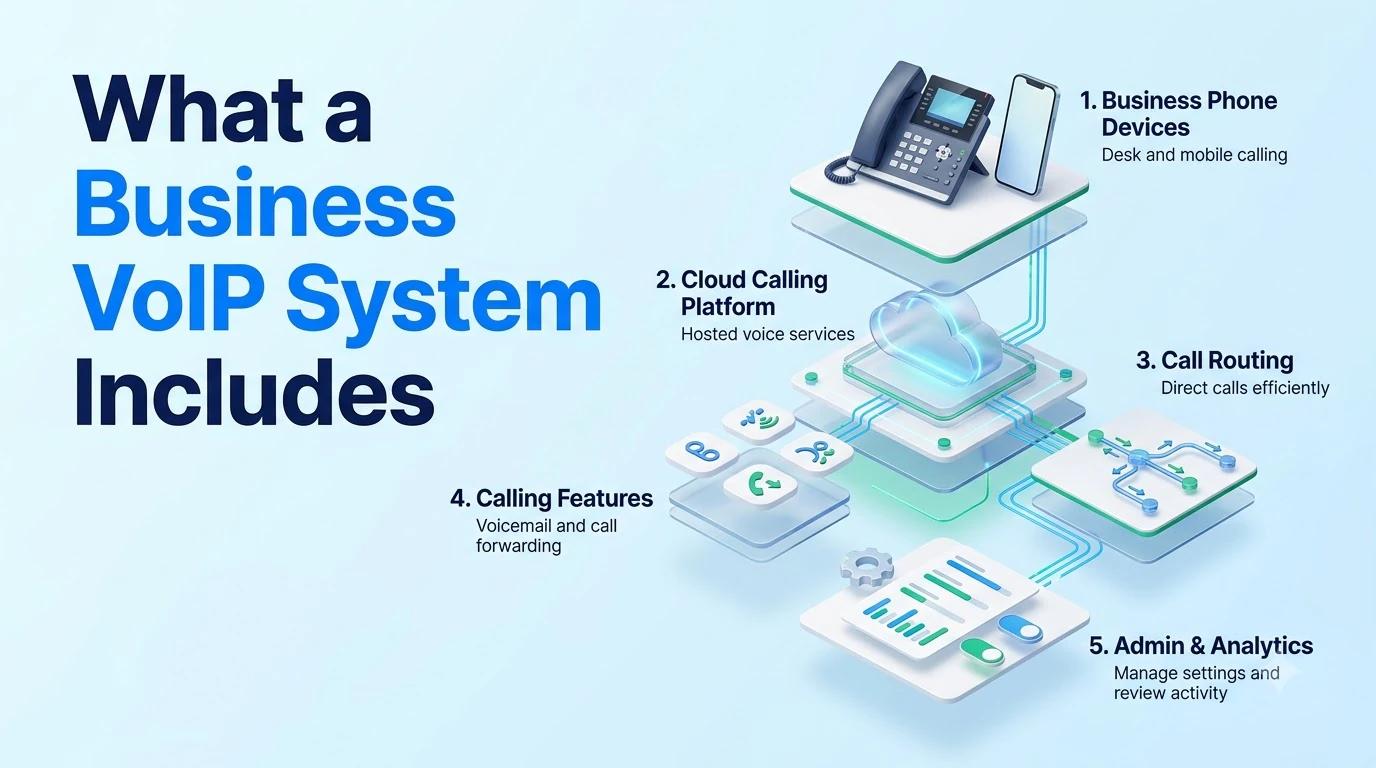
Calling is the baseline. The great thing about a VoIP system is the extra features that come with it.
You may not need all of these features as a business, choose the ones that align with how your team currently work.
- Auto Attendant — Menu and working hours to route the call to the correct person/team.
- Extensions & Call Flow — Intercom, paging, park, forward and ring groups.
- Voicemail — Ideally with transcription.
- Mobile & Desktop Applications — Allows your team to use their business number on any device.
- Business Texting — Customers will expect to text your business number.
- Call Recording — Can be used for training and disputes. You can also manage how long calls are stored.
- Integrations — Integration with a CRM so your call history is attached to your customers.
Twiching's Business Phone offers call, text, video and voicemail all in one account. It also offers 3 digit extensions, intercom, paging and park on your mobile and desktop. Along with an AI receptionist.
Further reading: Twiching's Business Phone
Is Your Network Ready for VoIP?
Voice is much more sensitive to a poor connection than email or web browsing. While a slow loading page can be frustrating, a call with jitter or packet loss will be very frustrating for your customer.
- Jitter — Uneven delivery of your voice packets.
- Latency — Delay between you speaking and hearing.
- Packet Loss — Small fragments are lost from your audio, causing words to be cut off.
- Echo & One-way audio — Often an issue with your router/firewall settings.
Understanding these terms will help you explain the issue to your provider.
Before switching make sure you have a strong upload speed that can cope with your peak call times. You should also make sure your router/firewall can prioritize voice. Test your connection to ensure it is stable during normal working hours. Finally, ensure you have a backup plan in place in case your internet goes down, such as a second connection or call forwarding to your mobile.
Our guide on what to look for in an internet service provider will give you tips on how to test your connection and understand your SLA. It's always worth reading before signing any contracts with your carrier or phone provider.
Further reading: what to look for in an internet service provider
911 and Regulatory Basics for a VoIP Phone System
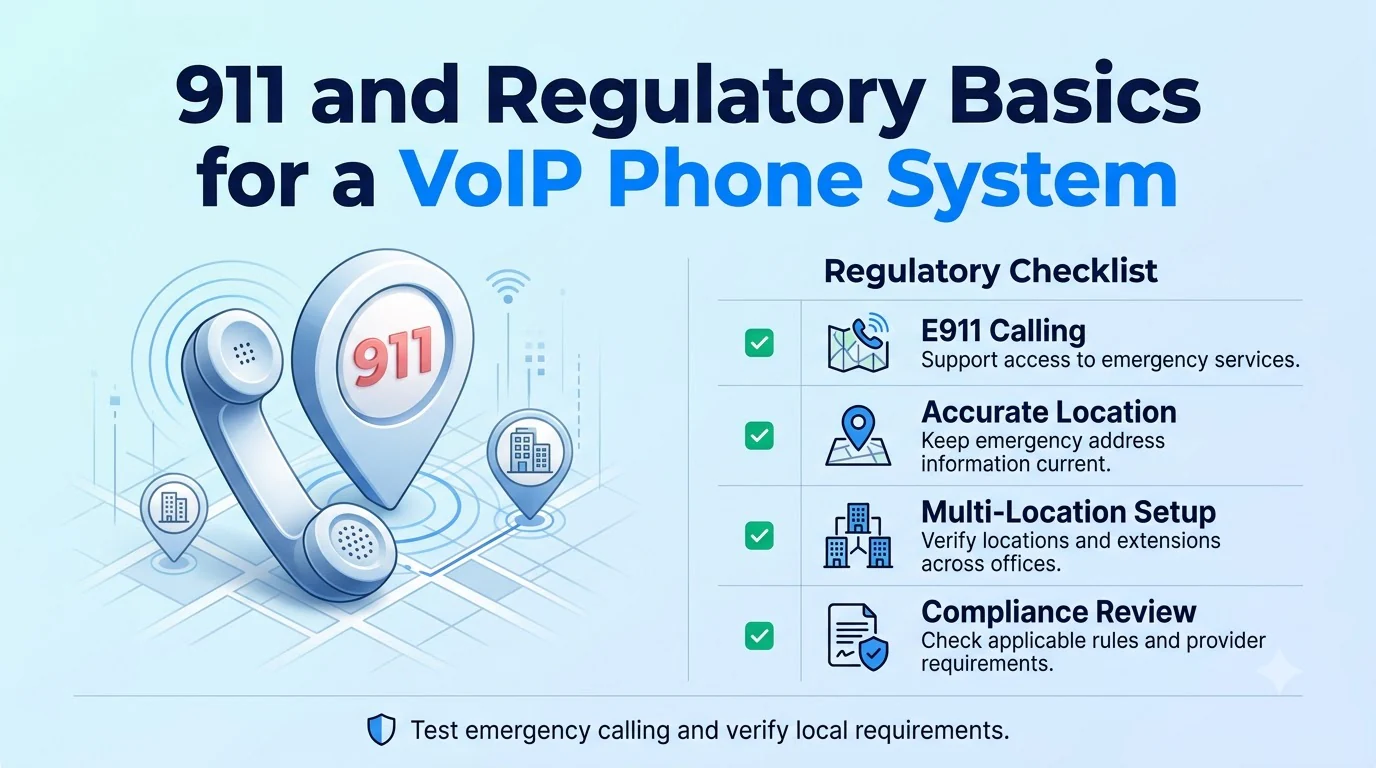
Emergency calling works differently on a VoIP system. As a VoIP number isn't linked to a physical wire in a building, providers will rely on having a registered address. This should be kept updated when your staff move or work remotely.
Ask your provider how you set up a registered address, how your staff can update it, and how they handle calls from remote/mobile staff. Ensure you know if you can make emergency calls from all your endpoints. If allowed, test your emergency calls with your local service.
In the US, the FCC have regulations around 911 obligations for interconnected VoIP providers. These can be found in 47 CFR Part 9. This is what your provider should offer. You should always check with your provider for specifics and consult your legal team if required.
Further reading: 47 CFR Part 9
How to Choose a VoIP Phone System for Business
Choosing the right system for your team.
- 01Users and locations — Work out how many users and locations you have, including remote workers and those who only need a mobile phone.
- 02Day one — List what you need on day one. Common features are call flows, recordings, texting and CRM.
- 03Endpoints — Will you be using applications only? Will you be using desk phones? Or both?
- 04Porting — Ensure you can port your numbers. How long will it take?
- 05Reliability — What is their reliability like? How will they handle outages and what can you do if your connection goes down?
- 06Pilot — Pilot your system. Try with a small group of real incoming calls.
Avoid long term contracts until after your pilot. The cheapest system on paper will cost you more if your staff avoid it or your customers complain about poor call quality.
Ask all your providers the same questions. This will make it easier to compare like for like.
Mistakes to Avoid When You Switch
Most issues after switching can be avoided if you steer clear of these mistakes.
- Cancelling your old lines too early — Ensure they are still running until your numbers are ported and you've tested your incoming calls.
- Testing your network on a quiet day — Test during your peak time when everyone is on calls, video calls and uploading files.
- Forgetting about emergency addresses — Ensure your registered address is updated when staff move. Ensure your remote staff can see this.
- Over-investing in hardware — Start with applications and only invest in desk phones if you need them, such as front desk staff.
- Not training your staff — A short training session on transferring, voicemail and mobile apps will avoid most 'The phone doesn't work' tickets.
It is much cheaper to sort these issues before going live.
VoIP Phone System Costs
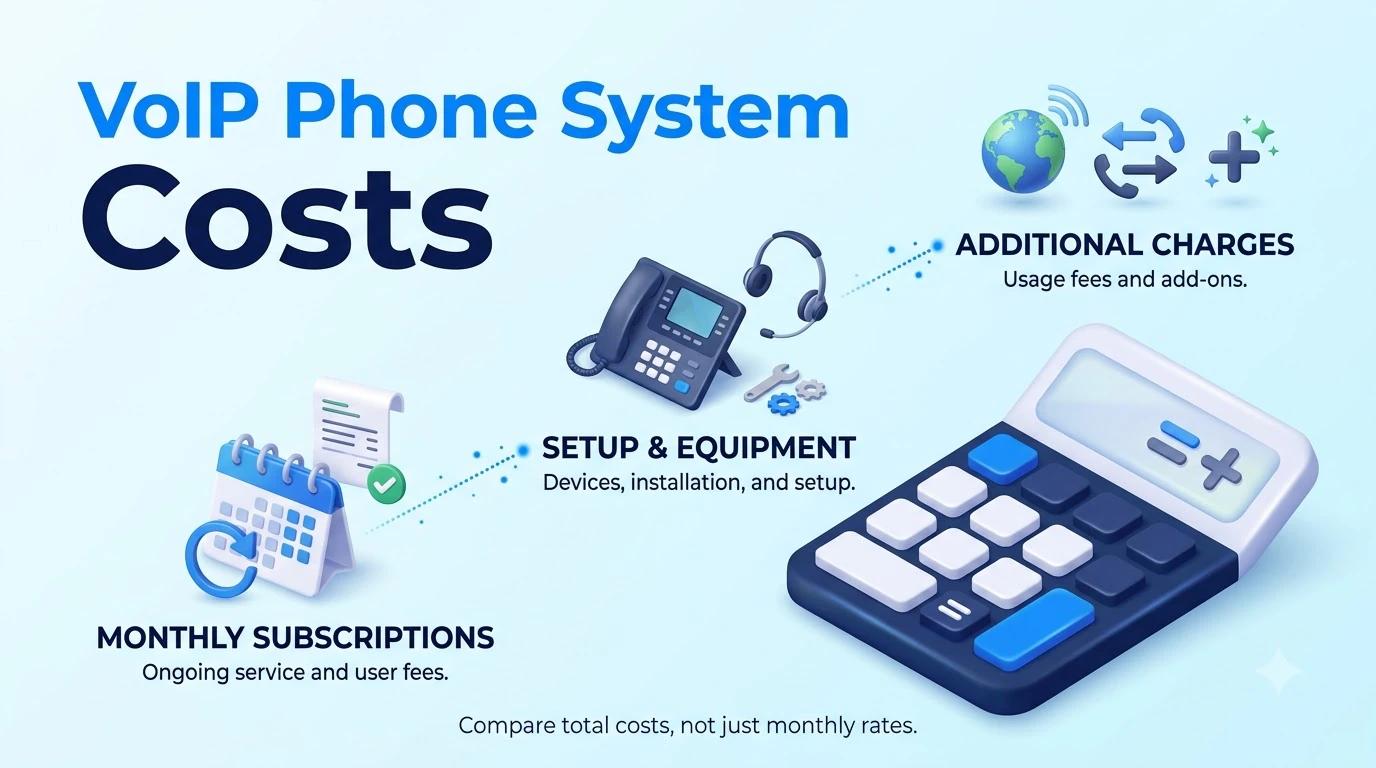
Business VoIP systems are usually charged per user per month. The features you get will depend on the tier you are on. There may be additional costs for hardware, porting, setup and overages. Be sure to ask for these in writing.
Twiching has published pricing. These are the annual prices:
- Starter — price per user per month: $9.99; seat minimum: None; notable inclusions: Unlimited US/Canada calling, business SMS and MMS, mobile apps, auto-attendant
- Professional — price per user per month: $15.99; seat minimum: 3; notable inclusions: Everything in Starter plus call recording (30-day retention), CRM integrations, omnichannel
- Enterprise — price per user per month: $25.99; seat minimum: 10; notable inclusions: Everything in Professional plus advanced recording (1-year retention) and auto dialers
If you are billed monthly, it will cost more. If you have 50+ seats, it will be custom pricing. There is a fair usage policy for unlimited calling in the USA/Canada. The 14 day trial doesn't require a credit card. External calling and SMS will be enabled once compliance has been verified.
When comparing quotes, work out how much you will be paying in year 1. This will include how many seats, any hardware, porting, setup and any expected overages. Sometimes the cheapest per user price can have hidden costs.
Conclusion
A good VoIP phone system for business will allow your staff to use it from wherever they are, your network can handle it reliably and emergency calls and numbers will be handled correctly. Consider how your team works, ensure you have a good connection and ask direct questions about 911, porting and outages.
Pilot your system with real calls. By having a short pilot, you can see how your call flow, call quality and mobile app will work in your environment.