Introduction
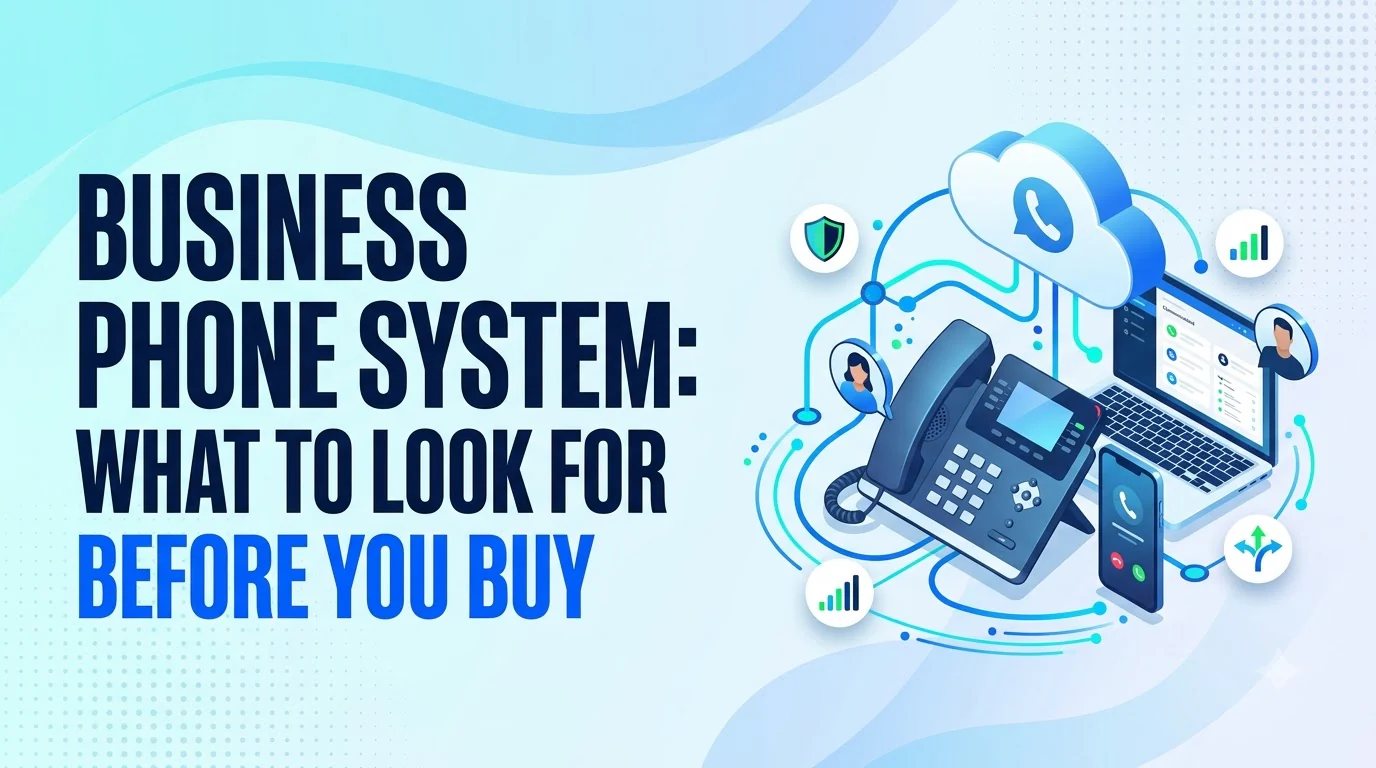
A business phone system is the set of tools that lets a company make, receive, route and record calls on one or more business numbers. Most teams do not notice theirs until a customer hits voicemail at the wrong moment, a new hire needs a line, or a second office opens and nothing connects.
This guide explains how the main system types differ, which features earn their place, how pricing is usually built and what to ask before you sign.
What a Business Phone System Actually Does
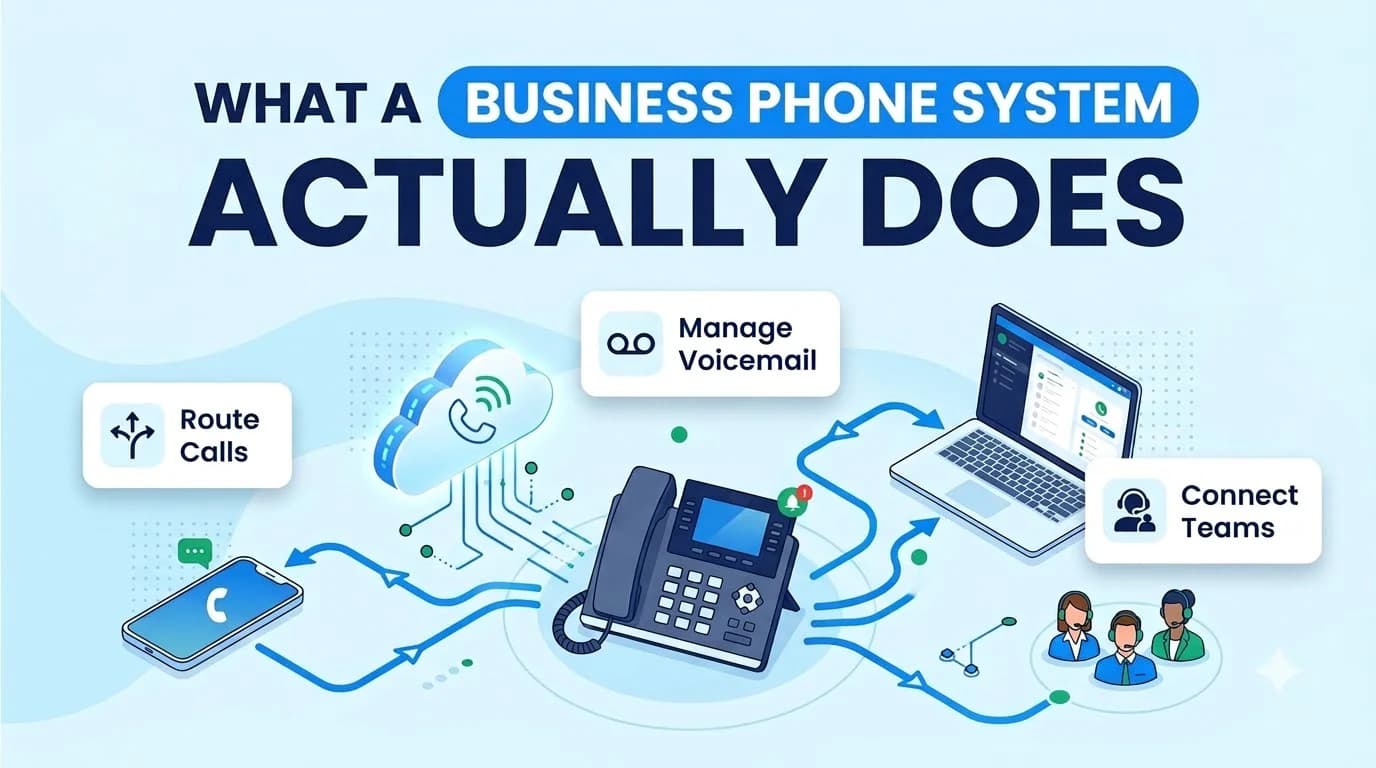
At its simplest, a business phone system does three jobs. It connects your business number to the public phone network, it decides which person or group answers each call, and it keeps a record of what happened.
Everything else is built on those three jobs. Auto-attendants answer and route calls. Extensions let staff reach each other without dialing out. Voicemail, call queues, recording and reporting turn a phone line into something a manager can actually run.
A modern system also treats texting, video and mobile as part of the same account. Your team should be able to pick up a call, reply to a text or join a meeting from the same login, whether they sit at a desk or work from home.
Types of Business Phone Systems Compared
Three setups cover most small and midsize businesses. They differ in where the call-handling intelligence lives and who maintains it.
- On-premises PBX — where it runs: Hardware in your office; who maintains it: Your IT team or a local installer; best fit: Sites with strict on-site control needs
- Hosted VoIP — where it runs: Provider's servers, phones over the internet; who maintains it: Provider; best fit: Teams that want a simple replacement for a landline
- Cloud UCaaS — where it runs: Provider's cloud, apps on every device; who maintains it: Provider; best fit: Teams that want calls, texts, video and AI in one account
An on-premises PBX gives you direct control, but you also own the upgrades, the failures and the cost of adding a new site. Hosted VoIP removes the hardware closet and moves calls onto your internet connection.
Cloud UCaaS goes a step further and folds messaging, meetings and call handling into one product. Any of the three can be the right call, depending on how your team works and how much maintenance you want to own.
Features That Matter in a Business Phone System
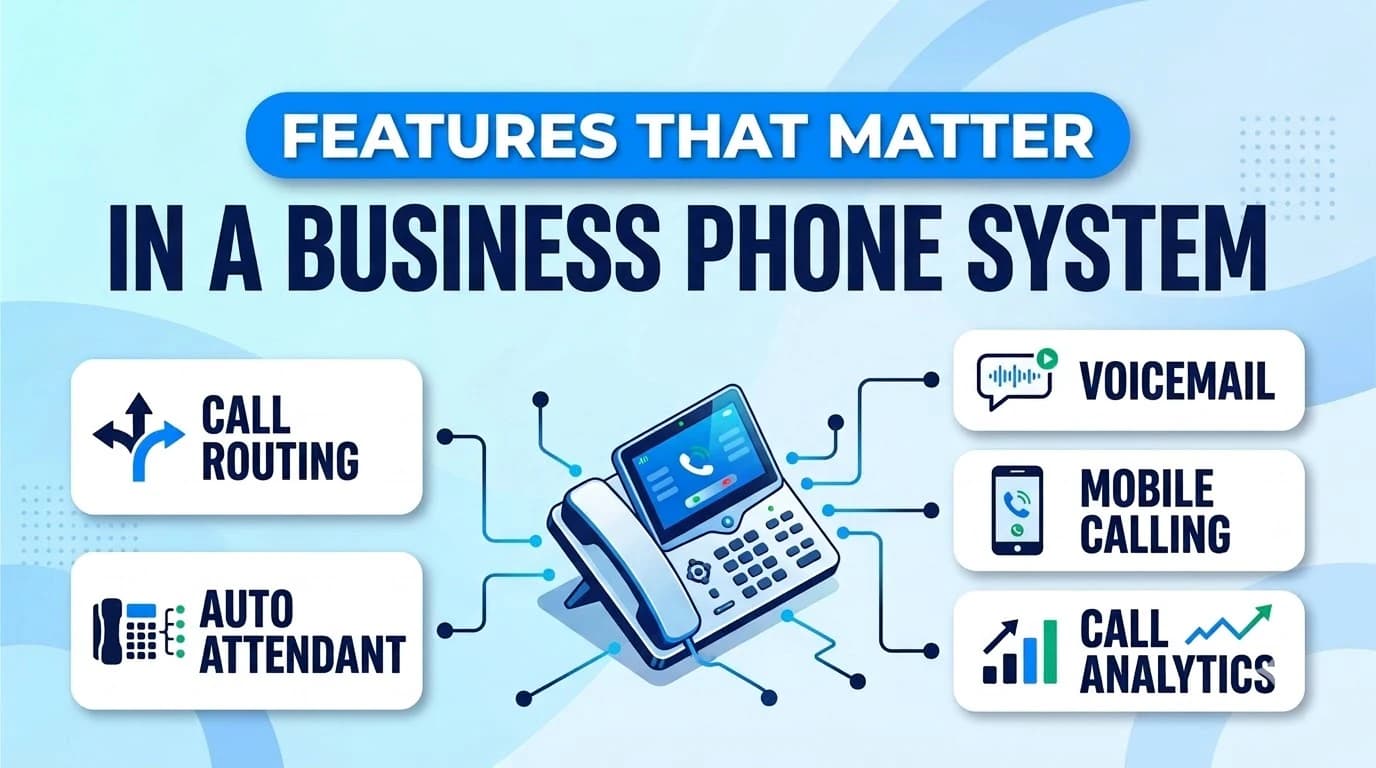
Every vendor lists dozens of features. A shorter checklist keeps the decision grounded.
- Auto-attendant and call routing — A multi-level menu and business-hours rules make sure callers reach the right team even when the front desk is empty.
- Mobile and desktop apps — Staff should be able to answer the business number from a personal phone without exposing their own.
- Voicemail with transcription — Typed-out voicemails can be searched and forwarded instead of replayed one by one.
- Texting on the same number — Customers increasingly reply by SMS, so the number you publish should handle it.
- Call recording — Useful for training and disputes, and worth checking for how long recordings are kept.
- Integrations — A CRM sync saves the manual note-taking that otherwise happens after every call.
- AI receptionist — An AI that greets and qualifies callers before a person picks up can cover after-hours and overflow.
Twiching's business phone product is built around these items: calls, texts, video and voicemail share one account and one phone book, with extensions, intercom, paging and call park available on mobile too.
Further reading: business phone product
What a Business Phone System Really Costs
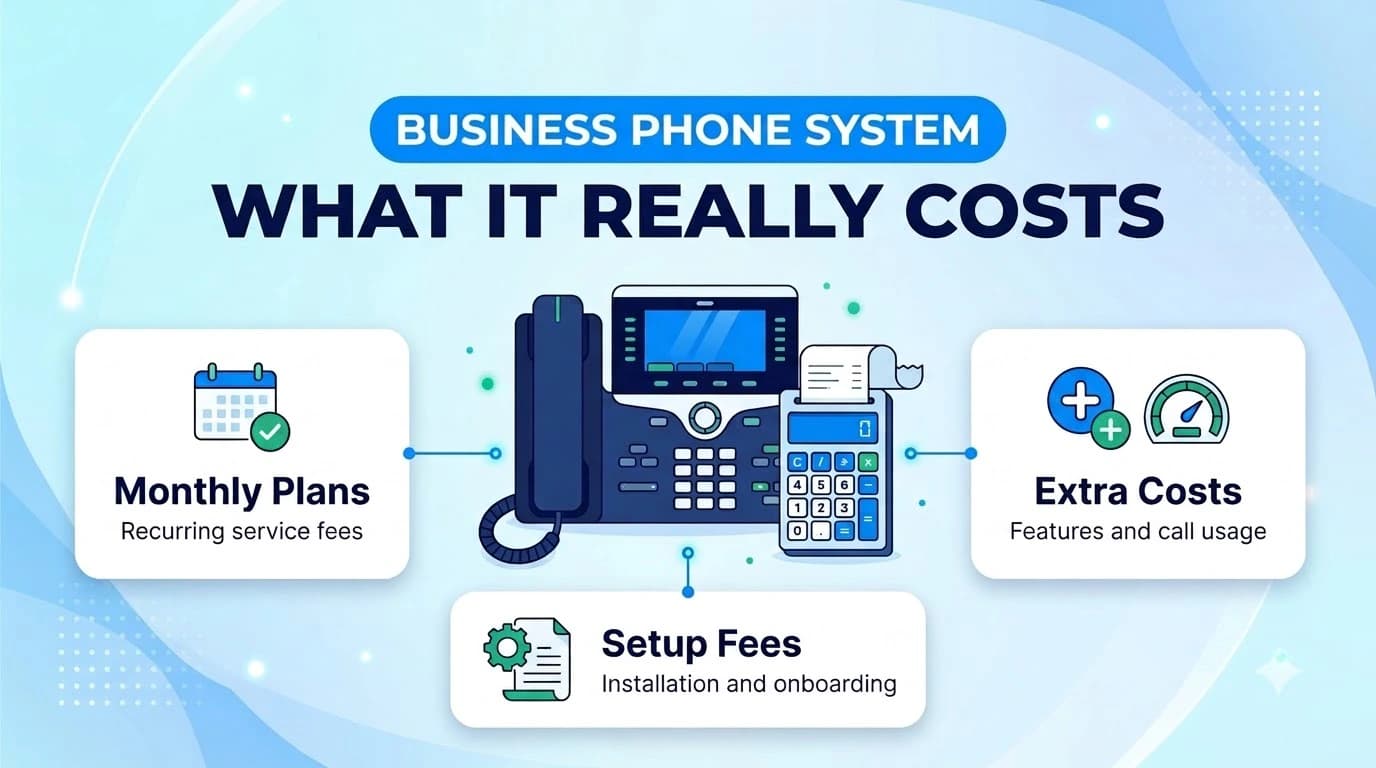
Cloud systems are usually priced per user per month, with the rate changing by tier. The tier decides which features are included, so the cheapest headline price is only useful if it covers what your team will use on day one.
Three things move the real number: how many seats you need, whether you pay monthly or annually, and which extras are bundled versus sold separately. Setup, number porting and usage overages sit outside the per-user line and should be asked about directly. Our UCaaS pricing breakdown walks through how to build a realistic per-user figure.
Further reading: UCaaS pricing breakdown
For reference, here are the published Twiching plans, billed annually:
- Starter — price per user per month: $9.99; seat minimum: None; notable inclusions: Unlimited US/Canada calling, business SMS and MMS, mobile apps, auto-attendant
- Professional — price per user per month: $15.99; seat minimum: 3; notable inclusions: Everything in Starter plus call recording (30-day retention), omnichannel, CRM integrations
- Enterprise — price per user per month: $25.99; seat minimum: 10; notable inclusions: Everything in Professional plus advanced recording (1-year retention) and auto dialers
Monthly billing is available at higher rates, and custom pricing applies from 50 seats. Unlimited US/Canada calling is subject to a fair-use policy.
Security and Compliance Questions to Ask
A phone system carries customer details, payment conversations and sometimes health information, so security belongs in the buying conversation rather than after it.
Ask where recordings are stored and for how long, whether two-factor sign-in is supported, and how the provider authenticates outbound calls so your numbers are not flagged as spam. Regulated teams should ask which compliance frameworks the vendor supports and request the details in writing.
Phone traffic deserves the same attention as any other business application on your network. For a neutral starting point when you review a provider's answers, the National Institute of Standards and Technology maintains a Small Business Cybersecurity Corner with practical guidance on protecting business systems and data.
Further reading: Small Business Cybersecurity Corner
How to Choose a Business Phone System
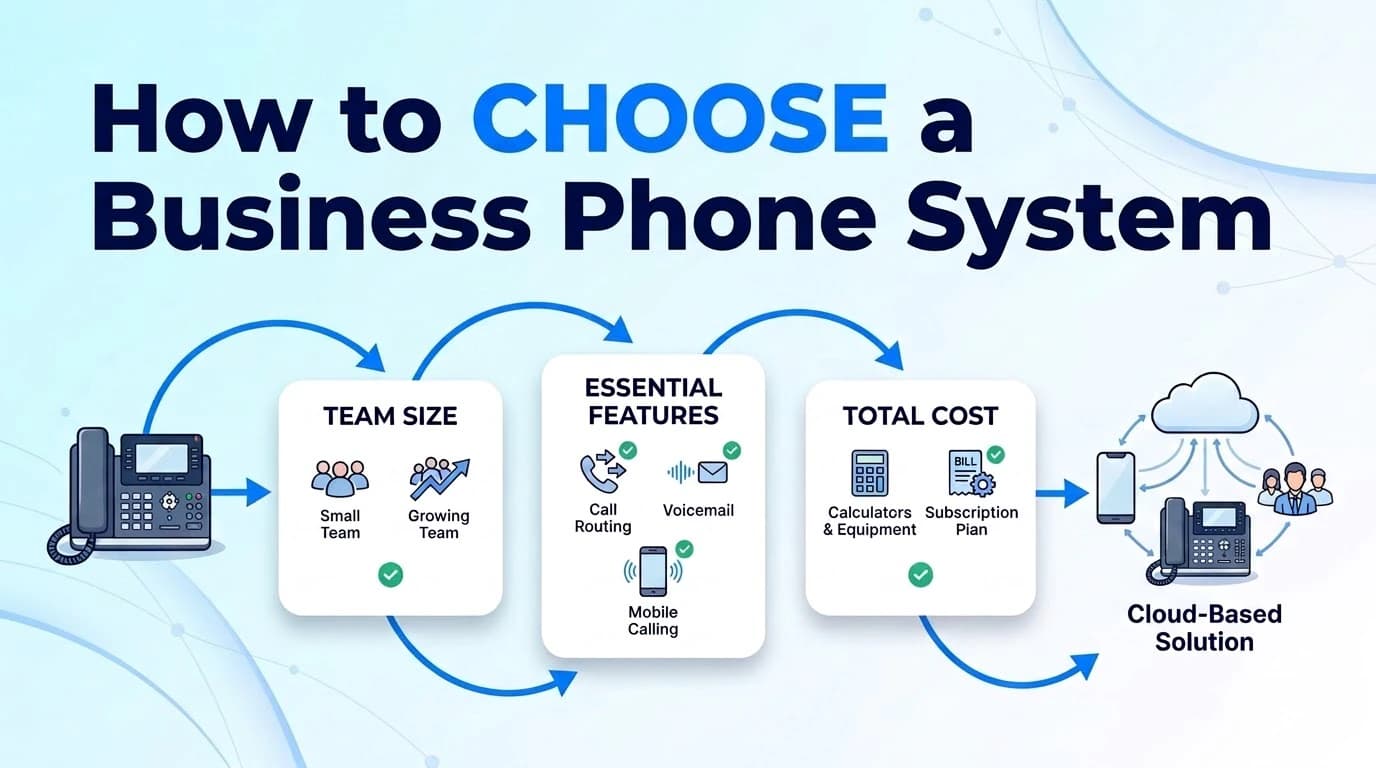
Start from how your team actually works, not from the feature list. A short process keeps the evaluation honest.
- 01Count seats and sites — Include remote staff and anyone who only needs a mobile line.
- 02Decide what must work on day one — Routing, recording, SMS or CRM sync, whichever your team cannot do without.
- 03Check your internet connection — Cloud calling depends on it, so a call-quality test before you commit is cheap insurance.
- 04Price your actual setup — Add porting, add-ons and expected overages, not just the headline rate.
- 05Run a trial — Test with a small group, including a real inbound call and a mobile pickup.
On Twiching, the 14-day trial needs no credit card and covers up to three users. External calls and SMS switch on after compliance verification, so plan for that step if you want to test with real callers. Numbers can be ported in and out without fees.
Conclusion
The right business phone system is the one your team will actually use: it answers calls reliably, follows your staff to their mobile phones and does not hide the real price behind a headline rate. Compare system types by who maintains them, shortlist features by what your team needs on day one and price the full setup before you decide.
Once you have a shortlist, a trial with real calls will tell you more than any comparison sheet. A short pilot with a few people is usually enough to see whether routing, call quality and the mobile app suit how your business runs.