Introduction
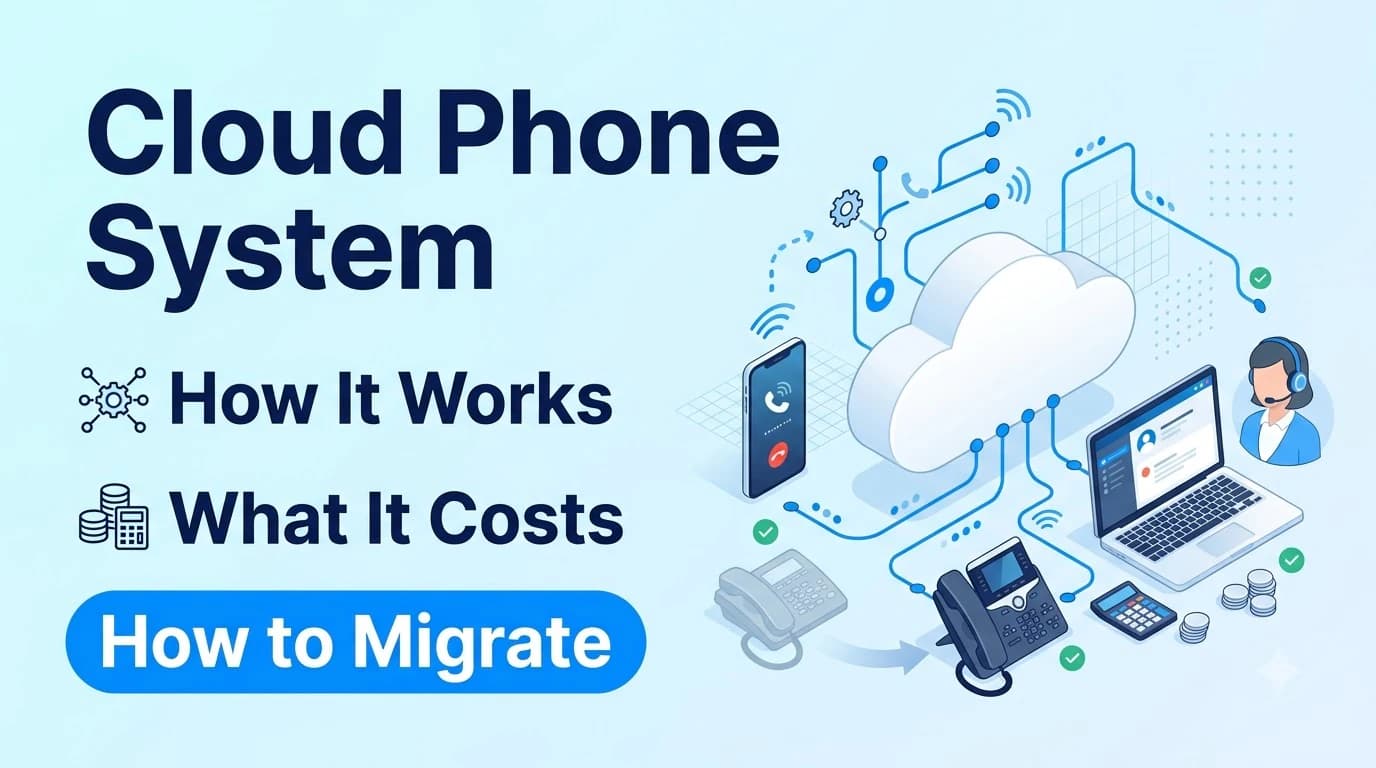
A cloud phone system is a business phone service that runs on your provider's servers instead of on equipment in your office. Your numbers, call routing, voicemail and settings live in the cloud, and your team connects through apps, desk phones or a browser.
Most companies consider the move when a PBX reaches the end of its life, when they open a second office or when remote work makes a single-site phone box impractical. This guide explains how the system works, how it compares with an on-premises PBX, what the trade-offs are and how to migrate without dropping calls.
What a Cloud Phone System Is
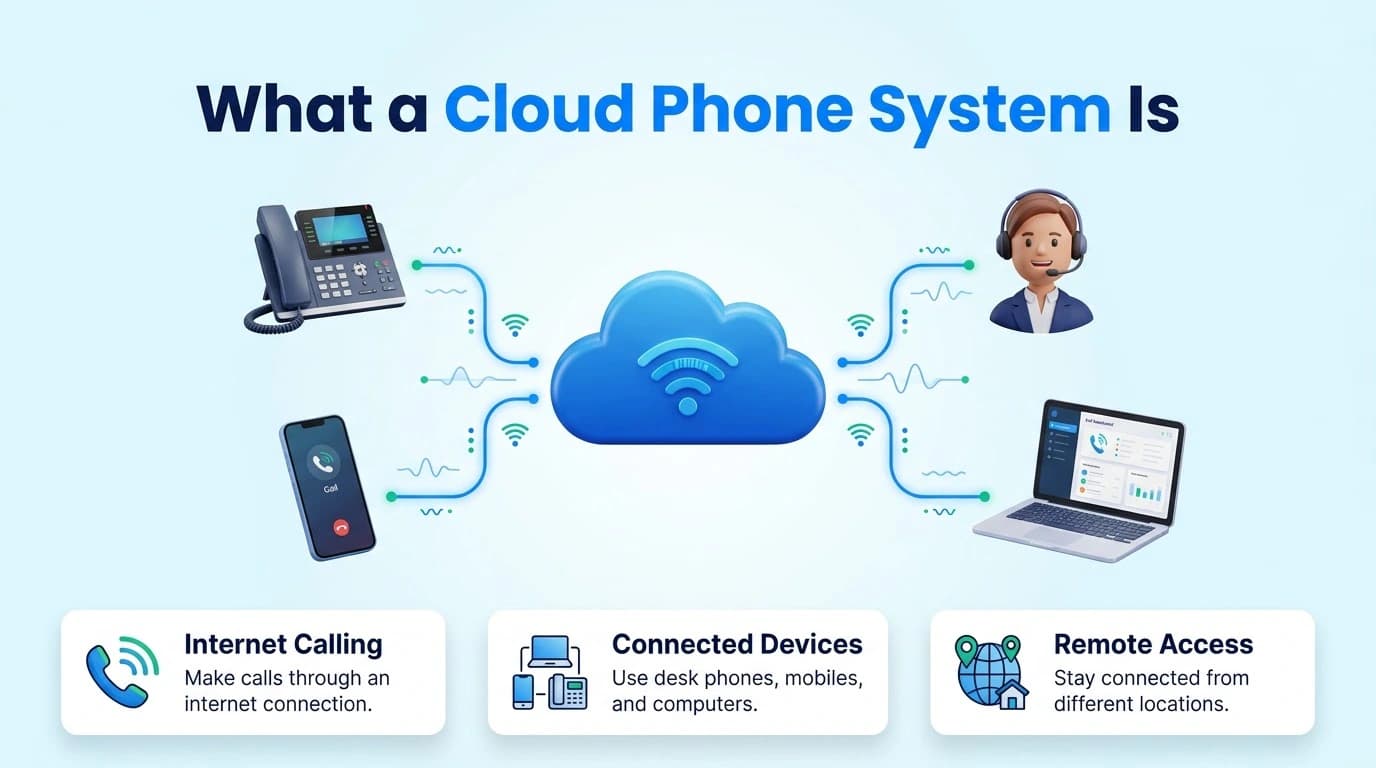
The word "cloud" is used loosely, so it helps to be precise. A cloud phone system applies the cloud model to calling: you use the service over a network connection, and the provider runs the infrastructure behind it.
In practice this means there is no phone server for you to patch, no hardware to replace when your headcount changes and no separate system at each office. Every location and every remote worker connects to the same platform and appears in the same directory.
A modern cloud phone system also tends to bundle more than voice. Texting, video meetings and voicemail transcription can sit in the same account, so a customer conversation has one history regardless of channel.
Cloud Phone System vs On-Premises PBX
The two models differ most in who owns the work. With a PBX you own the hardware, the upgrades and the failures. With a cloud phone system the provider carries that load and you manage users and settings.
- Equipment — an on-premises PBX needs servers and gateways in your building; a cloud phone system needs only phones or apps
- Adding a user or site — a PBX needs hardware, licenses and often an installer visit; a cloud system is a change in an admin portal
- Upgrades — on a PBX they are scheduled by you, often with downtime; in the cloud the provider handles them
- Remote staff — a PBX needs a VPN or extra setup; a cloud system works through apps
- Cost pattern — a PBX is a large upfront spend followed by maintenance; a cloud system is a recurring per-user fee
- Control — a PBX gives you full control including physical access; a cloud system shares control with the provider
Neither model is right for everyone. A site with unusual on-site requirements may keep a PBX, while most offices benefit from not running a phone server. Twiching's cloud business phone shows what a bundled cloud setup looks like in practice.
Further reading: Twiching's cloud business phone
Benefits and Trade-Offs of a Cloud Phone System
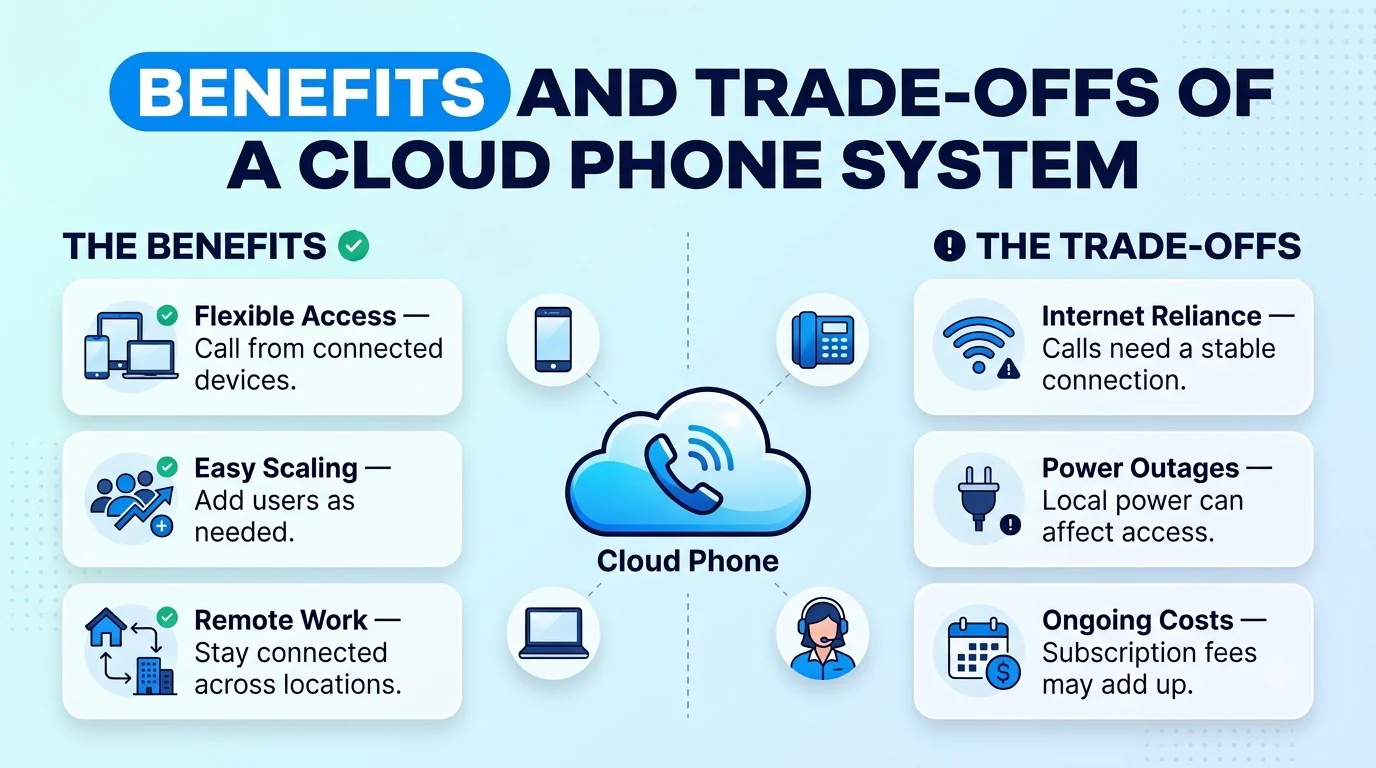
The advantages are mostly about flexibility. New hires get a number and an app the same day, a new office needs only an internet connection and staff can answer the business line from a mobile phone without giving out a personal number.
There are trade-offs worth being direct about. Call quality depends on your internet connection, so a weak or congested network will show up as poor audio. Your phone service now depends on an external provider, which makes the provider's reliability and support part of your risk. And monthly fees continue for as long as you use the service.
Teams in remote or low-coverage locations should plan for connection failures from the start. Cellular backup and mobile extensions keep calls flowing when the primary connection drops.
Further reading: wireless failover for business phone systems
Reliability and Security Questions
Before you choose, ask the provider direct questions and get the answers in writing. If your IT team wants a neutral definition of what "cloud" should mean in a contract, the National Institute of Standards and Technology publishes a reference definition of cloud computing.
- Redundancy — how does the provider keep service running if a data center or carrier has a problem?
- Support — what are the support hours and the response commitments for outages?
- Call authentication — how are outbound calls authenticated so your numbers are less likely to be labeled as spam?
- Data handling — where are recordings and voicemail stored, for how long and who can access them?
- Access controls — is two-factor sign-in available for admin and user accounts?
- Compliance — which frameworks does the provider support, and can you see the documentation?
Twiching's pricing page lists STIR/SHAKEN call authentication, two-factor sign-in and HIPAA among the items on its Starter plan, and describes SOC 2 access on the Professional plan. Read the plan details for the exact scope and ask for documentation before you rely on it.
Further reading: NIST: The NIST Definition of Cloud Computing
How to Migrate to a Cloud Phone System
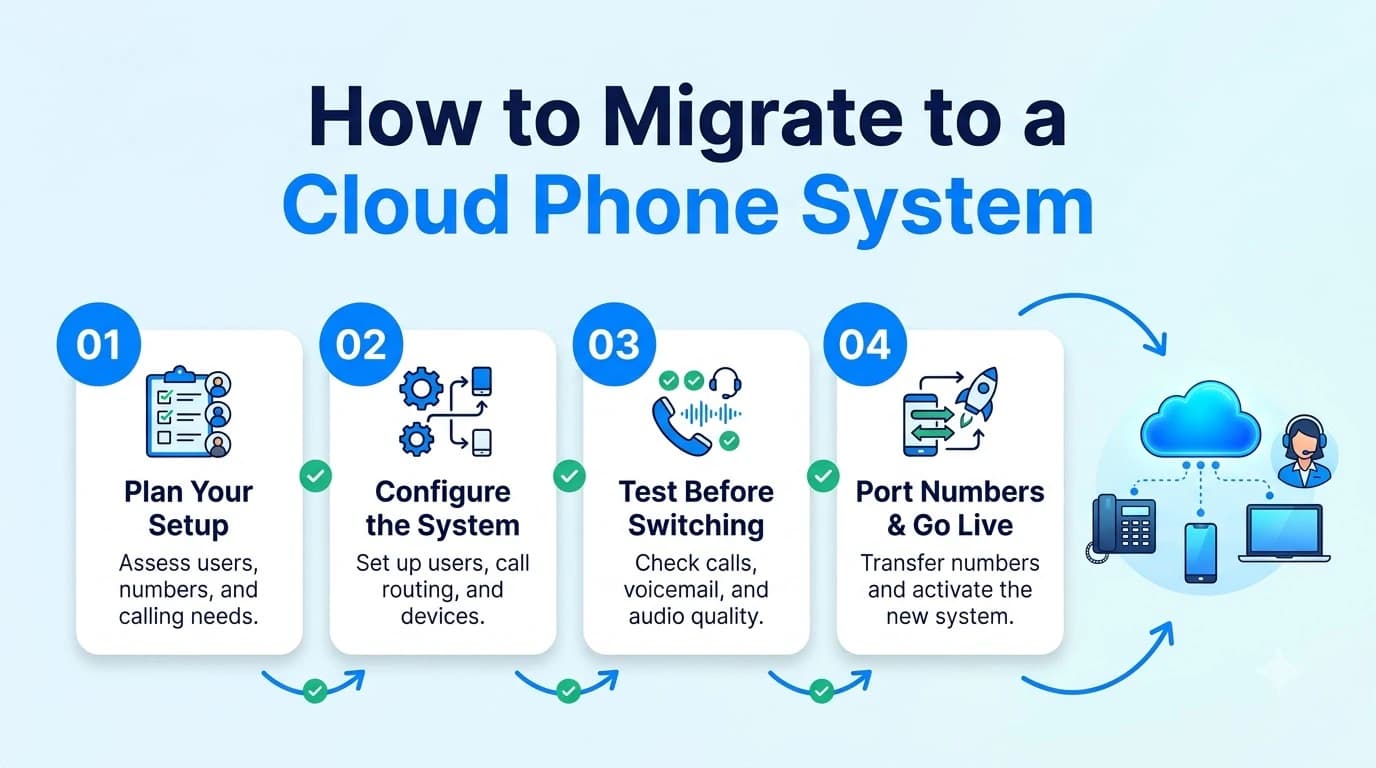
A staged migration keeps your business reachable throughout. Most problems come from rushing the number transfer or skipping the network check.
- 01Audit what you have: list numbers, extensions, call flows, hunt groups, voicemail boxes and any lines such as fax or alarm panels.
- 02Test your network: check upload speed, stability and router settings during a normal working day.
- 03Plan the call flows: rebuild menus, hours and ring groups in the new platform before you move anything.
- 04Start the number port: submit the request early and keep your current service active until the transfer completes.
- 05Pilot with a small group: move a few users first and test inbound, outbound, transfers and mobile pickup.
- 06Cut over and monitor: move everyone, then watch the first days for quality problems and missed calls.
Twiching states that porting numbers in and out carries no fees. Its 14-day trial needs no credit card and covers up to three users, which suits the pilot step well. External calls and SMS activate after compliance verification, so build that into your timeline.
What a Cloud Phone System Costs
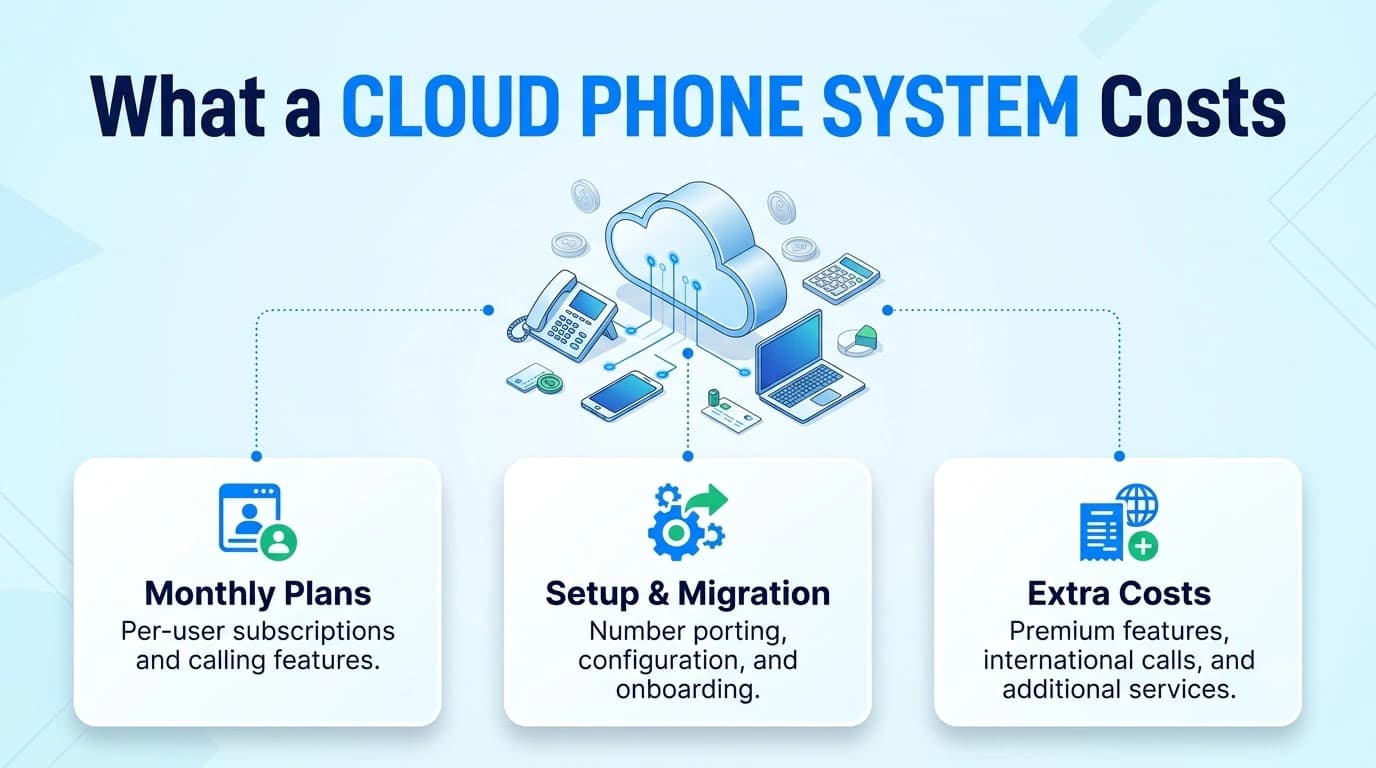
Cloud phone systems are normally priced per user per month, and the tier decides which features come with it. Setup, number porting, add-on features and usage overages may be separate, so compare full quotes rather than headline rates.
On Twiching's published pricing, billed annually, plans run from $9.99 per user per month on Starter to $15.99 on Professional and $25.99 on Enterprise, with seat minimums of none, three and ten. Monthly billing costs more, and plans of 50 seats or more move to custom pricing. Unlimited US/Canada calling is subject to a fair-use policy.
When you compare against a PBX, include the costs that do not appear on a monthly bill: maintenance contracts, hardware refresh, installer visits and the time your IT team spends on upkeep.
Conclusion
A cloud phone system gives you a phone service that scales with your team, follows your staff to any device and removes the on-site server from your to-do list. The price of that flexibility is a dependence on your internet connection and your provider, so check both before you commit.
Plan the move in stages: audit what you have, test the network, pilot with a few users and port numbers with your old service still active. A careful migration is usually uneventful, and that is the goal.