Introduction
Most guides to wholesale VoIP termination stop at picking a provider — compare rates, check the SLA, sign the contract. But the calls that actually fail rarely fail because you picked the wrong carrier.
They fail because of a SIP response code nobody translated, a NAT setting that breaks audio in one direction, a channel count sized for average traffic instead of peak traffic, or a codec mismatch nobody caught before go-live. This guide starts where the provider-selection guides end: how to read what your termination trunk is actually telling you when a call fails, why quality metrics move even when nothing on your side changed, and how to size capacity using real math instead of a guess.
If you already have a wholesale VoIP termination provider and calls are still failing, this is the troubleshooting layer underneath the contract.
Why Termination Fails Even With a Reputable Provider
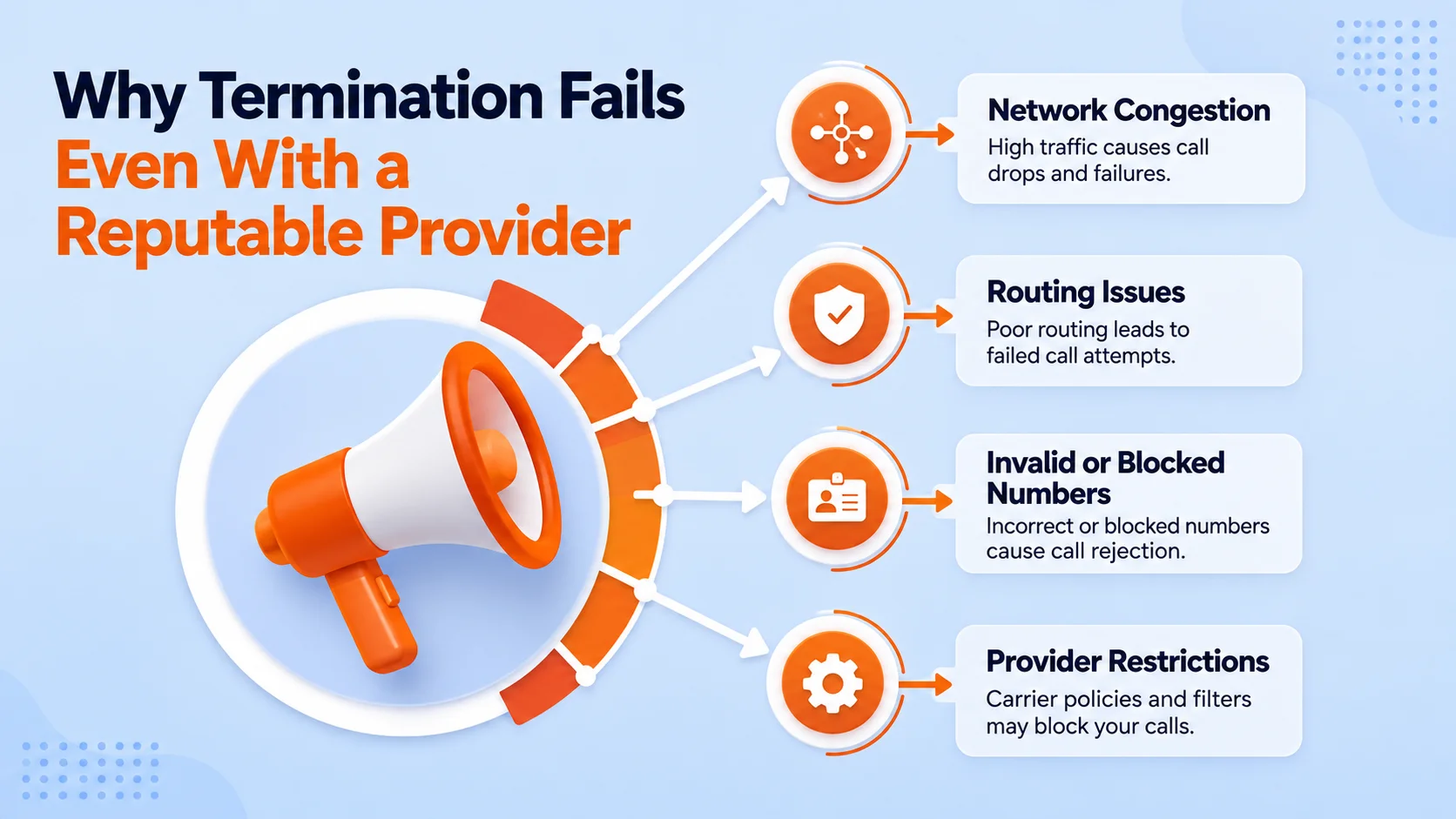
A wholesale VoIP termination trunk has more moving parts than the phrase "send calls to a carrier" suggests. Between your PBX or softswitch and the person receiving the call sits a session border controller, a NAT boundary, a codec negotiation, a routing decision, and at least one carrier interconnect — often several. A failure at any single point looks identical from the outside: the call doesn't complete, or it completes with broken audio. Most troubleshooting time is wasted because teams assume the failure is on the carrier's side by default, when in practice a large share of wholesale termination problems originate in local SBC configuration, firewall rules, or codec settings that were never tested against real destination traffic.
The fix isn't a different provider — it's reading the signals the call itself leaves behind, starting with the SIP response code.
Further reading: VoIP termination provider route quality
Reading SIP Response Codes on Failed Termination Calls
Every failed or rejected call carries a three-digit SIP response code that narrows down where the failure happened. Treating these codes as generic "call failed" noise wastes the single most useful diagnostic signal available.
- 480 Temporarily Unavailable — the destination number is valid but currently unreachable; on wholesale routes this often means the terminating network is congested or the specific route is temporarily down, not that the number is wrong
- 486 Busy Here — the line is genuinely busy, or in some carrier implementations, a proxy for "this route is rejecting new sessions" under load
- 503 Service Unavailable — the upstream carrier or route is refusing calls outright; a sustained run of 503s on one route almost always means it needs to be pulled from rotation, not retried
- 488 Not Acceptable Here — a codec or media negotiation failure; the two sides couldn't agree on how to encode the audio, which is a configuration issue, not a network one
- 606 Not Acceptable — similar to 488 but often tied to session parameters like bandwidth rather than codec choice specifically
- 604 Does Not Exist Anywhere — the number itself is invalid across the entire network, distinct from 480's "temporarily unreachable"
The pattern matters more than any single code. One 503 is a fluke; a route generating 503s on 40% of attempts over 20 minutes is a route that needs to be deprioritized in your routing table immediately, not investigated after the fact.
Further reading: IETF RFC 3261: SIP Protocol
Diagnosing One-Way and No-Way Audio
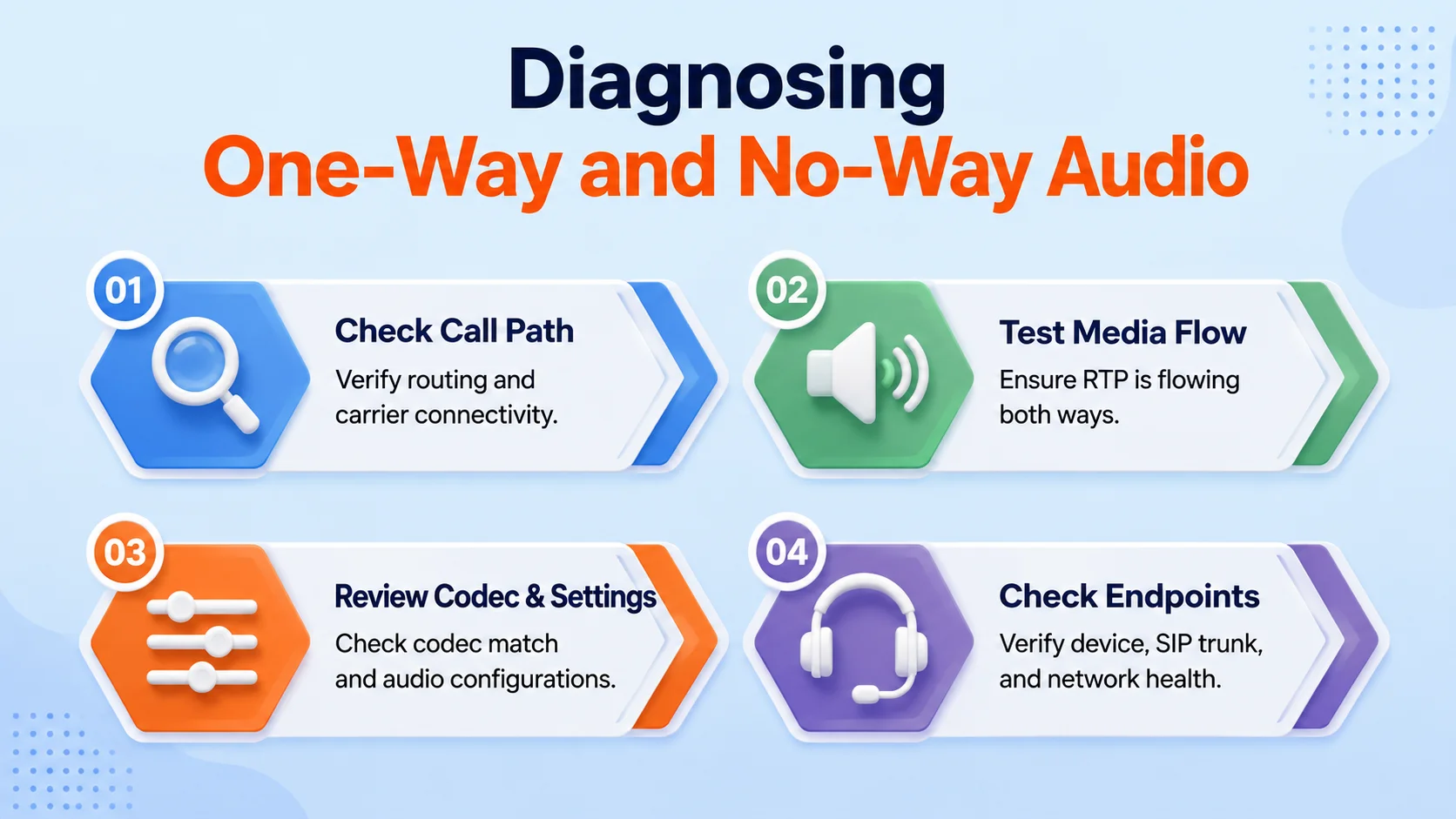
One-way audio — where one party hears the other but not vice versa — is the single most common wholesale termination complaint, and it is almost never a carrier-side problem. It's a symptom of the RTP media stream failing to traverse NAT correctly.
Here's what's actually happening: SIP signaling and RTP media travel as separate streams, and they don't always take the same path. Your SBC or PBX advertises an IP address and port for media in the SIP signaling, but if that address is your private internal IP rather than your public-facing one, the remote carrier tries to send audio to an address it can't actually reach. The call connects — signaling succeeded — but audio only flows in the direction where NAT happened to work by accident.
The fix is almost always one of three things: enabling proper SIP ALG handling (or, more reliably, disabling a router's built-in SIP ALG, which frequently corrupts SIP packets rather than helping them), configuring your SBC or PBX with the correct external/public IP for media advertisement, or opening the correct RTP port range through your firewall so return audio isn't silently dropped. Test this specifically — not just "can I make a call" but "can I hear and be heard" on both directions, across at least a few different destinations, since NAT problems can be masked when a call happens to traverse a NAT-friendly path.
When Quality Metrics Drop Without Any Config Change
It's a common and disorienting problem: ASR and call quality were fine last week, nothing changed on your end, and now completion rates are down. This almost always traces to something changing upstream, not locally.
- Carrier-side route re-provisioning — your termination provider may have shifted which upstream carrier handles a given destination, silently changing route quality without notifying customers
- Regional congestion or maintenance windows — a specific destination's local infrastructure can degrade independent of your provider entirely, especially during high-traffic periods like holidays
- Rate-deck-driven LCR shifts — if your provider's least-cost routing engine swapped to a cheaper upstream path for a destination, quality can drop even though pricing didn't change on your invoice
- Seasonal or event-driven traffic spikes — a destination carrier absorbing unusually high regional call volume (elections, emergencies, holidays) can show temporary ASR drops across every wholesale provider simultaneously
The diagnostic step that actually helps here is comparing your ASR trend against the destination in isolation, not your account in aggregate — a drop concentrated in one country or one carrier prefix points upstream, while a drop across every destination simultaneously points back to your own infrastructure or connectivity.
Sizing Channel Capacity With Erlang B
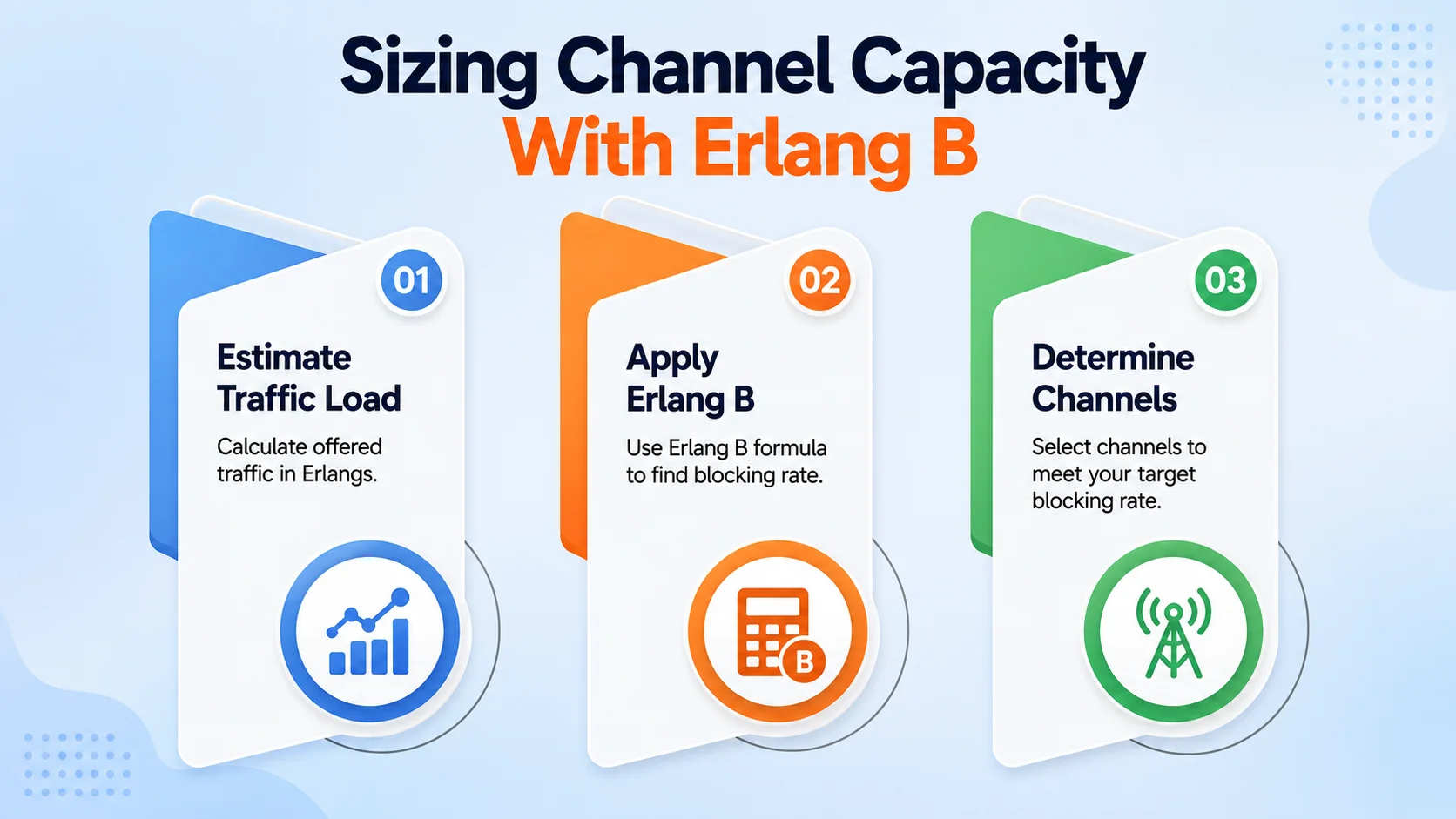
Undersized channel capacity produces a specific, predictable failure pattern: calls fail during your busiest hour and work fine the rest of the day, which makes it easy to misdiagnose as a carrier quality issue instead of a capacity issue.
Erlang B is the traffic-engineering formula built exactly for this: given your expected call volume and average call duration during peak hour, it calculates how many concurrent channels you need to keep blocked-call probability below an acceptable threshold. The core inputs are traffic intensity in Erlangs (calls per hour × average call duration in hours) and your target blocking probability — commonly 1% for business-critical trunks.
- 50 calls in your peak hour at 4 minutes average duration — roughly 3.3 Erlangs of traffic, needing around 9–10 channels for a 1% blocking target
- 200 calls in your peak hour at 3 minutes average duration — roughly 10 Erlangs, needing around 18–19 channels for a 1% blocking target
- 500 calls in your peak hour at 5 minutes average duration — roughly 41.6 Erlangs, needing around 55–56 channels for a 1% blocking target
These figures illustrate the shape of the relationship, not a substitute for running your own numbers through an Erlang B calculator with your actual peak-hour volume and duration — the relationship between traffic and required channels isn't linear, which is exactly why guessing at capacity tends to undersize it.
Further reading: wholesale voice traffic forecasting
Codec Mismatch and Transcoding Failures
A 488 or 606 rejection frequently traces back to codec negotiation. Your PBX offers a list of codecs it supports; the terminating carrier responds with what it's willing to accept. If there's no overlap, the call is rejected before audio ever starts.
This shows up most often when a PBX is configured to offer only a narrow codec list (say, just Opus) against a carrier that only accepts G.711 and G.729, or when a transcoding-capable SBC is under-licensed and silently drops transcoding for calls beyond its licensed session count — meaning the first N calls of the day work fine and the N+1th fails, which again gets misread as a capacity or carrier problem rather than a licensing ceiling.
Confirm your PBX or SBC offers a codec list broad enough to overlap with common carrier requirements (G.711 at minimum, alongside any bandwidth-efficient codec you prefer), and check transcoding license limits against your actual concurrent call volume, not your average.
Building a Test Plan Before You Go Live
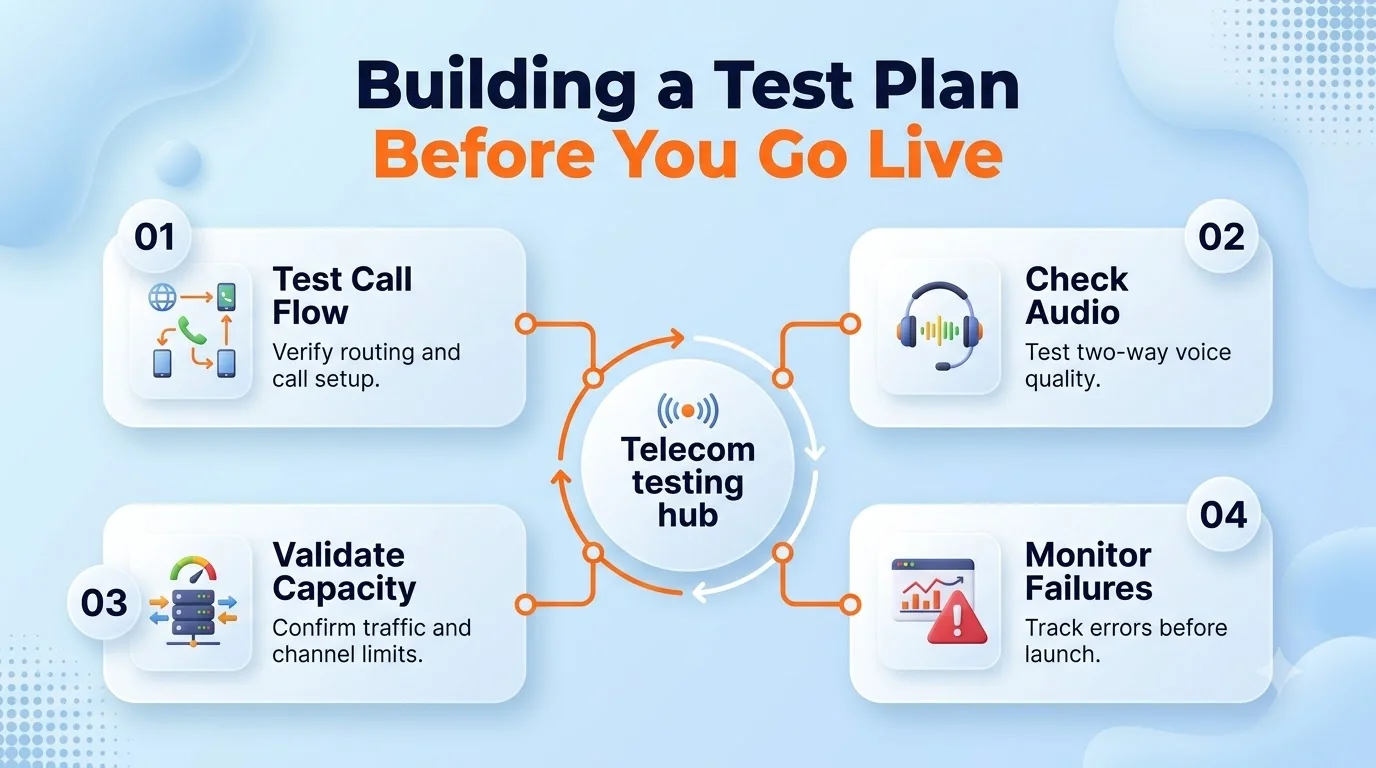
Most termination failures that surface in production were catchable in testing, if the testing had covered the right matrix instead of a handful of convenience calls to numbers already known to work.
A proper pre-launch test plan checks calls to and from every destination category you'll actually route in production (not just your own test numbers), verifies two-way audio specifically rather than just call completion, tests under simulated concurrent load rather than one call at a time, and includes at least one deliberate failover test — killing the primary route mid-test to confirm failover actually engages rather than assuming it will. Teams that skip the failover test are the ones who discover their failover logic doesn't work during an actual outage, which is the worst possible time to find out.
When to Escalate to Your Provider vs. Fix It Locally
Not every symptom needs a support ticket, and not every symptom is yours to fix. A rough rule: if the failure is isolated to specific destinations while others work fine, and SIP codes point to 503/480 patterns, that's a provider-side routing issue worth escalating with the specific codes and call IDs in hand. If the failure is one-way audio, codec rejection (488/606), or capacity-pattern failures concentrated at your peak hour, that's local configuration — escalating those tickets typically just delays the fix, since the provider's network isn't the cause.
Bringing SIP response codes, timestamps, and affected call IDs to a support conversation — instead of "calls are failing" — is the difference between a ticket resolved in an hour and one that drags for a week while both sides guess at the cause.
Conclusion
Wholesale VoIP termination problems rarely announce their cause plainly — a failed call just looks like a failed call from the outside. But every failure leaves a signal: a SIP response code, a one-directional audio pattern, a capacity ceiling hit at a predictable hour, a codec that never had a chance to negotiate successfully.
Learning to read those signals, rather than defaulting to "the provider must be bad," is what turns termination troubleshooting from a support ticket into a five-minute diagnosis. Pair that diagnostic discipline with capacity math done properly up front, and most of the failures that plague wholesale termination deployments never reach production in the first place.